CELL-DYN
®
3200 System Operator’s Manual
6-17
9140181H—October 2001
Section 6 Calibration Procedures
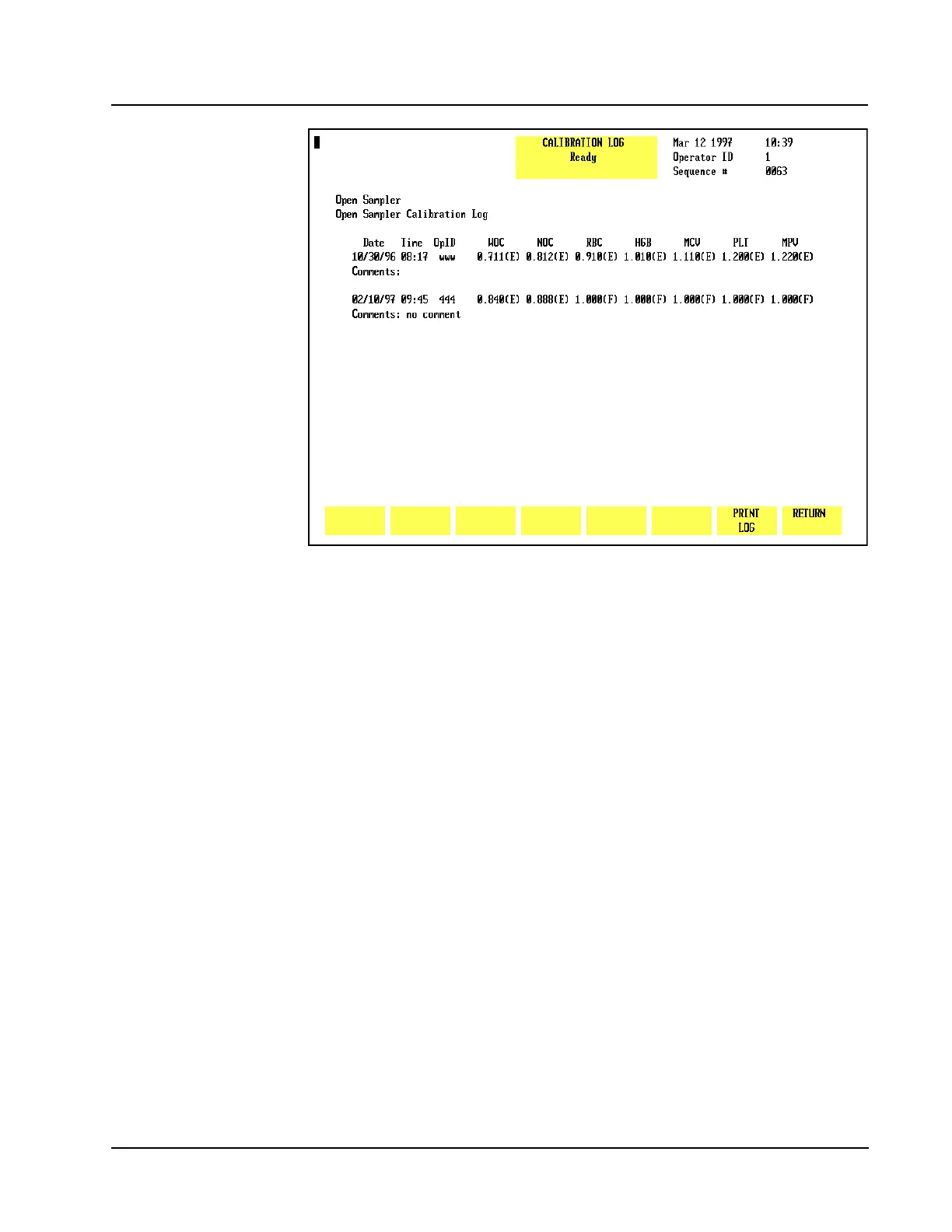
Figure 6.4 Calibration Log Screen (CS Model)
Return
The [RETURN] key is used to return to the main CALIBRATION menu.
Auto-Calibrate
The [AUTO-CALIBRATE] key is used to display theAUTO CALIBRATION screen (refer
to Figure 6.5). The AUTO CALIBRATION screen changes during the calibration
process as reference values are entered and as runs are completed. These changes
are discussed in Auto-Cal Method later in this section.
When the [AUTO-CALIBRATE] key is pressed, the following soft key labels are
displayed:
WHOLE BLOOD/
CALIBRATOR (This key alternates between the selections)
PRINT
RETURN



 To Next Page