6-18
CELL-DYN
®
3200 System Operator’s Manual
9140181H—October 2001
Calibration Procedures
Calibration Menu
Section 6
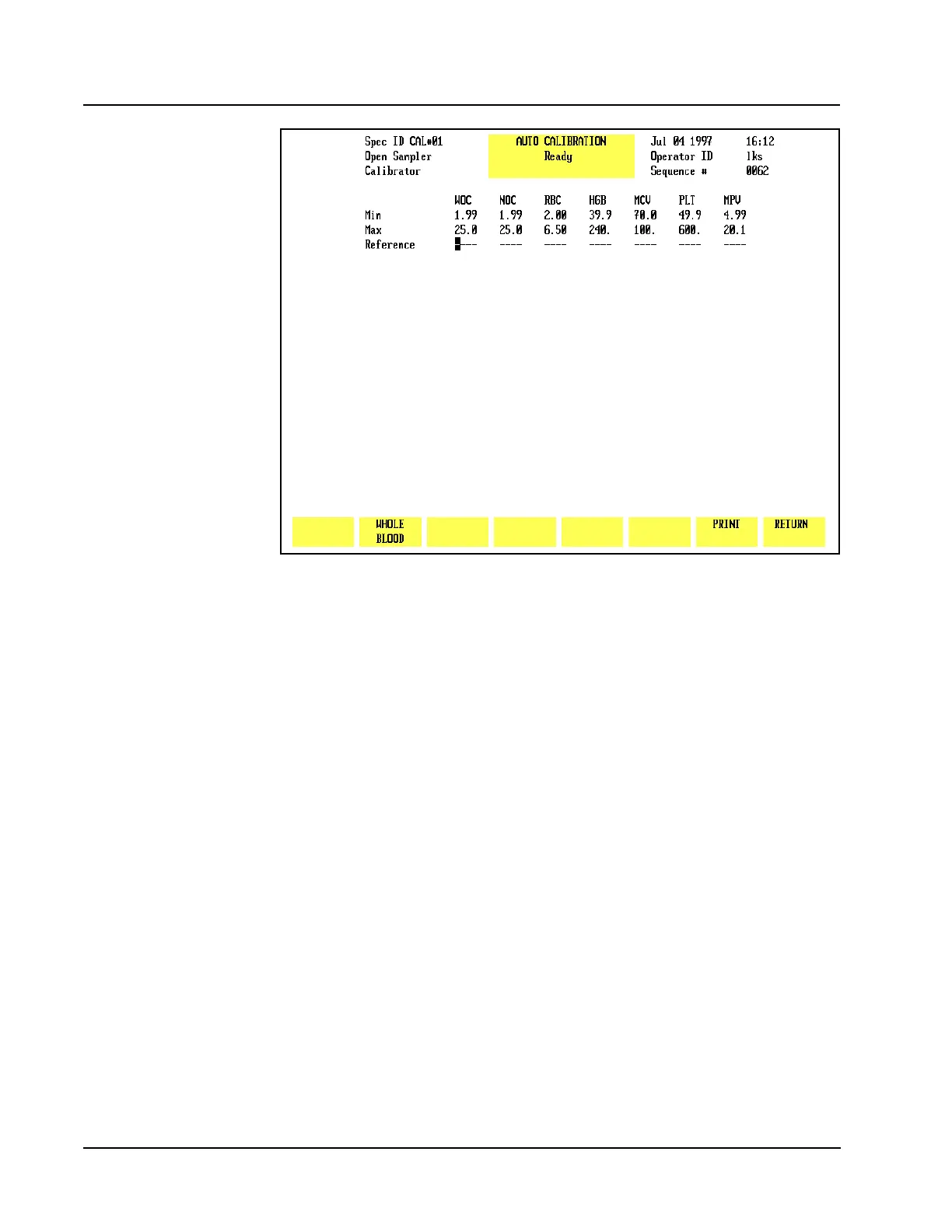
Figure 6.5 Auto Calibration Screen
The [WHOLE BLOOD] and [CALIBRATOR] keys alternate to display which type of
calibration material is being used. This information is displayed in the upper left
corner of the screen and stored with the updated calibration factors on the
Calibration Log.
Print
The [PRINT] key is used to print the data displayed on the screen.



 To Next Page