6-22
CELL-DYN
®
3200 System Operator’s Manual
9140181H—October 2001
Calibration Procedures
Auto-Cal Method
Section 6
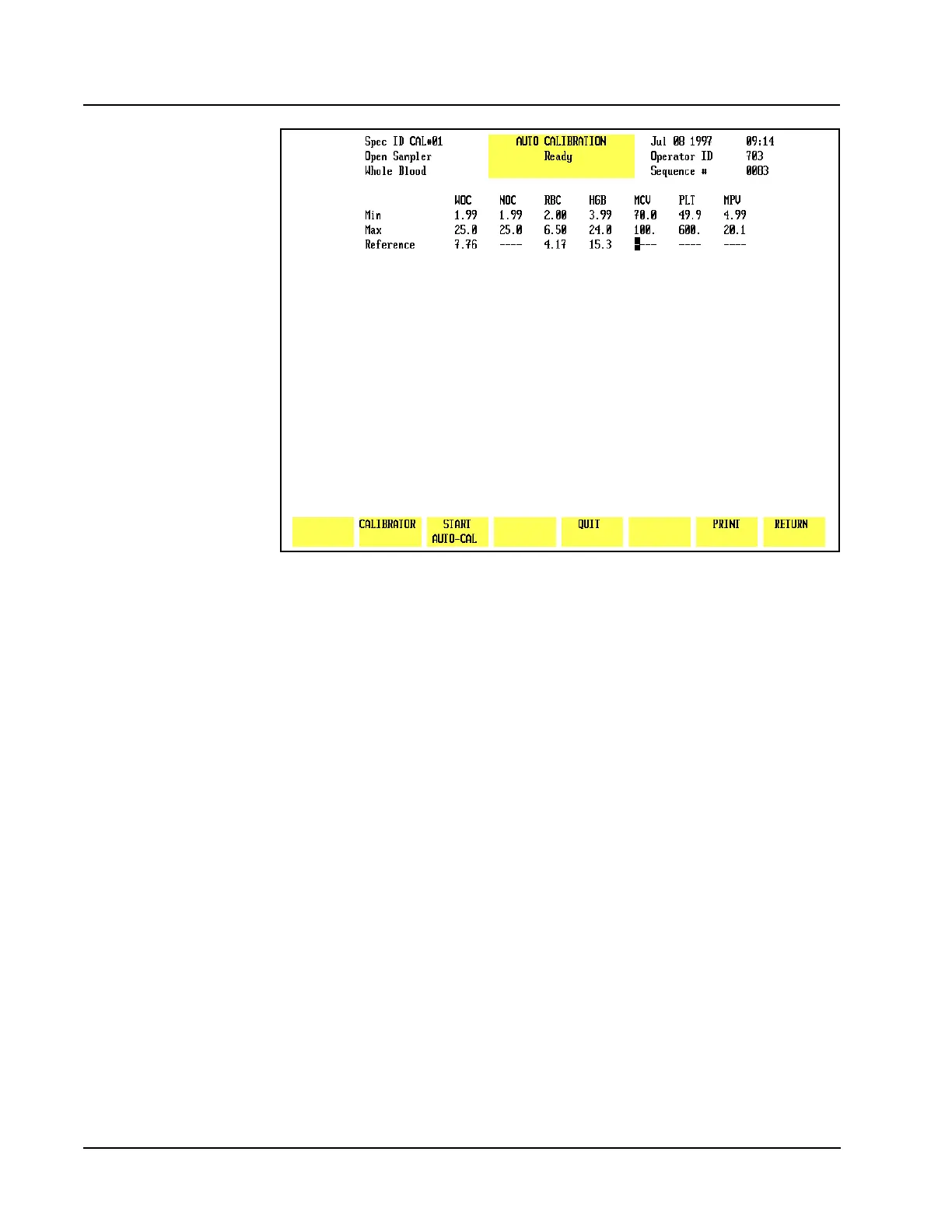
Figure 6.7 START AUTO CAL Key Displayed
A message is displayed on the bulletin line alerting the operator to start running
samples.
As samples are processed, the results of each run are displayed as shown in
Figure 6.8. The following soft keys are displayed:
ACCEPT (Label appears after the 5th run)
DELETE A RUN (Label appears after the 1st run)
QUIT (Label appears after the 1st run)
PRINT
RETURN



 To Next Page