9-6
CELL-DYN
®
3200 System Operator’s Manual
9140181H—October 2001
Service and Maintenance
Special Protocols
Section 9
Pressing the [DISABLE ANALYZER] key prevents the Analyzer from cycling while
certain maintenance procedures are performed. After the Analyzer has been
disabled, the key toggles to [ENABLE ANALYZER].
When the [ENABLE ANALYZER] key is pressed, the Analyzer is returned to the state
prior to disabling.
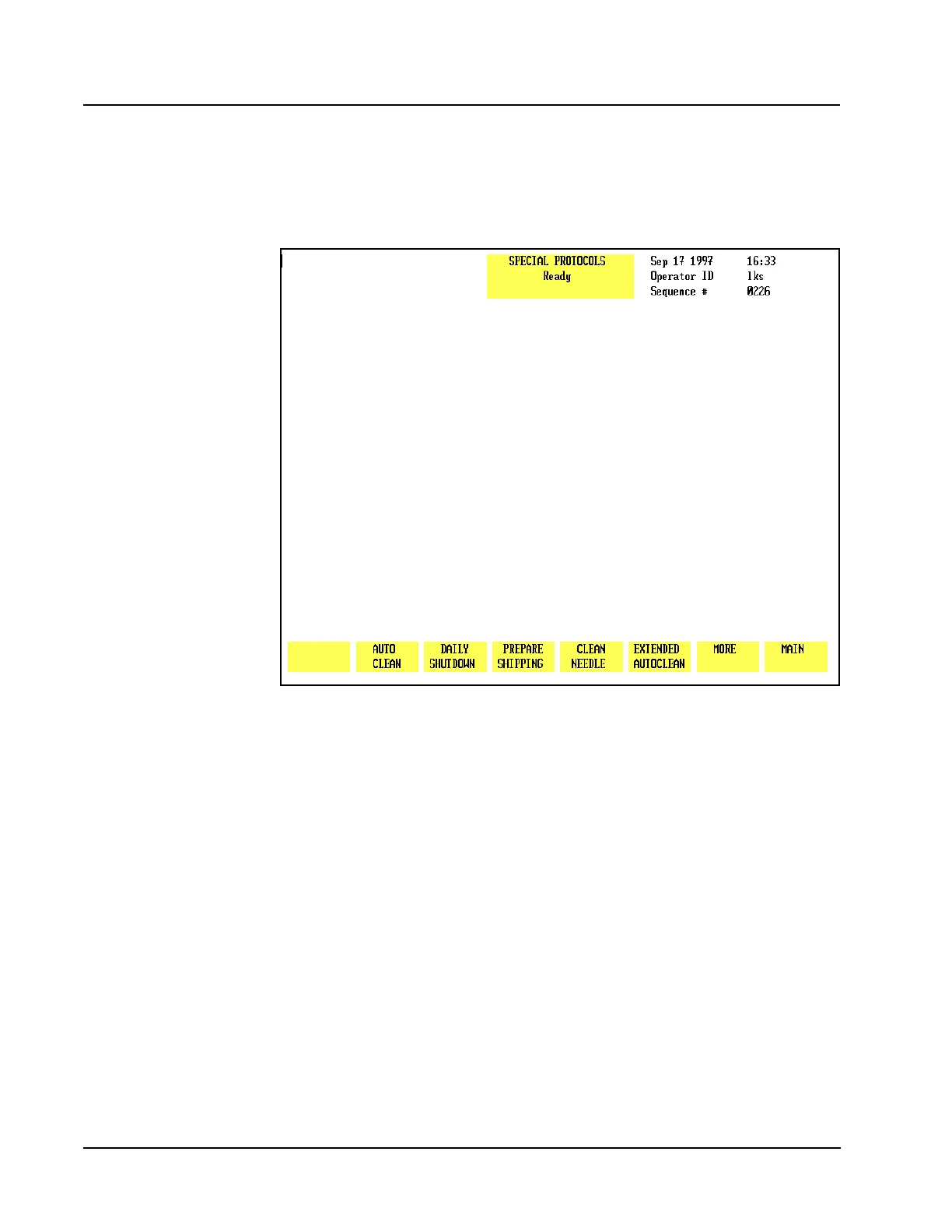
Figure 9.3 Second Special Protocols Screen
More
When the [MORE] key is pressed, the second SPECIAL PROTOCOLS screen and the
following soft key labels are displayed, as shown in Figure 9.3:
AUTO CLEAN
DAILY SHUTDOWN
PREPARE SHIPPING
CLEAN NEEDLE
EXTENDED AUTOCLEAN
MORE
MAIN
Auto-Clean
NOTE: This procedure is performed only in the Open Mode. If necessary, press
[CHANGE SAMPLER] in the RUN screen to select Open Mode.



 To Next Page