10-6
CELL-DYN
®
3200 System Operator’s Manual
9140181H—October 2001
Troubleshooting and Diagnostics
Diagnostics Menu
Section 10
Operator correctable faults (for example, waste full, diluent empty) can be cleared
by pressing the [CLEAR FAULT] key after taking corrective action. After corrective
action for a fatal fault, the system must be reinitialized by pressing the
[INITIALIZATION] soft key in the second DIAGNOSTICS MENU screen (refer to
Figure 10.9).
Execution Times
This key is for service use only.
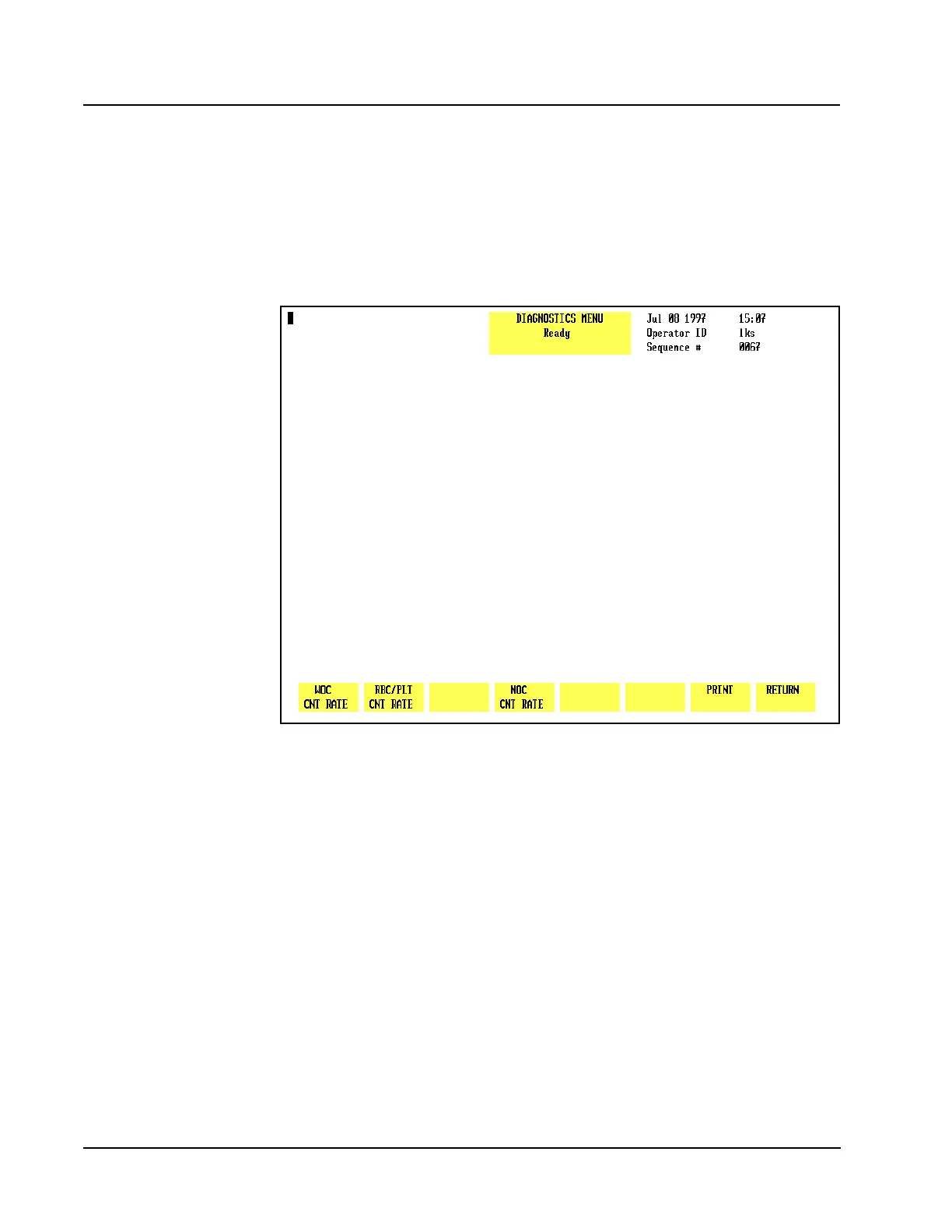
Figure 10.5 Count Rate Summary Screen
CNT Rate Summary
When the [CNT RATE SUMMARY] key is pressed, the following soft key labels (see
Figure 10.5) are displayed:
WOC CNT RATE/WOC CNT GRAPH/WOC CNT DATA *
RBC/PLT CNT RATE/RBC/PLT CNT GRAPH/RBC/PLT CNT DATA *
NOC CNT RATE/NOC CNT GRAPH/NOC CNT DATA *
PRINT
RETURN
* Key labels alternate between the selections.
NOTE: Once a [CNT RATE] key is pressed, that key toggles between [CNT DATA]
and [CNT GRAPH] until the operator exits the screen. The keys then revert
to [CNT RATE].



 To Next Page