CELL-DYN
®
3200 System Operator’s Manual
11-11
9140181H—October 2001
Section 11 Quality Control
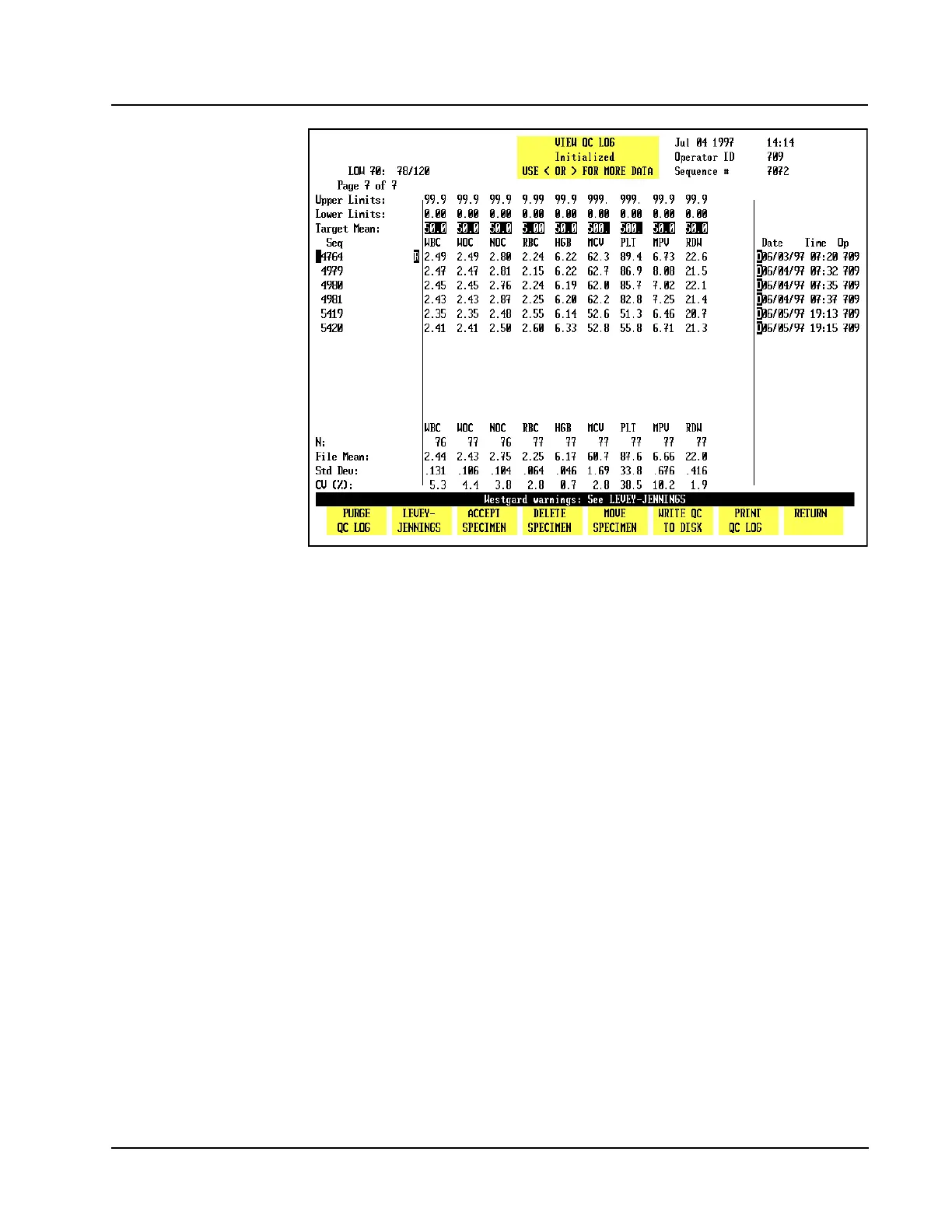
Figure 11.8 QC Log Screen With Rejected Results
When the [ACCEPT SPECIMEN] key is pressed, the “R” is deleted and the statistics
are recomputed including those results.
Delete Specimen
The [DELETE SPECIMEN] key is used to delete the results for the specimen indicated
by the cursor position. When the [DELETE SPECIMEN] key is pressed, the following
key labels are displayed:
CONFIRM DELETION
CANCEL DELETION
These keys are used to [CONFIRM] or [CANCEL] the delete command. When the
[CONFIRM DELETION] key is pressed, the results are deleted from the file (the data
is not displayed or stored in the file) and the statistics are recomputed excluding
those results.
Move Specimen
The [MOVE SPECIMEN] key is used to move a QC result indicated by the cursor
position to another QC file. When the [MOVE SPECIMEN] key is pressed, the QC
MENU screen is displayed, allowing the desired file to be selected. When the
[MOVE TO FILE] key is pressed, the result is moved to the indicated file.



 To Next Page