CELL-DYN
®
3200 System Operator’s Manual
14-17
9140181H—October 2001
Section 14 Reticulocyte Package
5. Press the appropriate soft key to select another Limit Set and repeat steps
2–
4 to enter the desired limits.
6. Press the [RETURN] key to return to the RETIC SET UP menu.
Retic QC Set Up
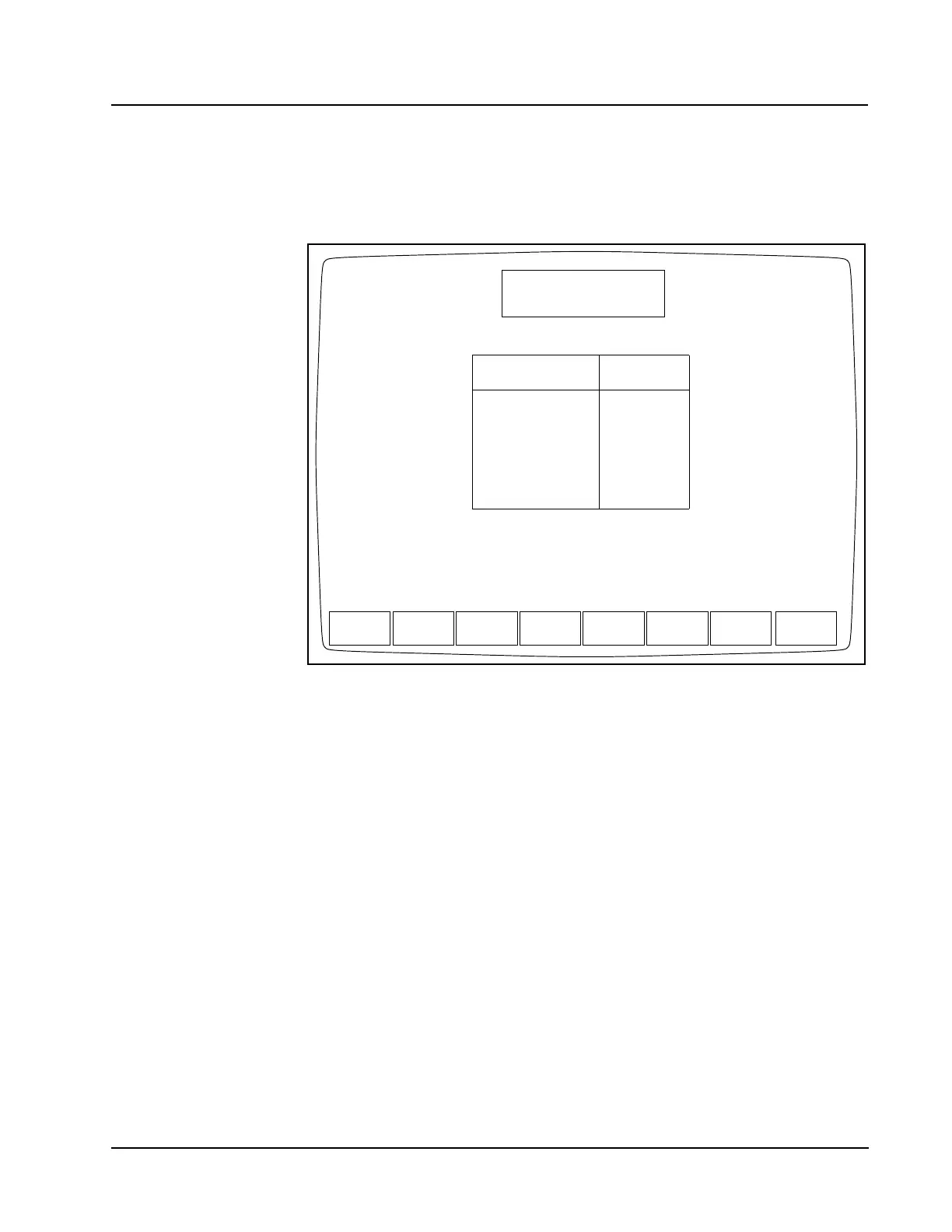
Figure 14.6 Reticulocyte QC Log Screen
The [RETIC QC SET UP] key is used to display the QC files and the RETIC QC LOG
screen (see Figure 14.6). The following soft key labels are displayed on the RETIC
QC LOG screen:
RETIC QC LIMITS
FILE SET UP
RETURN
This section discusses the procedures that are used to set up the Reticulocyte QC
files. The keys are discussed in the order in which they are used to set up the QC
files. Use the arrow keys on the keyboard to move the cursor to the desired QC file
shown on the RETIC QC LOG screen, then type in the desired alphanumeric file
name. (Up to 12 characters may be entered.) Press the Enter key on the keyboard
to save the entry and advance the cursor to the next QC file. Use the arrow keys to
move the cursor back into the selected file. Then press the [RETIC QC LIMITS] key
or the [QC FILE SET UP] key to continue to set up the QC file.
RETIC QC LOG
Ready
Feb 23 2001
Operator ID
Req Seq#
18:39
R-1
ACS
RETIC QC QC FILE
SET UP
RETURN
LIMITS
1.
2.
3.
4.
5.
6.
File Name
Select a QC file with arrow keys or enter a new file name.
FILE 1
FILE 2
FILE 3
FILE 4
FILE 5
FILE 6
0
0
0
0
0
0
# Specimens



 To Next Page