CELL-DYN
®
3200 System Operator’s Manual
14-39
9140181H—October 2001
Section 14 Reticulocyte Package
Move Specimen
The [MOVE SPECIMEN] key is used to move a QC result located in one file
(indicated by the cursor position) to another QC file. When the [MOVE SPECIMEN]
key is pressed, the RETIC QC LOG screen is displayed, allowing the desired file to
be selected. When the [MOVE TO FILE] key is pressed, the result is moved to the
indicated file.
Procedure: Move Specimen
1. From the RETIC QC LOG screen, use the arrow keys on the keyboard to move
the cursor to the file containing the result to be moved.
2. Press the [VIEW QC LOG] key.
3. Use the arrow keys on the keyboard to position the cursor at the result that is
to be moved.
4. Press the [MOVE SPECIMEN] key to display the VIEW RETIC QC LOG menu.
5. Use the arrow keys on the keyboard to move the cursor to the file in which
the results are to be placed.
6. Press the [MOVE TO FILE] key to move the results to the designated file.
NOTE: The results are moved to the end of the list of data that is currently
in the file. The placement of results in the list of data will determine
their location on the Levey-Jennings graph.
7. The VIEW RETIC QC LOG screen for the original file is displayed showing that
results have been moved.
Print QC Log
The [PRINT QC LOG] key is used to print the entire QC Log.
Return
The [RETURN] key is used to return to the RETIC QC LOG screen.
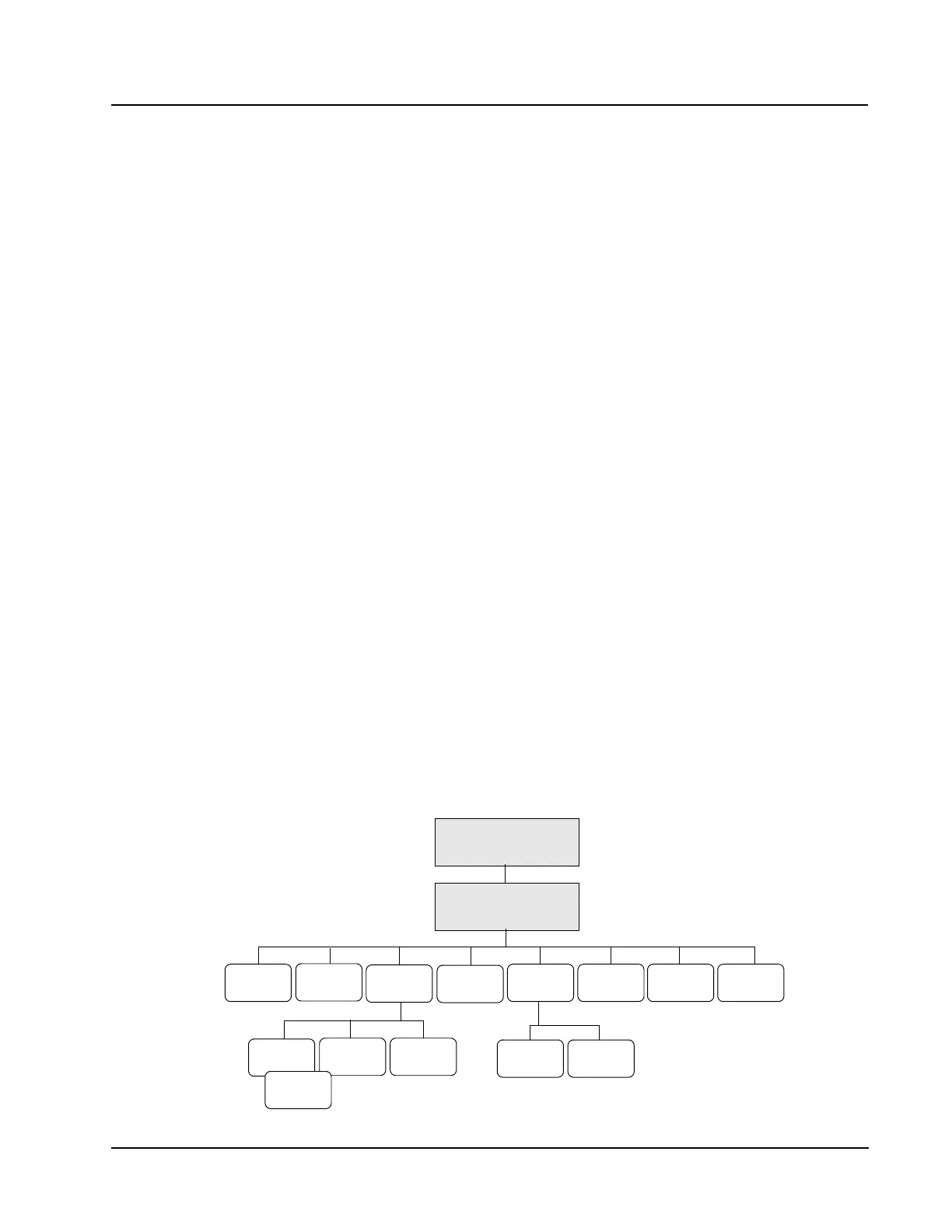
Retic Diagnostics Menu
DIAGNOSTICS MENU
RETICFAULT
REPORT
RETIC
RAW DATA
MAIN
CLEAR
FAULTS
PRINT RETURN
RETIC
CNT GRAPH
RETIC
CNT RATE
RETIC
CNT RATE
CD3200 RETIC MENU
PRINT RETURN
EXECUTION
TIMES



 To Next Page