14-40
CELL-DYN
®
3200 System Operator’s Manual
9140181H—October 2001
Reticulocyte Package
Retic Menu Options
Section 14
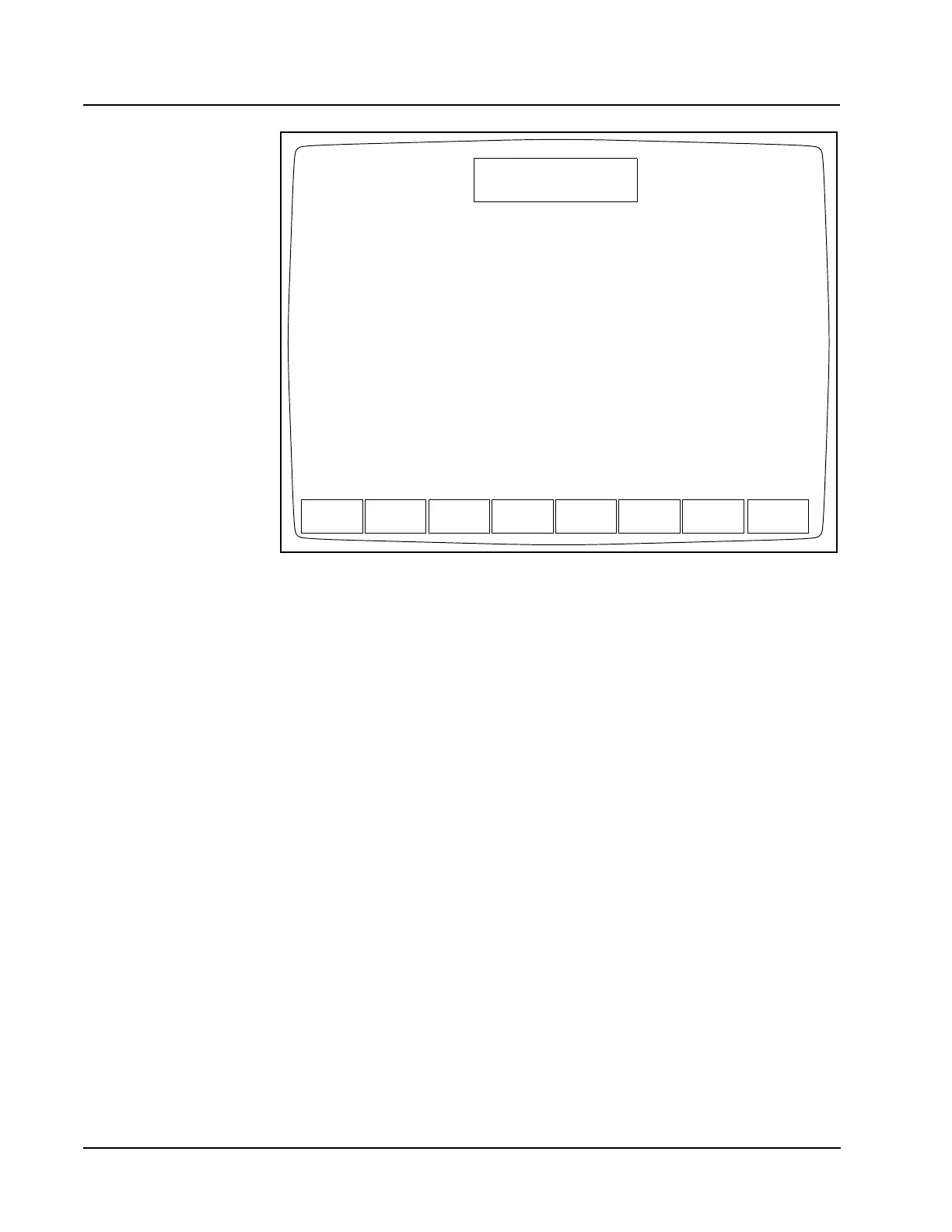
Figure 14.22 Reticulocyte Diagnostics Screen
The [RETIC DIAGNOSTIC] key is used to display the DIAGNOSTICS MENU screen.
The soft keys displayed on this screen enable the operator or service representative
to obtain information that assist in troubleshooting and in identifying the corrective
action needed. The DIAGNOSTICS MENU screen displays a subset of the soft keys
displayed on the main DIAGNOSTICS menu. The following soft keys are displayed
on the DIAGNOSTICS MENU screen:
FAULTS REPORT
EXECUTION TIMES
RETIC CNT RATE
CLEAR FAULTS
RETIC RAW DATA
RETIC MAIN
These soft keys are discussed in the order in which they appear on the screen from
left to right.
FAULTS
REPORT
DIAGNOSTICS MENU
Ready
Feb 23 2001
Operator ID
Retic Seq#
19:19
R0002
ACS
EXECUTION RETIC
CNT RATE
CLEAR
FAULTS
RETIC
RAW DATA
RETIC
TIMES MAIN



 To Next Page