CELL-DYN
®
3200 System Operator’s Manual
14-53
9140181H—October 2001
Section 14 Reticulocyte Package
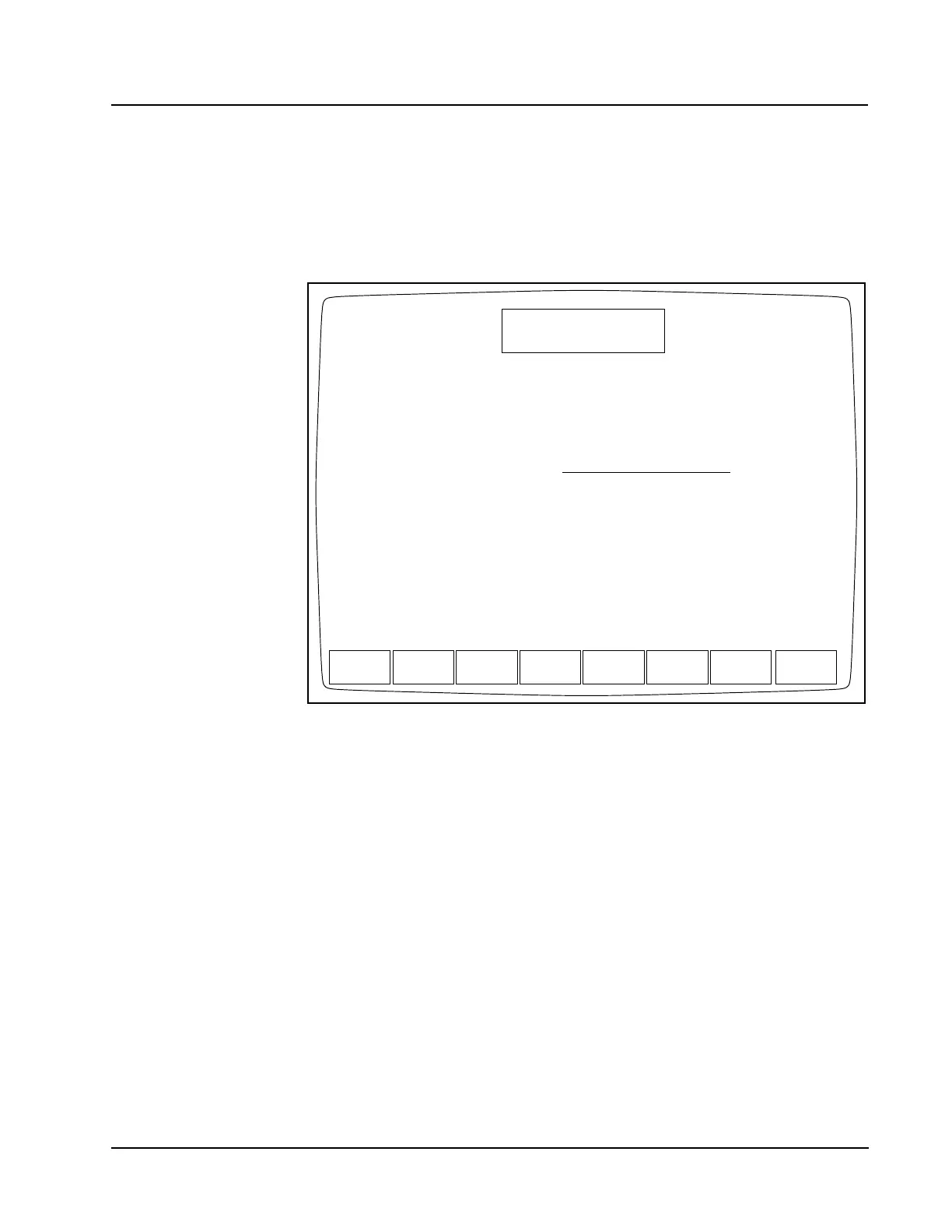
If the Specimen ID is not found in the Standard Hematology Data Log, the fourth
RETIC PATIENT SPECIMEN screen is displayed. (See the following figure.) This
screen displays a place for the operator to enter the RBC value. If an entry error is
made in the fourth RETIC PATIENT SPECIMEN screen, the operator may press the
[CANCEL] key to return to the RETIC SPECIMEN TYPE screen. If the operator presses
the Enter key to confirm the RBC value, the RETIC RUN RESULT screen is
displayed.
Figure 14.31 The Fourth Reticulocyte Patient Specimen Screen (Displayed When the
Specimen ID Is Not Found)
RETIC SPECIMEN TYPE
Ready
Aug 03 2001
Operator ID
Retic Seq#
16:35
R0484
TS
CANCEL
SPECIMEN ID: 111
SPECIMEN ID: 111 was found in HEMATOLOGY DATA LOG.
Enter RBC value - - - - - - - M/uL. Press ENTER to confirm.
Press ENTER to continue if no Hematology Specimen result is available.
If no RBC value is entered, only RETIC% will be calculated.



 To Next Page