14-54
CELL-DYN
®
3200 System Operator’s Manual
9140181H—October 2001
Reticulocyte Package
Routine Operation
Section 14
Retic Run Result Screen
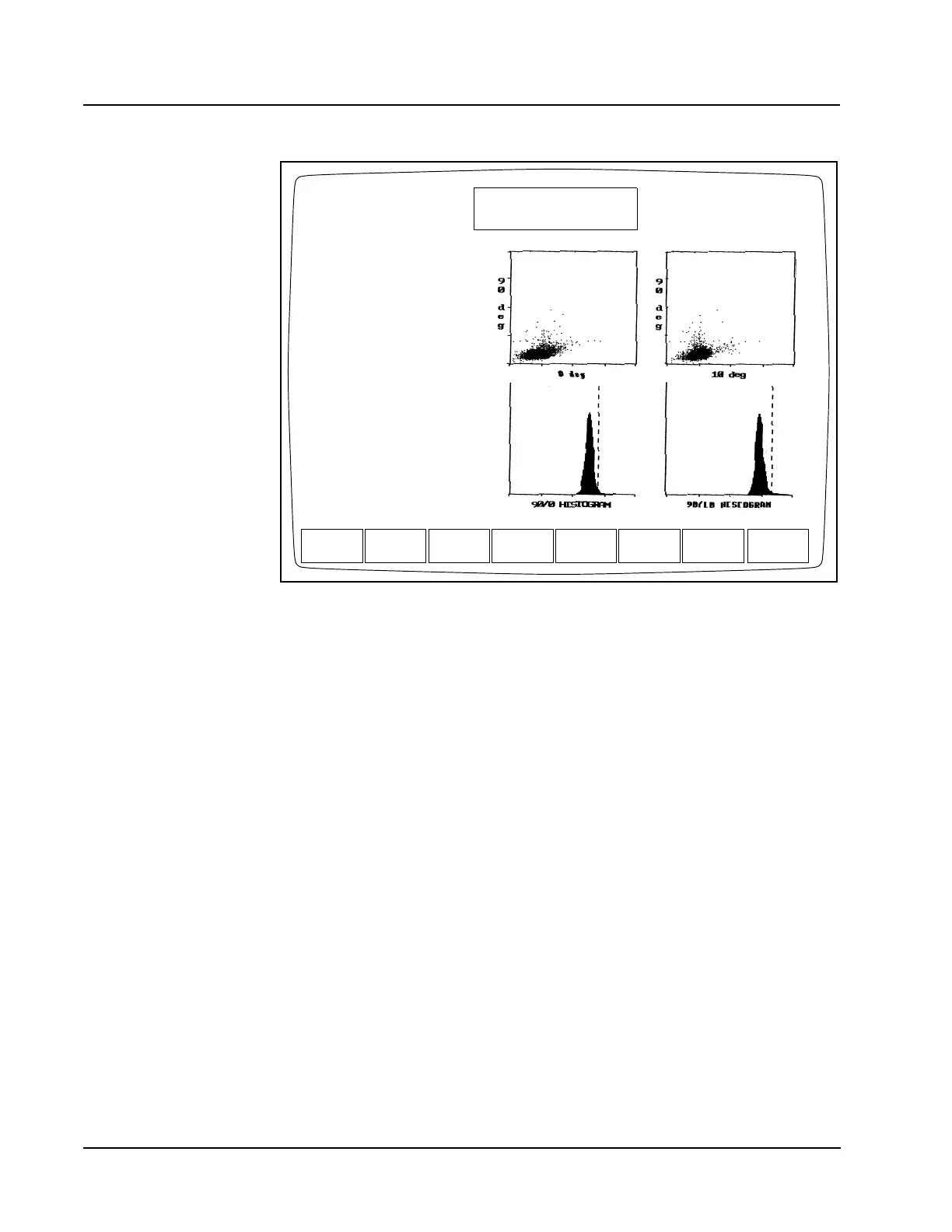
Figure 14.32 The Reticulocyte Run Result Screen for a Patient Specimen
Upper Left Corner
The numbers in the upper left-hand corner of the RETIC RUN RESULT screen
(shown in the preceding figure) correspond with the following numbered data entry
fields:
1. <Spec ID> This data entry field automatically displays the specimen ID
(up to 12 characters), which was previously entered on the
RETIC PATIENT SPECIMEN screen.
2. <Name> This data entry field automatically displays the patient’s
name if it was found in the Standard Hematology Data
Log when the patient specimen ID was entered into the
first RETIC PATIENT SPECIMEN screen. If the information
was not found in the Standard Hematology Data Log, the
patient name can be entered here (up to 16 characters).
NOTE: If an entry error is made in the second RETIC PATIENT SPECIMEN
screen, the operator may press the [CANCEL] key to return to the
RETIC SPECIMEN TYPE screen.
3. <Pat ID> This field may be used to enter patient identification such as
a social security number. (Up to 16 characters may be
entered.)
NEXT
RETIC
RETIC RUN RESULT
Ready
Aug 02 2001
Operator ID
Retic Seq#
13:47
R0481
TS
RETICCOLOR
PRINT
Spec ID D17516
Name ________________
Pat ID _________ Sex ___
DOB __/__/____ Col __/__/____ --:--
Dr _______________ Cmt _________
Limits 1
RETIC% 1.63 %
RBC 4.68 M/uL
RETIC ABS 76.00 K/uL
RBC value from HEMATOLOGY
DATA LOG Sequence # 8842
MAIN



 To Next Page