Appendix C
T = tagged item. Used in conjunction with the
wholesale system (optional software). Contact
Dimensions to use this feature.
D = description only item (no cost will be entered).
In Purchasing and POS, this item will create a
comment line on the body of the ticket using the
description entered in
Item Desc.
Z = serial number kept for this item. Serial
numbers can be entered during receiving and
POS. The item number and serial number are
kept in the Serial Number File (SN0.D).
I = tally in inches. This type 2 item will allow you
to enter the tally in inches at POS to be converted
to the next highest increment in feet that you
carry.
9. Non Disc N = A statement discount is allowed on this item if a
customer is allowed discount.
Y = No statement discount is allowed on this item
for any customer.
10. Non Tax This field works in conjunction with the tax type
assigned to each customer in CM1.D (R or S) and
will result in different conditions for sales tax to be
charged. For example, if a customer is normally
non-taxable except when they but certain items
(i.e., tools) this provides the condition to charge tax
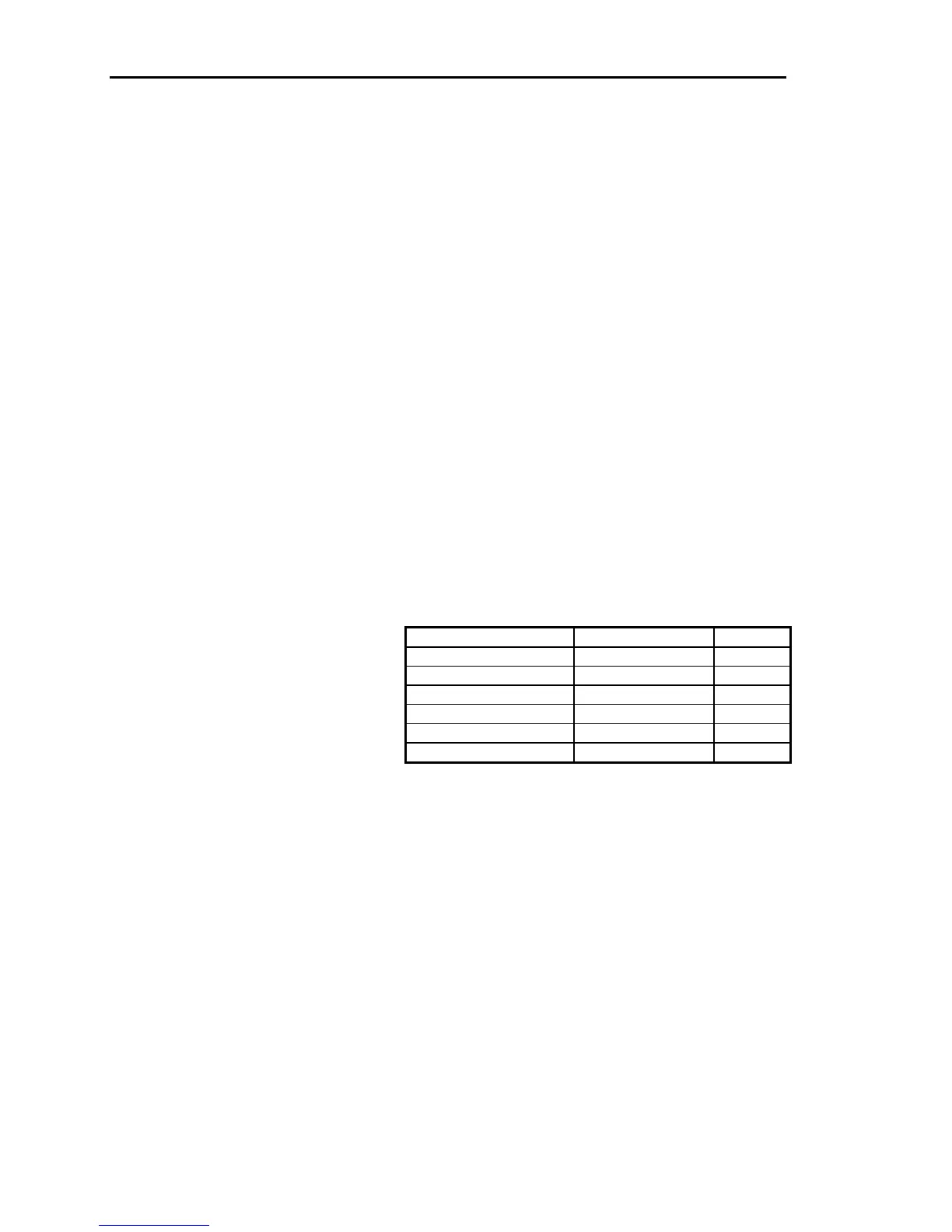
on tools. See the following table:
If the customer is: If the item is: Then:
R (regular) N (taxable) Tax
R Y (non-taxable) No tax
R S (special) Tax
S (special) N No tax
S Y No tax
S S Tax
11. Enter Desc N = Use the description entered for Item Desc for
POS transactions and Purchasing/Receiving.
Y = Allows you to enter the description at POS.
This could be used for non-stock or special order
items. If no description is entered on the body of
the ticket, the description in
Item Desc is used by
default.
12. C or M 1. C = Price and cost per hundred.
M = Price and cost per thousand. Will round price
up to the next dollar.
Blank = neither.
2. This field is used along with the unit description
when printing reports, displaying inventory
inquiries, and printing POS transactions,
purchase orders, and receipts.
412 Dimensions 14



 To Next Page