52 FieldFox User’s Guide
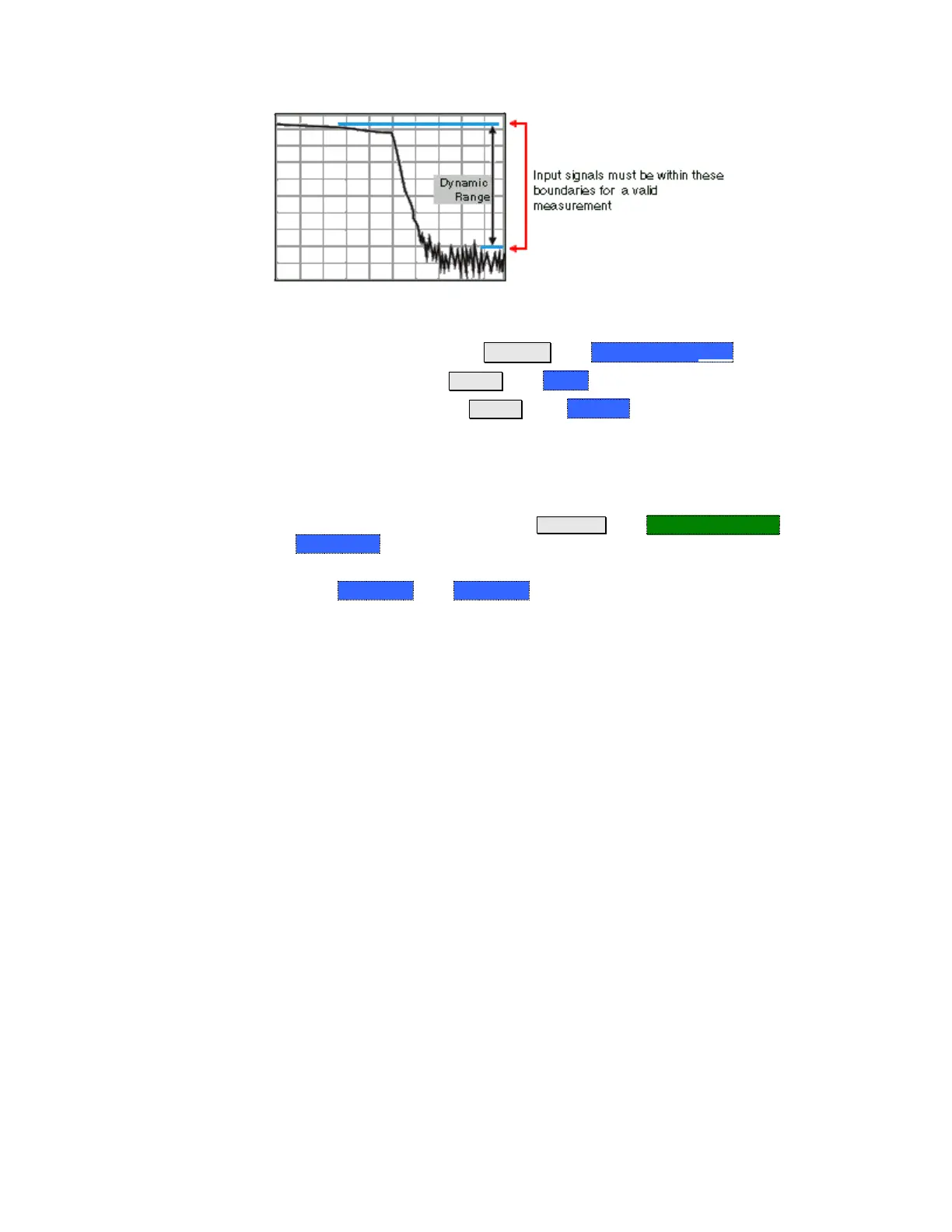
The following settings will increase the dynamic range of your NA mode
measurement.
Increase Power Level: Press Meas 4 then Output Power High
Lower the IFBW: Press BW 2 then IF BW
Increase Averaging: Press BW 2 then Average
The following procedure MAY increase the dynamic range of your NA mode
measurement. The results you see will depend on the performance of your DUT.
With an S21 trace active:
1. With RF OUT (port-2) open, press Trace 6 then Math and Memory then
Data->Mem
2. Re-connect the DUT.
3. Press Data Math then Data-Mem


 To Next Page
 Loading...