Operating
104
Operating
0000010038-003- GB
Fitting a milling tool
In order to use a milling tool (max. cutting width 20mm), first proceed as descri-
bed in point 1-8 in the previous section.
Then proceed as follows:
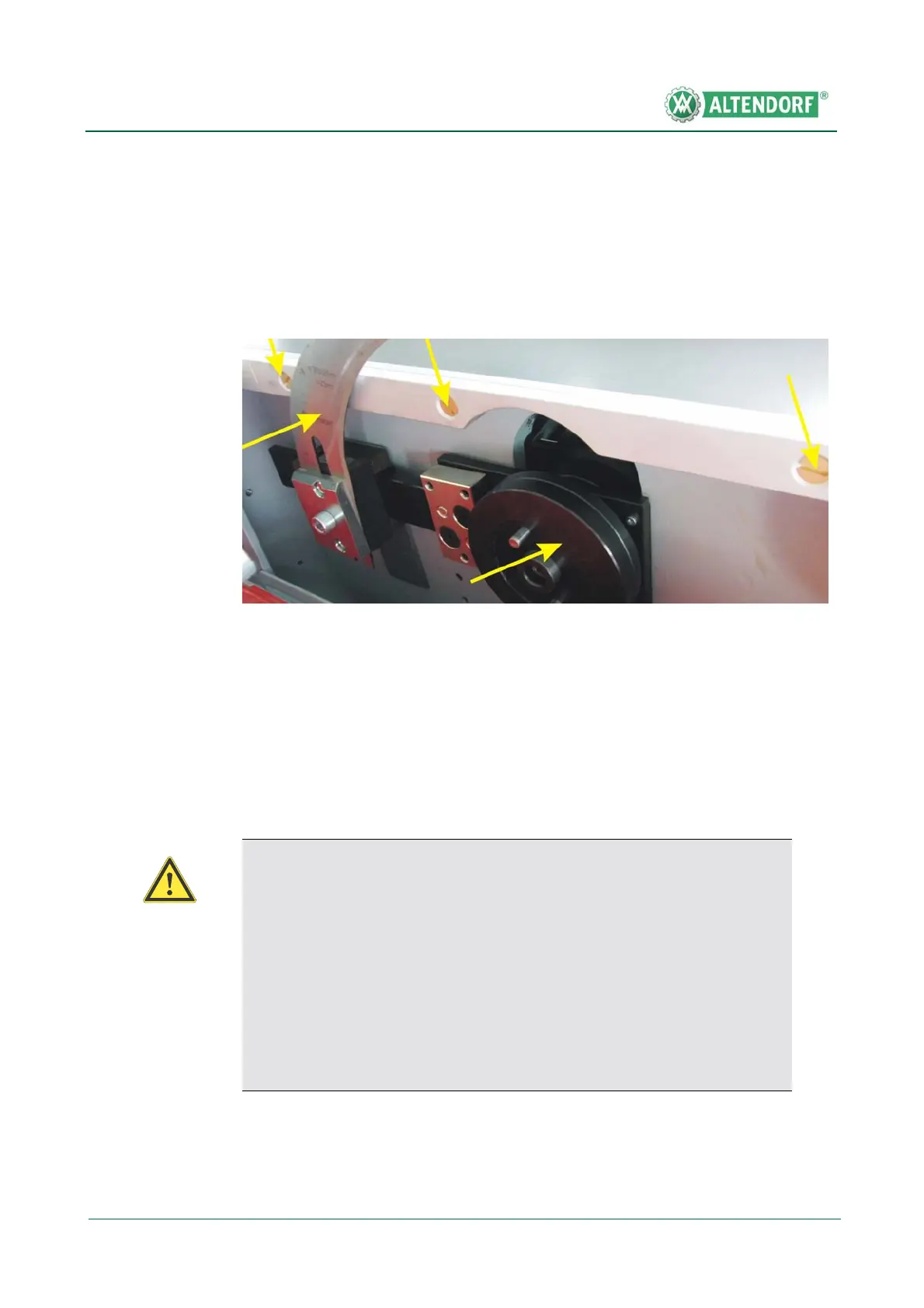
1. Remove the riving knife, cushioning disc and screws in the centre table
strip
2. Remove the front part of the centre table strip
3. Place the milling cutter and front flange onto the saw shaft, turn in the
expansion-head screw by hand and tighten it with the wrench.
4. Retract the riving knife block completely and tighten the clamping screw of
the riving knife holding fixture
5. Close the red protective cover and perform a short test run to see whether
the milling cutter is running freely. Do this by lowering the top protection
hood down to the table so that the milling cutter is completely covered.
Fig. 6-27 See point 1
Warning!
When returning to normal processing with a saw blade, adhere to the fol-
lowing:
Non-adherence to these points may lead to severe injuries of the opera-
tor!
• Reinsert the disassembled centre table strip; only use original brass
screws for fastening
• Reinstall the cushioning disc
• Reinstall and correctly adjust the riving knife


 To Next Page