MM-400A
8. Operation Screens
8-108
n-3. PASSWORD Screen
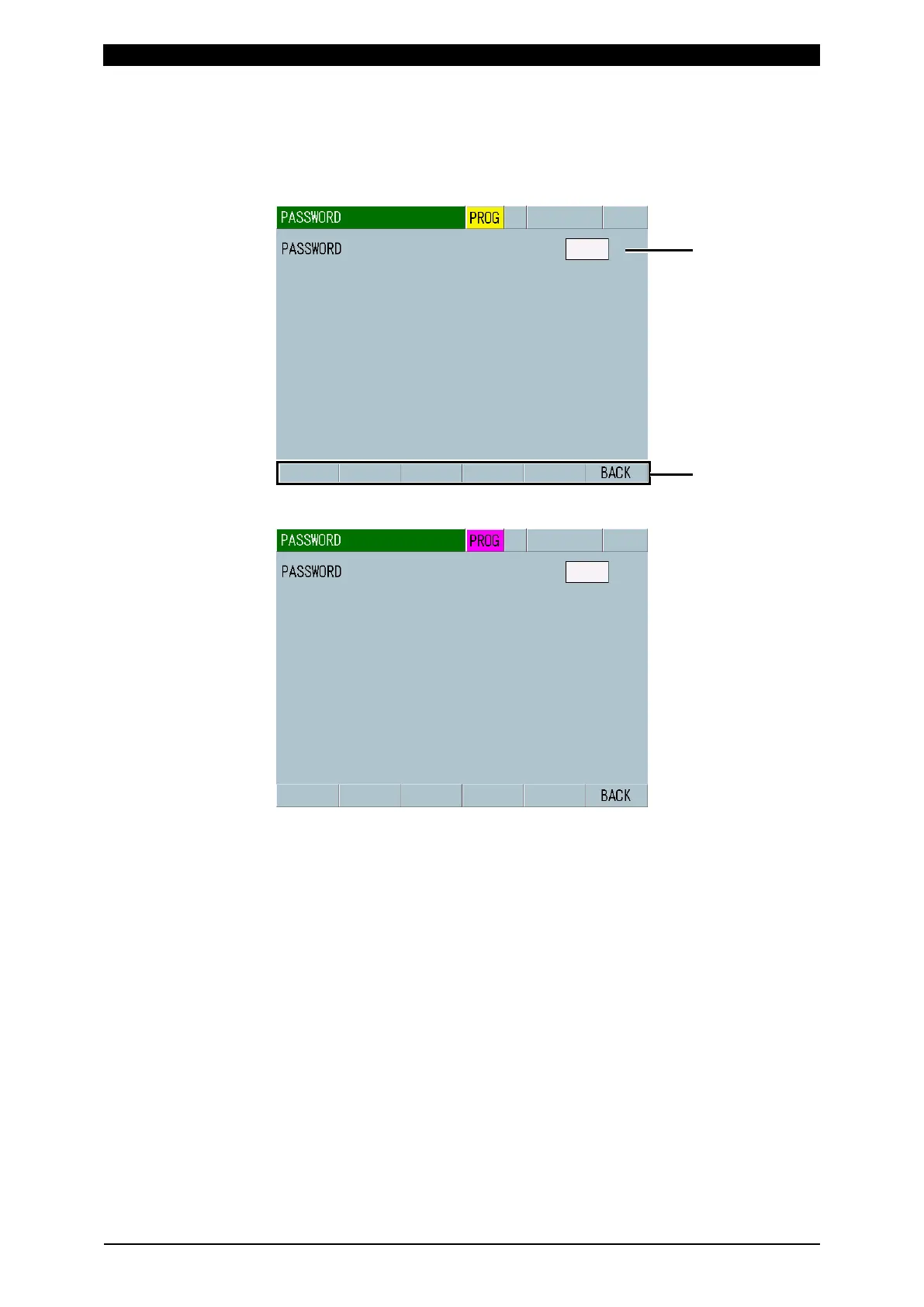
You can protect set values by setting the password. When the password is set and
validated, schedule settings cannot be input from the panel.
Status in the supervisor mode
Status in the operator mode
(1) PASSWORD
Input a password (0000 to 9999). (Initial password: 0000)
The password is displayed as “*.” When the input password coincides with the
set password, the mode changes from the operator mode to the supervisor
mode.
The supervisor mode is maintained while the power supply in turned on. To
enter the operator mode, set the password the number other than 0000 and
restart the power supply. For details, refer to [How to change the password].
If you forget the password, contact us.



 To Next Page