MM-400A
8. Operation Screens
8-127
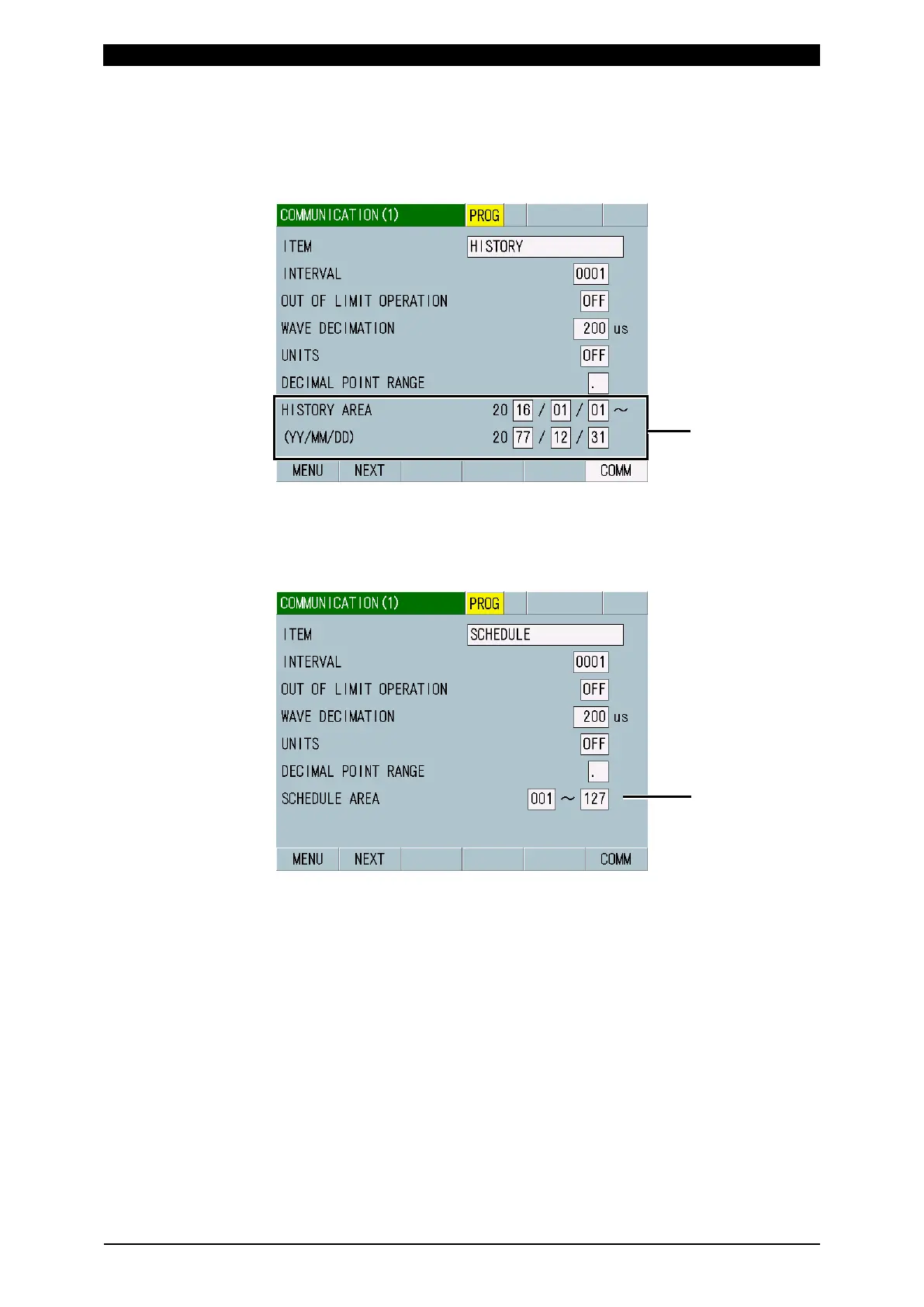
(7) HISTORY AREA
Shown when you have selected HISTORY or HISTORY OUT OF LIM for ITEM.
Set a communication range with year, month and day.
(Note) The start date should be before the end date.
(8) SCHEDULE AREA
Shown when you have selected SCHEDULE for ITEM. Set the range of
schedule numbers to communicate schedule data from 001 to 127. The setting
of schedule data range is valid only when schedule data is communicated.
(9) Function keys
MENU: Touching this displays the MENU screen.
NEXT: Touching this displays the COMMUNICATION (2) screen.
COMM: Touching this outputs items selected for ITEM.



 To Next Page