MM-400A
8. Operation Screens
8-8
(6) Function keys
MENU: Touching this displays the MENU screen.
NEXT: Touching this displays the MEASUREMENT 5(1) screen. (5-item
display only)
PREV: Touching this displays the MEASUREMENT 5(2) screen. (5-item
display only)
SAVE: Touching this saves the measured values, all cycle, and waveforms to
flash memory in the MM-400A. The MM-400A operates in the same manner
as when saving the HISTORY screen. For more information, refer to “g.
HISTORY Screen.” It is necessary to set items to save on the INTERNAL
MEMORY screen in advance. If not, the SAVE key remains white and does not
function.
VIEW: Touching this displays the VIEW screen.
(7) Envelope judgment
Shows the judgment results of SEGMENT#1 to #3 of ENVELOPE#1 at the
upper part and ENVELOPE#2 at the lower part.
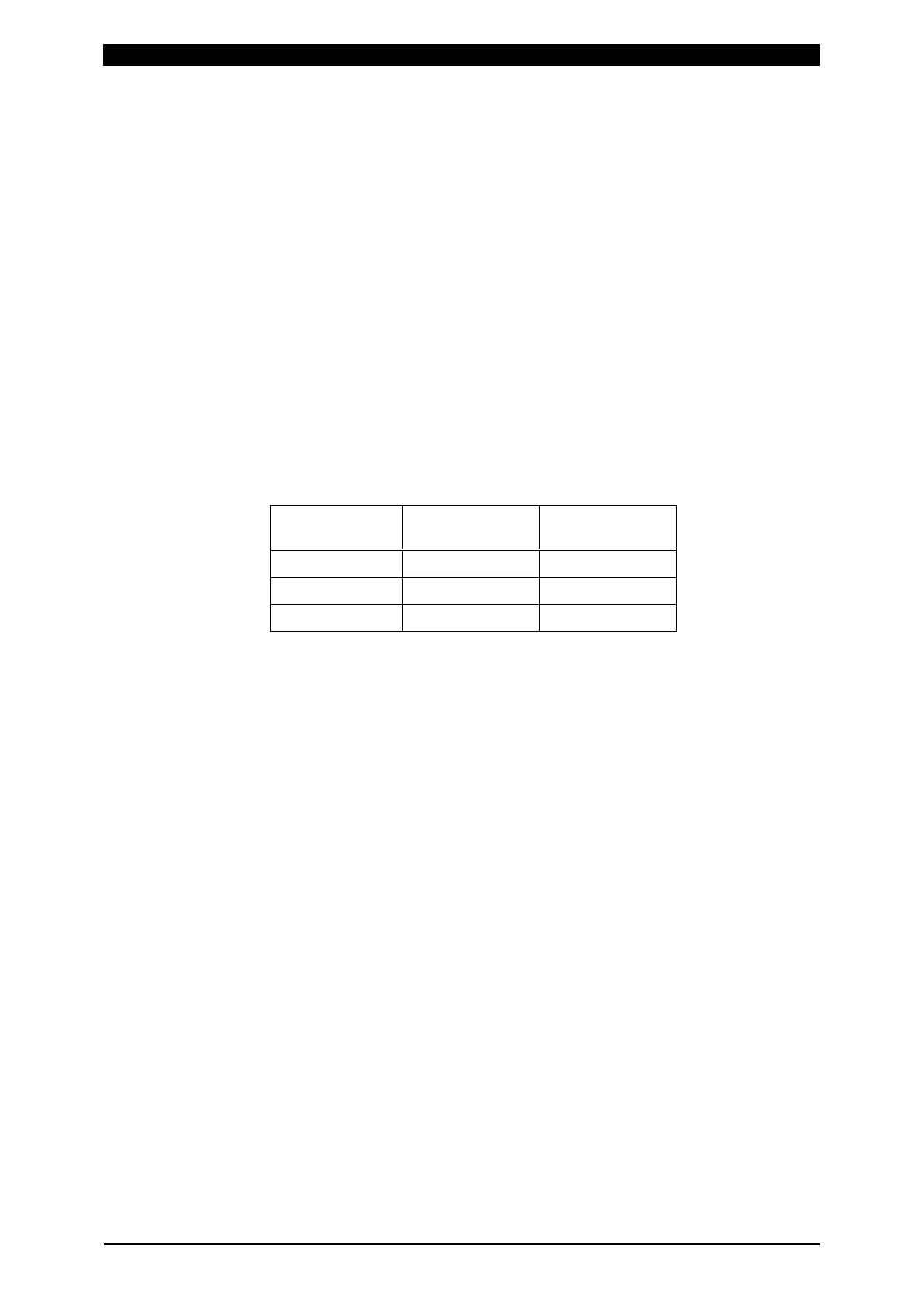
The judgment results are shown as follows.
Judgment
display
MEASUREMENT
5 screen
MEASUREMENT
10 screen
GOOD GOOD G
NG UPPER NG UPPER U
NG LOWER NG LOWER L
For details, refer to “f. ENVELOPE Screen” and Judgment display in Chapter
13, (1) “Troubleshooting.”



 To Next Page