MM-400A
8. Operation Screens
8-15
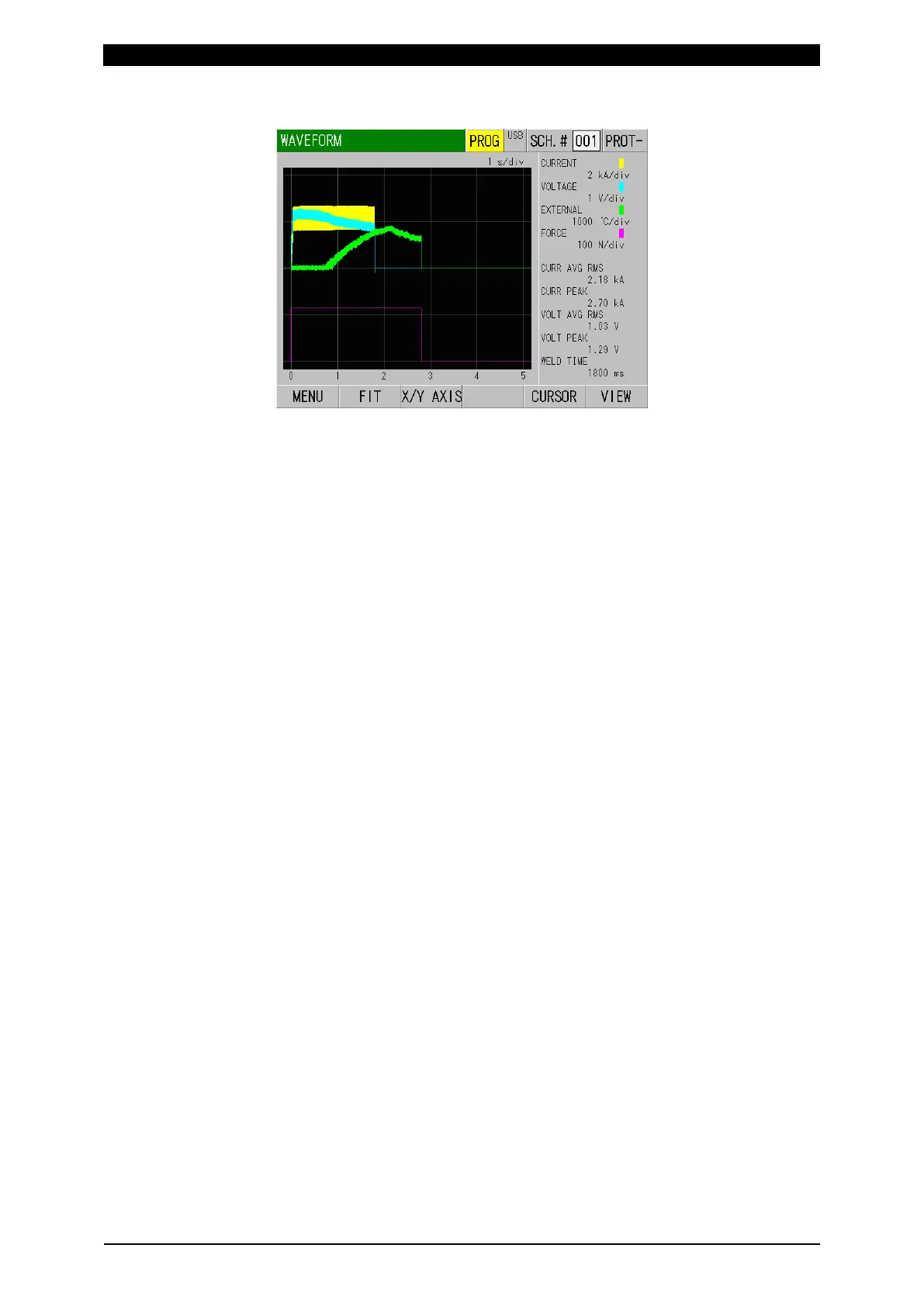
Waveform example when the external input is current (WAVEFORM 3)
Displays 140°C (4 mA) to 2000°C (20 mA) with a radiation thermometer. Less
than 140°C is not displayed.
(4) Grid spacing
Shows the grid spacings for the four waveforms shown on the grid.
(5) Measured values
Shows the measured values of five items. Measurement items can be selected
in the VIEW screen.
(6) Function keys
MENU: Touching this displays the MENU screen.
FIT: Touching this redisplays the waveforms by automatically resizing them to
fit into the screen.
X/Y AXIS: Touching this displays XY-axis scale command at the function key.
(Refer to (6)-1.)
CURSOR: Touching this displays the vertical axis and cursor command at the
function key. (Refer to (6)-2.)
VIEW: Touching this displays the VIEW screen.



 To Next Page