MM-400A
8. Operation Screens
8-38
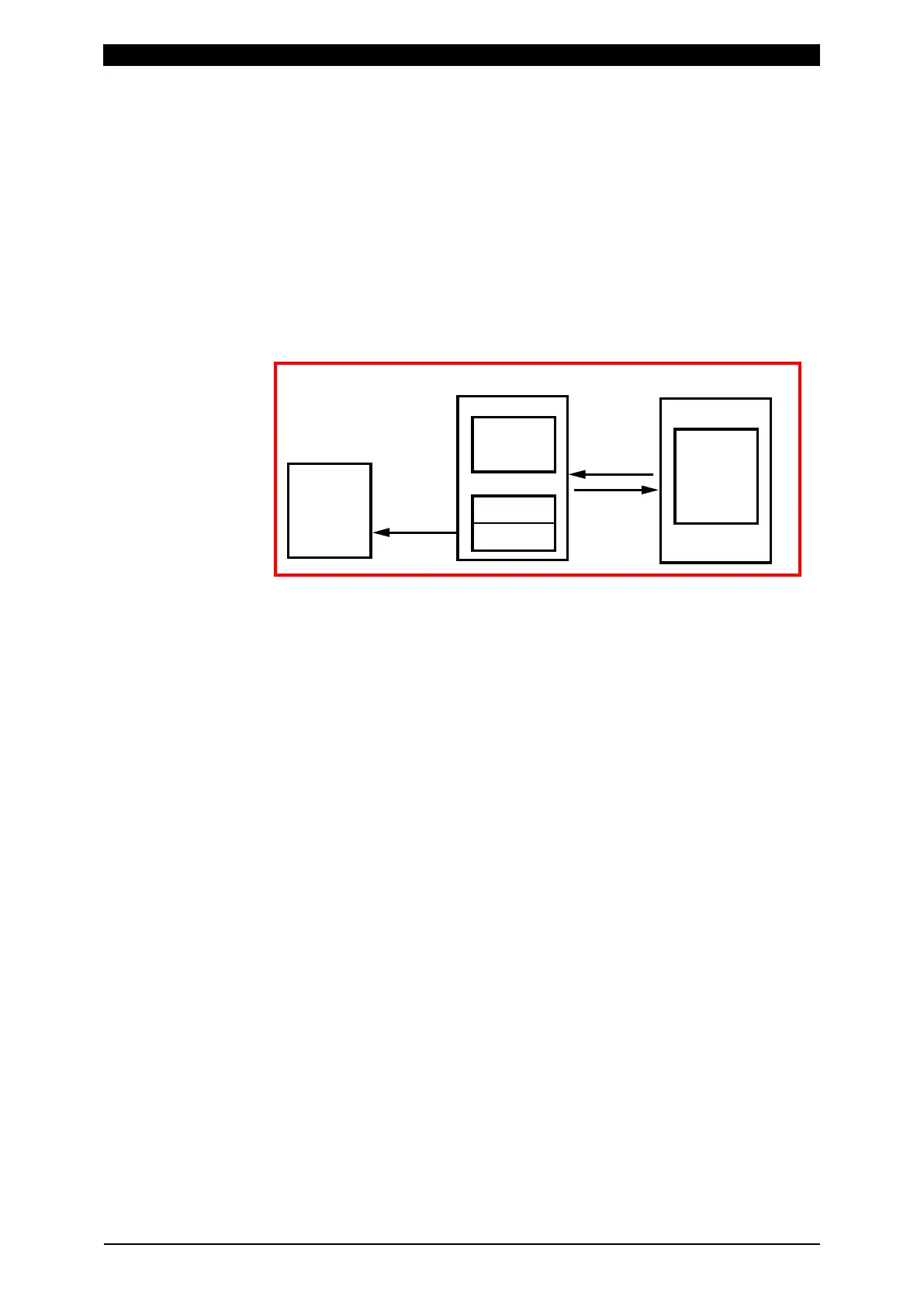
The built-in flash memory (internal memory) can be used as backup of the
built-in memory. (Refer to “q. INTERNAL MEMORY Screen.”) The standard
number of storable pieces of data is 120 for all cycles and waveforms in total.
(The number of storable pieces of data varies depending on the waveform
measurement time. 120 is just a guide.) An error message “E15: INTERNAL
MEMORY ERROR” appears if the write limit is exceeded. If an error occurs,
save the internal memory data into the USB, and then touch ALL DEL key on
the READ FLASH MEMORY screen to clear the built-in flash memory data.
Even if you save data in a state that an error is occurring, new data is not
written. Data is held even when the power is turned off.
When reading the built-in flash memory (internal memory), the history of
measured value, waveforms and all cycles is deleted. Take out data via USB
or communication accordingly before reading.
(2) Function keys
MENU: Touching this displays the MENU screen.
CHANGE: Touching this displays the arrow key (← →). Touching the arrow
key switches between measured values of ten measurement items.
SCROLL: Touching this displays the arrow key (). Touching the arrow key
moves a page of the screen.
SELECT: First select an item to load, and then touch this.
SAVE: Directly touching the displayed history displays a line-based cursor. In
this condition, touch the SAVE key in the built-in flash memory to save current,
force all cycle or waveform in the built-in flash memory. However, you need to
select an item to save in the INTERNAL MEMORY screen in advance.
Touching SELECT again deselects measured values.
ALL DEL: Clears all history data from the built-in flash memory.
[How to load data saved earlier than data in the HISTORY screen (waveform,
all cycle)]
1) Select an item (WAVEFORM, CURRENT ALL CYCLE and FORCE ALL
CYCLE) to load in the INTERNAL MEMORY screen in advance.
(Note) WAVEFORM, CURRENT ALL CYCLE and FORCE ALL CYCLE cannot
be loaded simultaneously from a history data.
USB
READ
SAVE
SAVE
Built-in memory Built-in flash memory
Memory 1
Memory 2
120 waveforms
in total
and all cycles
All cycle:50
Waveform:50
Measured value
:5000



 To Next Page