MM-400A
8. Operation Screens
8-39
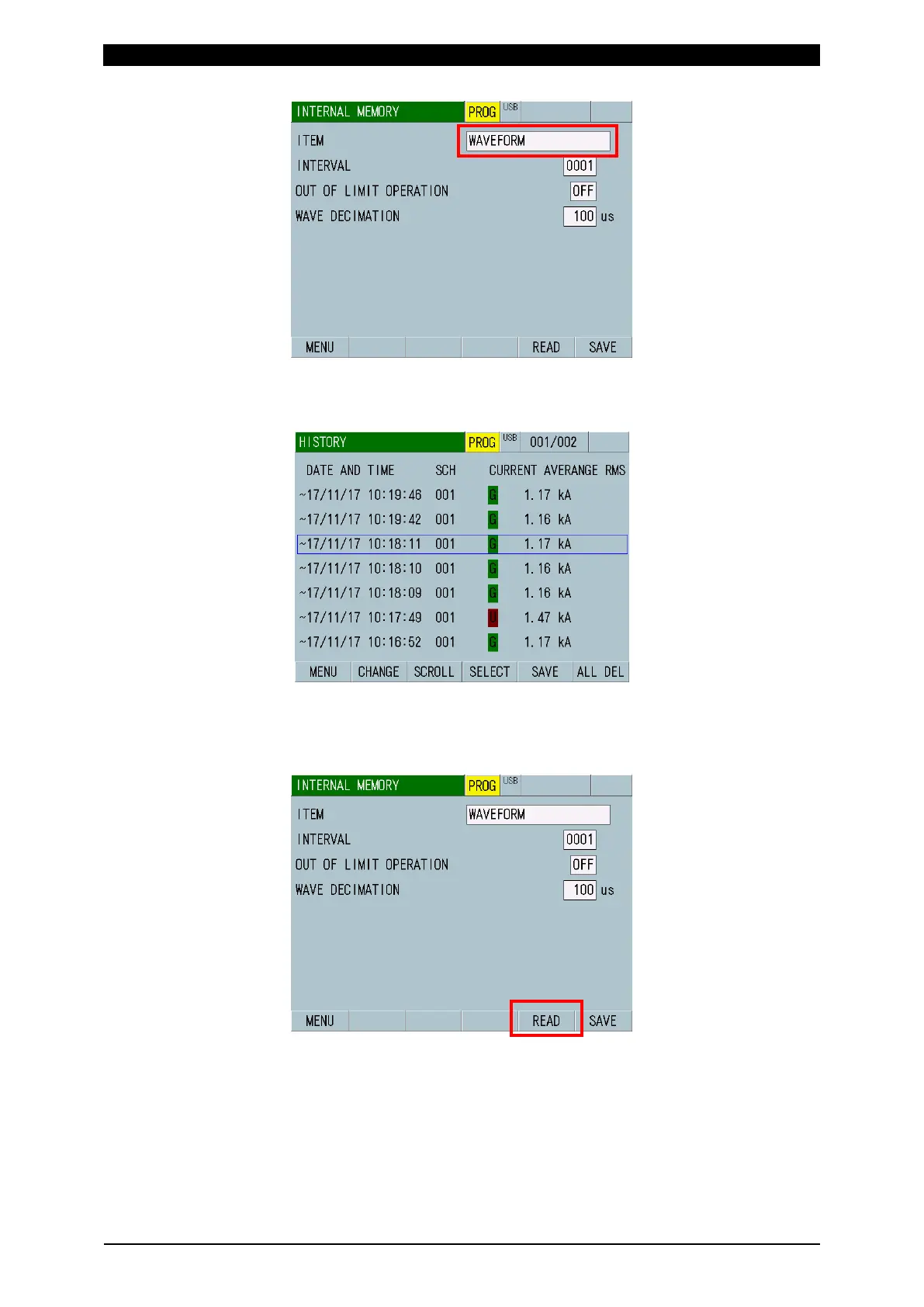
2) Select one to load among data with “~” on the left side of the HISTORY screen.
The selected data is surrounded with a blue frame. Touch the SAVE key to
save it in the internal memory.
3) Move to the INTERNAL MEMORY screen and touch the READ key, the READ
FLASH MEMORY screen (saved data list) is displayed.
Return to 2) to load other history data or return to 1) to change the item and set
WAVEFORM, CURRENT ALL CYCLE or FORCE ALL CYCLE again.



 To Next Page