MM-400A
8. Operation Screens
8-48
(4) WAVE DECIMATION
Set a waveform decimation. You can select from among 20 us, 50 us, 100 us,
200 us, 500 us, and 1000 us. If you set a decimation smaller than the data
sampling interval stored in the instrument, the data will be output at the
internally stored interval. The setting of waveform decimation is valid only
when WAVEFORM is selected for ITEM.
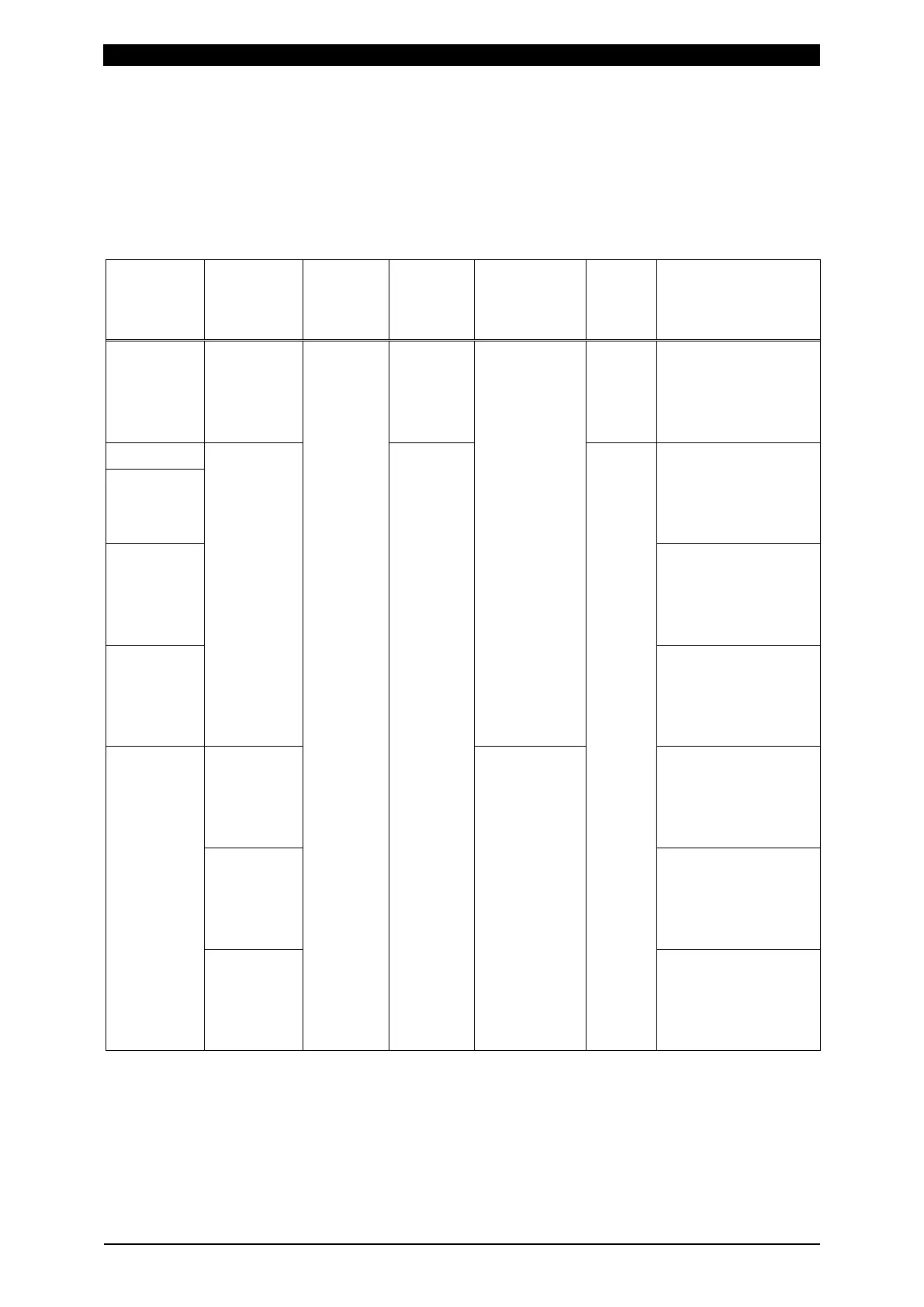
WAVE DECIMATION is reflected when the followings are satisfied.
CURRENT
SAMPLING
INTERVAL
FORCE
SAMPLING
INTERVAL
Current
measure-
ment
Displace-
ment
measure-
ment
Force/
external
measure-
ment
TIME WAVE
DECIMATION
20us 100us
200us
500us
Yes No No SHORT
ms-DC
20us, 100us, 200us,
500us, and 1000us
are the same as
setting. 50us
becomes 20us.
20us
*1
100us
200us
500us
Yes/No All
settings
50us, 100us, 200us,
500us, and 1000us
are the same as
setting. 20us
becomes 50us.
50us
100us 100us, 200us,
500us, and 1000us
are the same as
setting. 20us and
50us become 100us.
200us
*1
200us, 500us and
1000us are the same
as setting. 20us,
50us and 100us
become 200us.
20us
*1
50us
*1
100us
100us No 100us, 200us,
500us, and 1000us
are the same as
setting. 20us and
50us become 100us.
200us 100us, 200us and
1000us are the same
as setting. 20us,
50us and 500us
become 100us.
500us 100us, 500us and
1000us are the same
as setting. 20us,
50us and 200us
become 100us.



 To Next Page