buttons of an AUX-N input device can be assigned to
these functions.
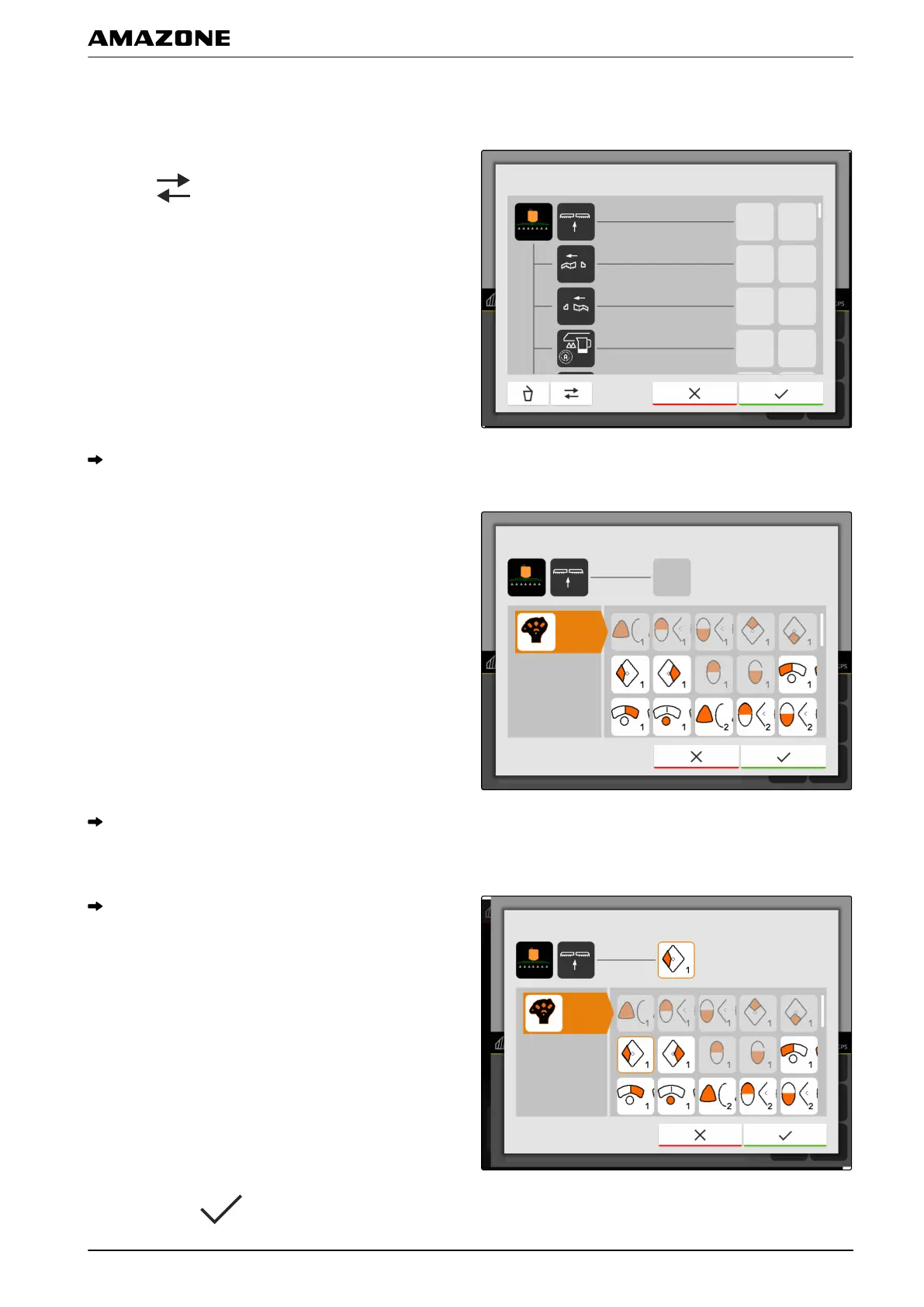
1. If the functions are not listed on the left side:
select .
2. Select a function from the list.
A list of available AUX-N input devices will be
shown.
3. Select the desired AUX-N input device.
An overview of available buttons will be shown.
4. Select the desired button.
The selected button is shown beside the function.
5. Confirm with .
W | Configuring AUX-N input devices | Managing preferred assignments
MG6010-EN-GB | G.1 | 13.12.2018
99



 To Next Page