Entering the basic settings
F
1
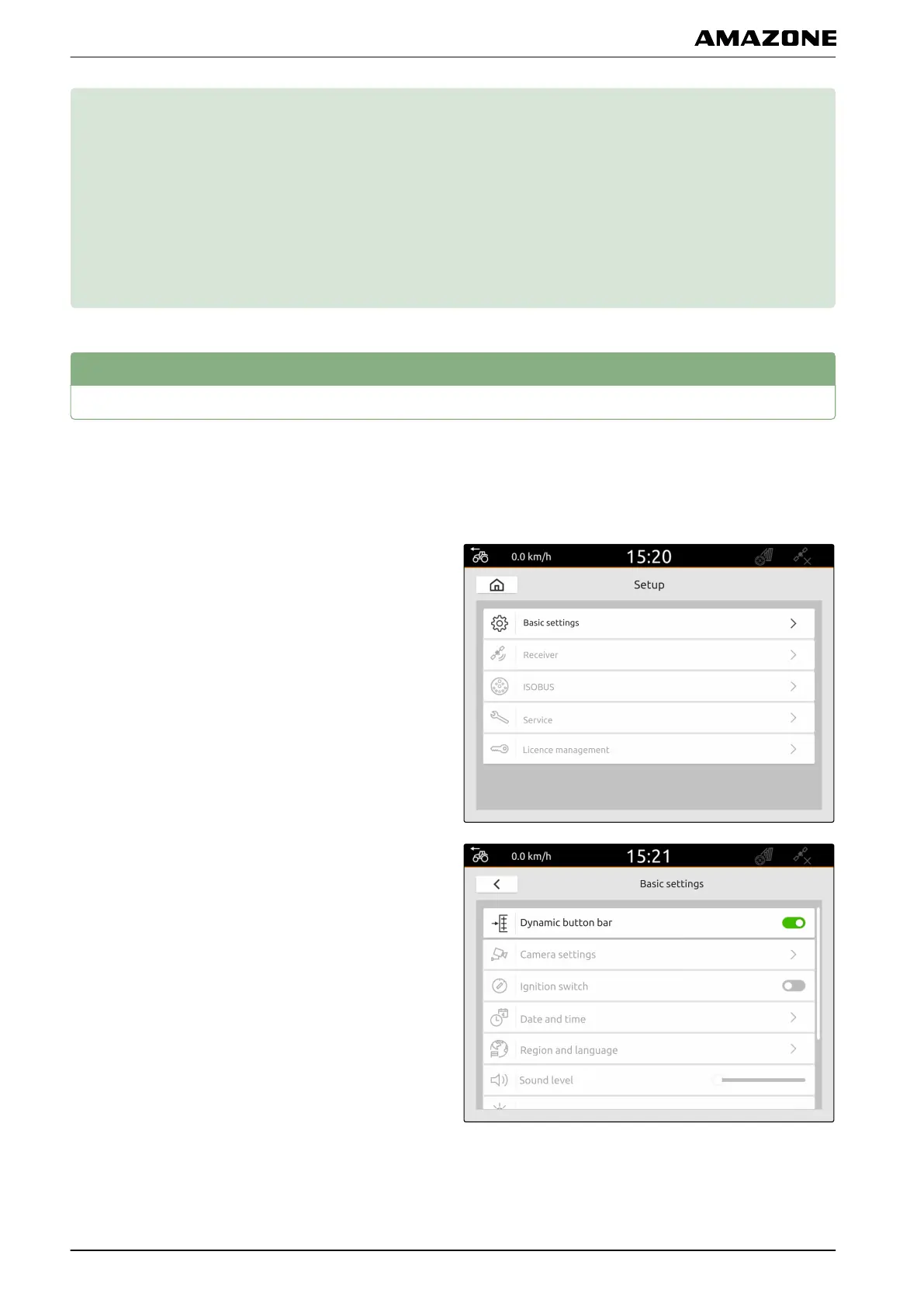
Activating the dynamic button bar
When this function is activated, the button bar is
automatically hidden in the map view after 10 seconds.
When the user moves their hand on the display, the
button bar is shown again.
1. In the Setup menu, select "Basic settings".
2. Activate the "dynamic button bar"
or
deactivate.
CMS-T-00000182-C.1
CMS-T-00000211-C.1
F | Entering the basic settings |
MG6010-EN-GB | G.1 | 13.12.2018
22



 To Next Page