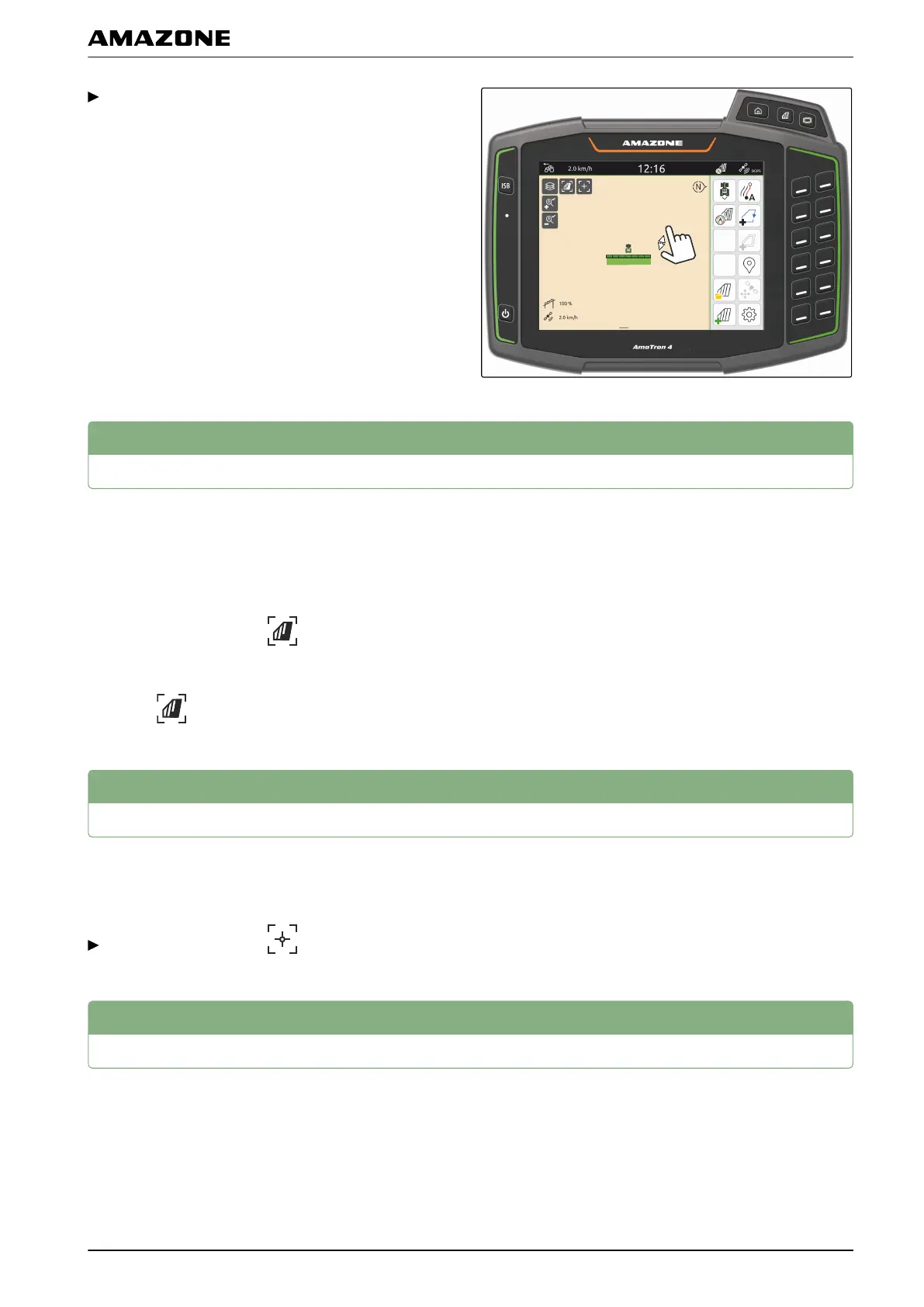
To zoom in,
move two fingers away from each other on the map.
or
To zoom out,
move two fingers towards each other on the map.
4
Switching to bird's-eye view
To show all of the objects on the map, the bird's-eye
view can be activated. As a result, the map is zoomed
out until the tractor symbol and all of the field objects can
be shown.
1. In the map view, select .
2. To exit the bird's-eye view,
select again.
5
Focusing on the vehicle symbol
When the vehicle symbol is outside of the displayed map
area, the view can be focused on the vehicle symbol.
In the map view, select .
6
GPS drift correction
GPS drift is defined as the deviations of the GPS signal.
GPS drift results from the use of correction sources with
low precision. GPS drift can be recognised when the
vehicle symbol on the AmaTron 4 no longer corresponds
to the actual position of the vehicle.
CMS-T-00000356-B.1
CMS-T-00000357-B.1
CMS-T-00000377-B.1
M | Using the map view | Switching to bird's-eye view
MG6010-EN-GB | G.1 | 13.12.2018
55



 To Next Page