Map view configuration
N
1
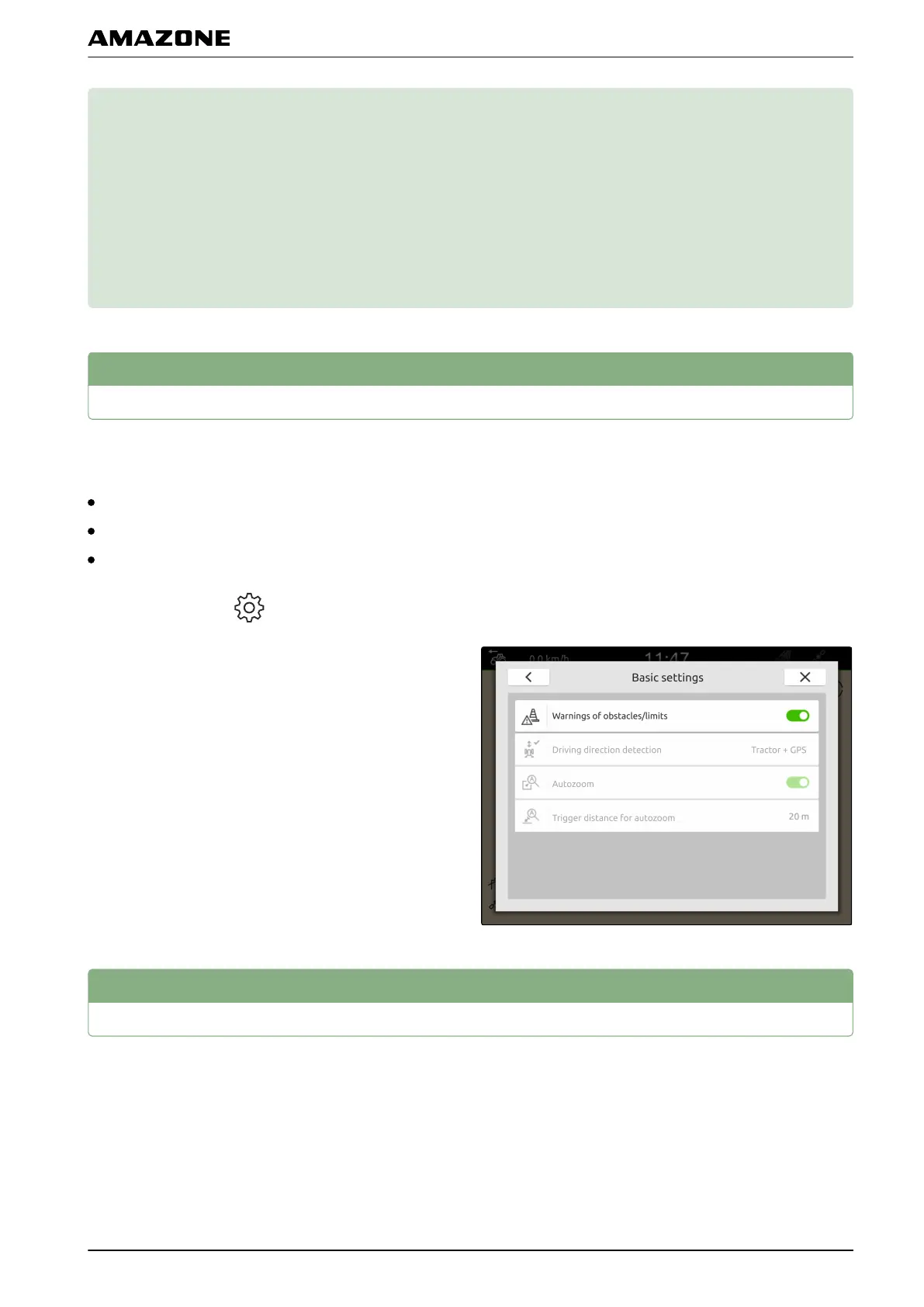
Activate warnings
If warnings are activated, warnings will be issued for
the following events:
Proximity to a field boundary
Proximity to an obstacle
Proximity to a headland
1. In the Work menu > select "Basic settings".
2. Activate "Warnings about field boundaries/obstacles"
or
deactivate.
2
Configuring the driving direction detection
The driving direction detection ensures that the tractor
symbol does not turn around when the tractor drives in
reverse. The source for the direction of travel can be the
tractor signals or the GPS and tractor signals.
CMS-T-00000192-C.1
CMS-T-00000225-C.1
CMS-T-00000226-C.1
N | Map view configuration |
MG6010-EN-GB | G.1 | 13.12.2018
57



 To Next Page