Working without documentation
O
1
Creating a new field
Without documentation, the AmaTron 4 saves the
recordings however, the recordings are deleted if a new
field is created. Part-width section control and the track
lines can be used without managing field data or job
data.
If a field has been worked and the current recording is
available, a new field must be created on the AmaTron 4
to be able to work a different field.
The recordings include the following data:
Worked area
Field boundaries
Obstacles
Headlands
Track lines
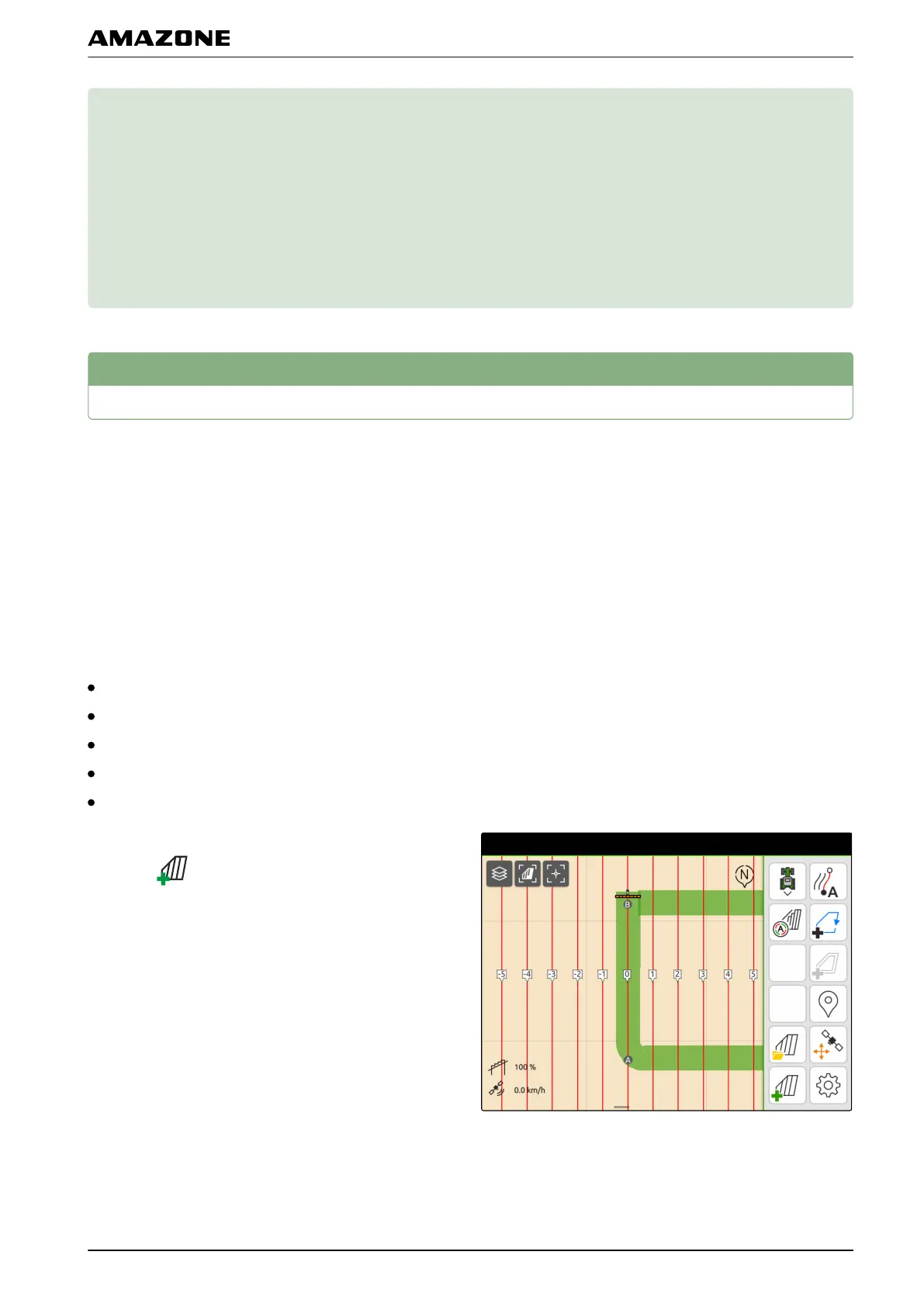
1. If current recordings are available,
select in the Work menu.
2. To start the recording,
see page 79.
CMS-T-00000240-C.1
CMS-T-00000266-C.1
O | Working without documentation |
MG6010-EN-GB | G.1 | 13.12.2018
61



 To Next Page