Configuring implements
K
1
Configuring ISOBUS implements
Connected ISOBUS implements are automatically
created and the implement data is loaded. The
implement data can only be changed through the
Universal Terminal in the implement controls. For correct
representation in the map view, the implement modelling
must be specified.
The specifications depend on the following factors:
whether the connected implement is mounted or
towed.
whether the GPS receiver is installed on the tractor
or on the implement.
whether the implement is self-propelled.
REQUIREMENTS
The ISOBUS implement is connected
1. In the main menu, select .
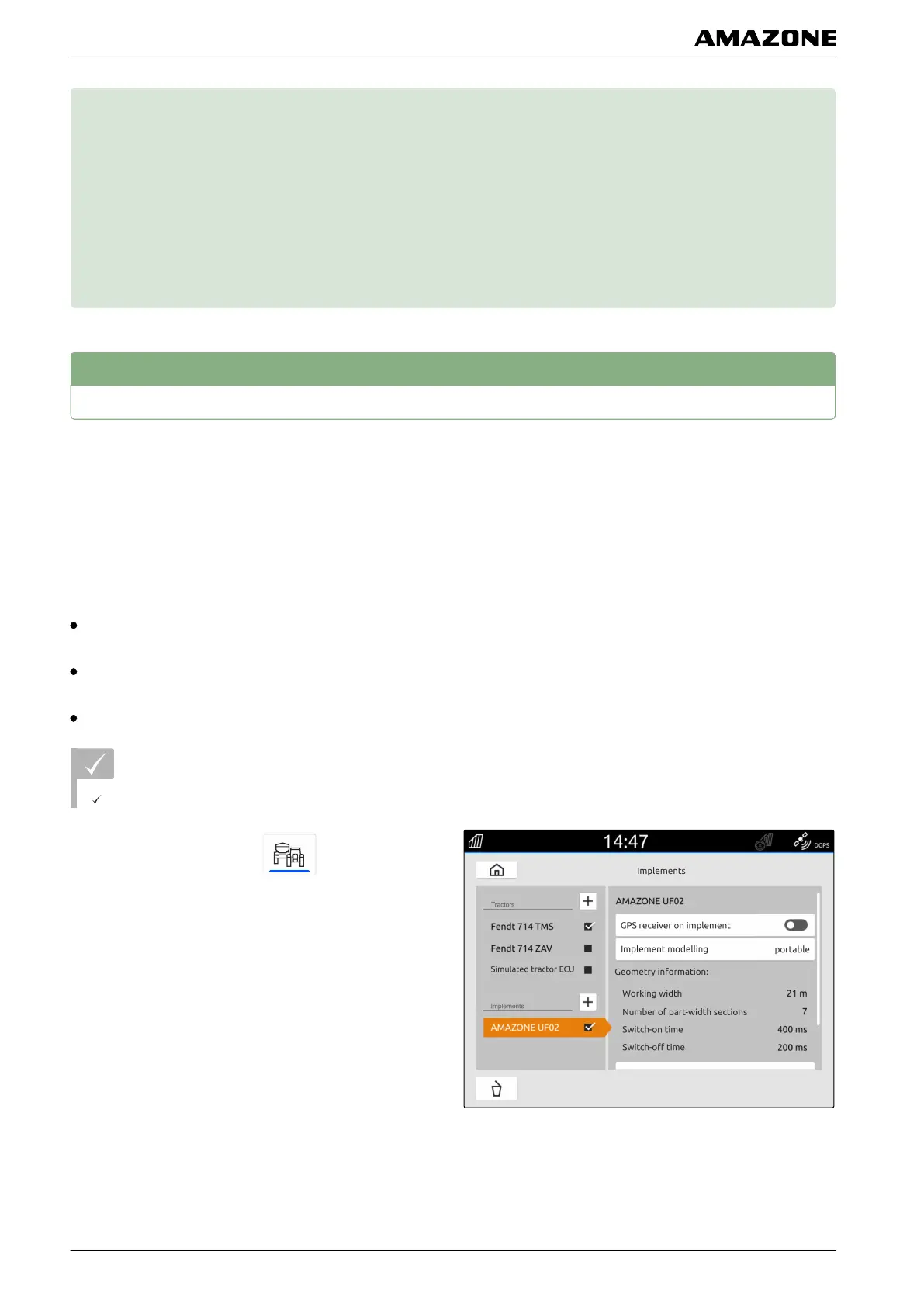
2. Select the desired implement under "Implements".
3. If the GPS receiver is installed on the implement,
activate "GPS receiver on implement".
4. If the connected implement is mounted or the
implement is self-propelled,
select "Mounted" under "Implement modelling"
or
If the connected implement is towed,
select "Towed" under "Implement modelling".
CMS-T-00000194-D.1
CMS-T-00000319-C.1
K | Configuring implements |
MG6010-EN-GB | G.1 | 13.12.2018
38



 To Next Page