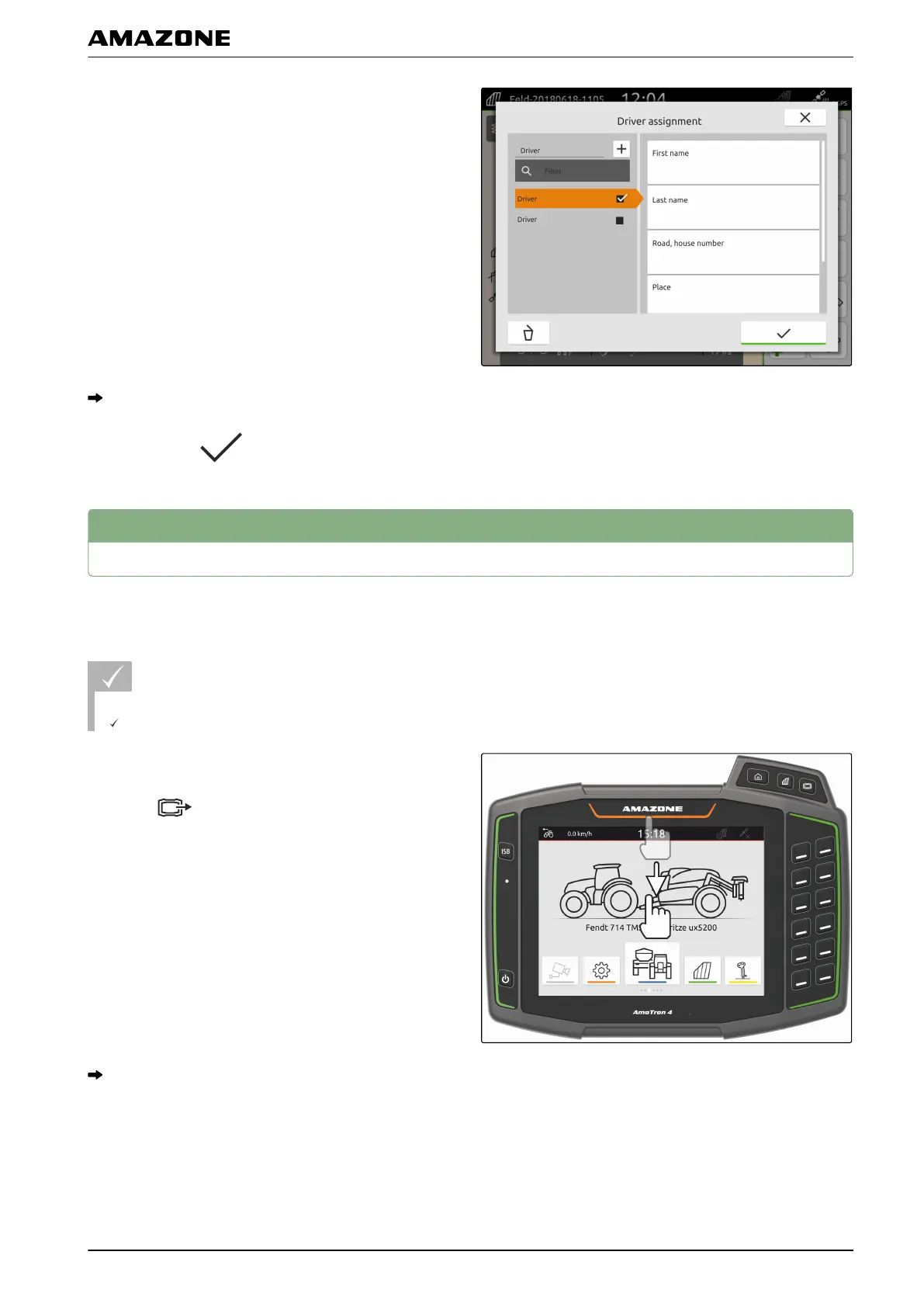
8. To assign a driver to a job,
select the desired driver.
The selected driver is marked with a checkmark.
9. Confirm with .
9
Exporting ISO-XML job data
Recorded job data can be exported as ISO-XML job data
and saved to a USB flash drive.
REQUIREMENTS
USB flash drive is inserted
1. Open the quick-start menu.
2. select
.
The job data is saved in a folder on the USB flash
drive. The folder is named "TASKDATA_EXPORT"
together with the date and time of the export.
CMS-T-00001743-A.1
P | Working with documentation | Exporting ISO-XML job data
MG6010-EN-GB | G.1 | 13.12.2018
73



 To Next Page