NOTE
If "Tractor + GPS" is selected and the tractor does not
send any signals, the GPS signal will be used.
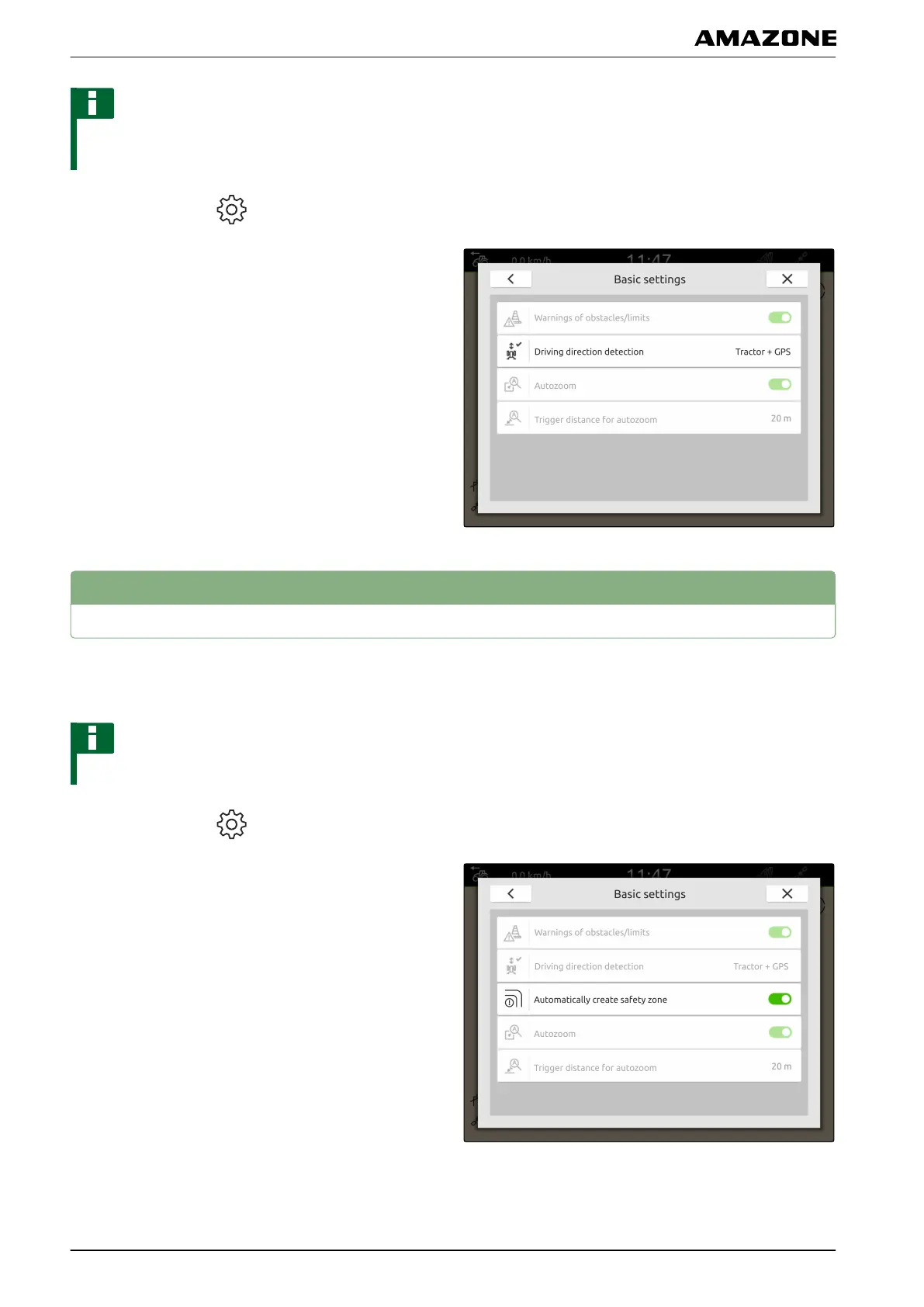
1. In the Work menu > select "Basic settings".
2. Under "Driving direction detection", select the
desired source
or
Deactivate the driving direction detection.
3
Automatically creating a safety zone
If this function is activated, a safety zone is automatically
created inside a field boundary.
NOTE
This function is only available for ISOBUS spreaders.
1. In the Work menu > select "Basic settings".
2. Activate "Automatically create safety zone"
or
deactivate.
CMS-T-00000227-C.1
N | Map view configuration | Automatically creating a safety zone
MG6010-EN-GB | G.1 | 13.12.2018
58



 To Next Page