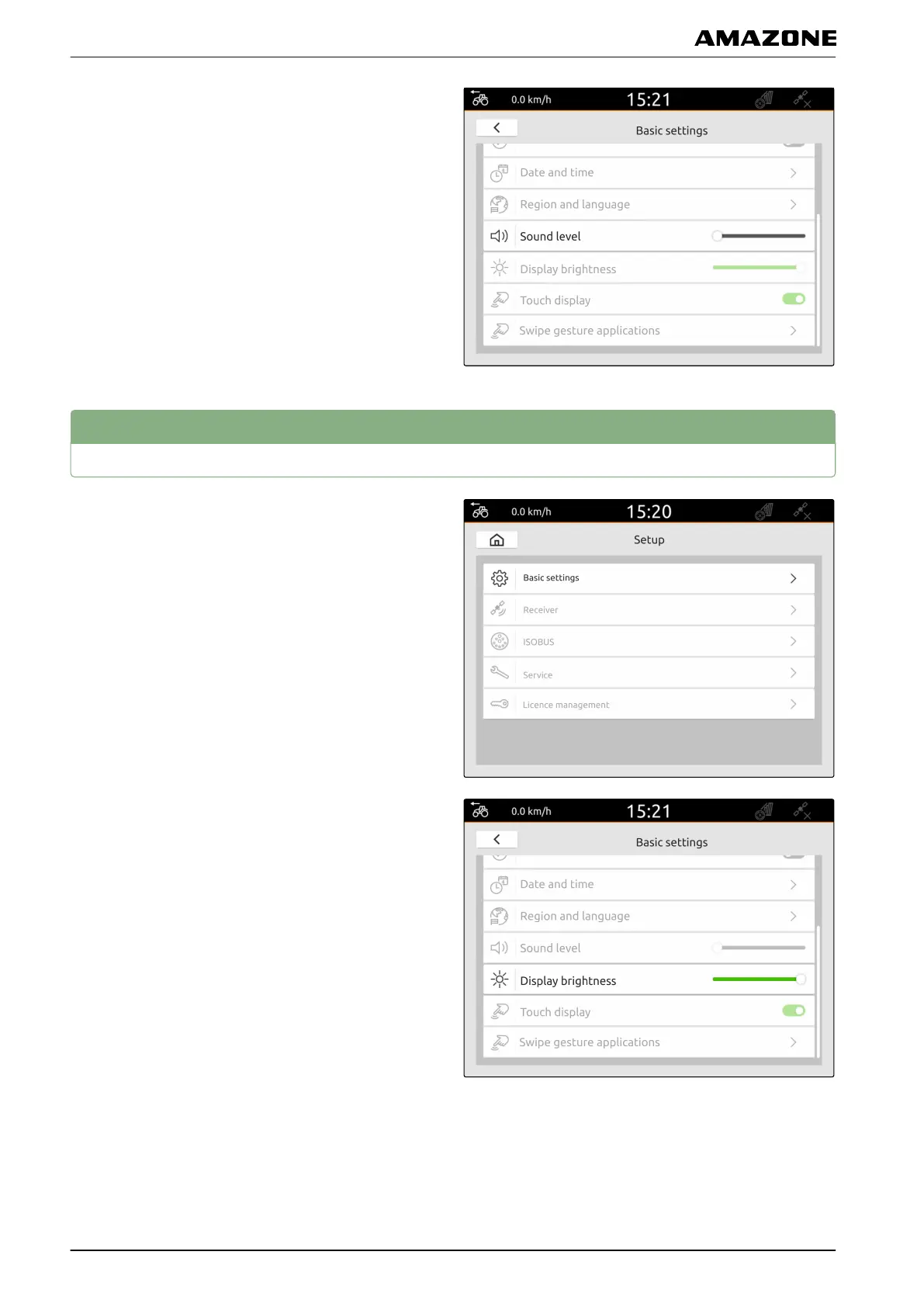
2. Adjust the volume using the slider.
7
Setting the display brightness
1. In the Setup menu, select "Basic settings".
2. Adjust the display brightness using the slider.
CMS-T-00000221-C.1
F | Entering the basic settings | Setting the display brightness
MG6010-EN-GB | G.1 | 13.12.2018
26



 To Next Page