Basic operation
E
1
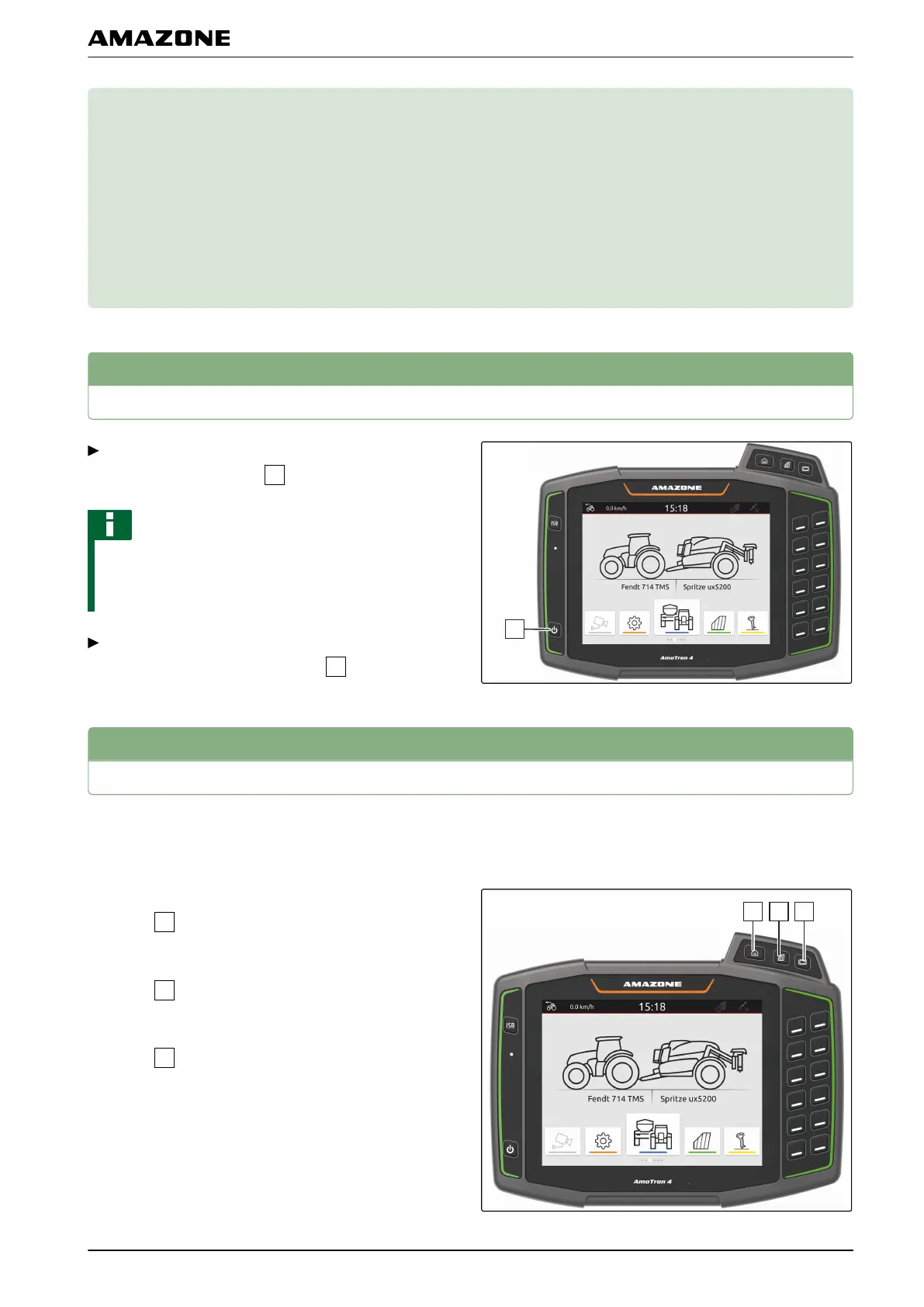
Switching the AmaTron 4 on and off
To switch on the AmaTron 4,
press the on/off button
.
NOTE
If an AUX-N input device is connected, the
assignment of the AUX-N input device must be
confirmed; see page 98.
To switch off the AmaTron 4,
press and hold the on/off button
.
2
Switching between the applications
2.1
Using the menu buttons
1. To open main menu,
press
.
2. To open the map view,
press
.
3. To open the Universal Terminal,
press
.
CMS-T-00000181-D.1
CMS-T-00000207-C.1
CMS-T-00000250-C.1
CMS-T-00000251-B.1
E | Basic operation |
MG6010-EN-GB | G.1 | 13.12.2018
17



 To Next Page