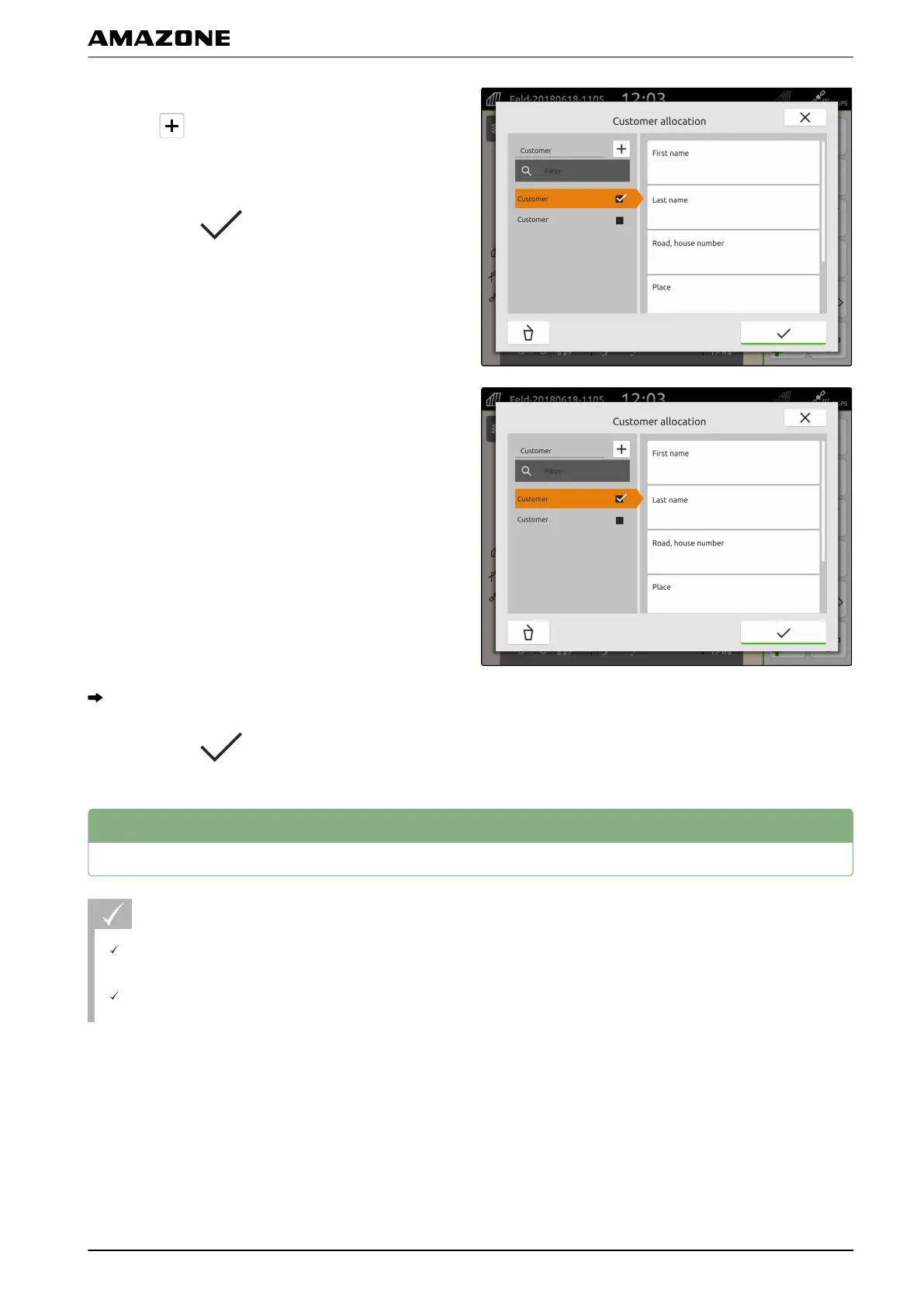
5. To create a new customer,
select .
6. Enter the customer data.
7. Confirm with
.
8. To assign the job to a customer,
select the desired customer.
The selected customer is marked with a checkmark.
9. Confirm with .
8
Managing drivers
REQUIREMENTS
The job data is imported, see page 63 or the field
is created, see page 62
The job is created; see page 66 or imported with
the job data
CMS-T-00000338-C.1
P | Working with documentation | Managing drivers
MG6010-EN-GB | G.1 | 13.12.2018
71



 To Next Page