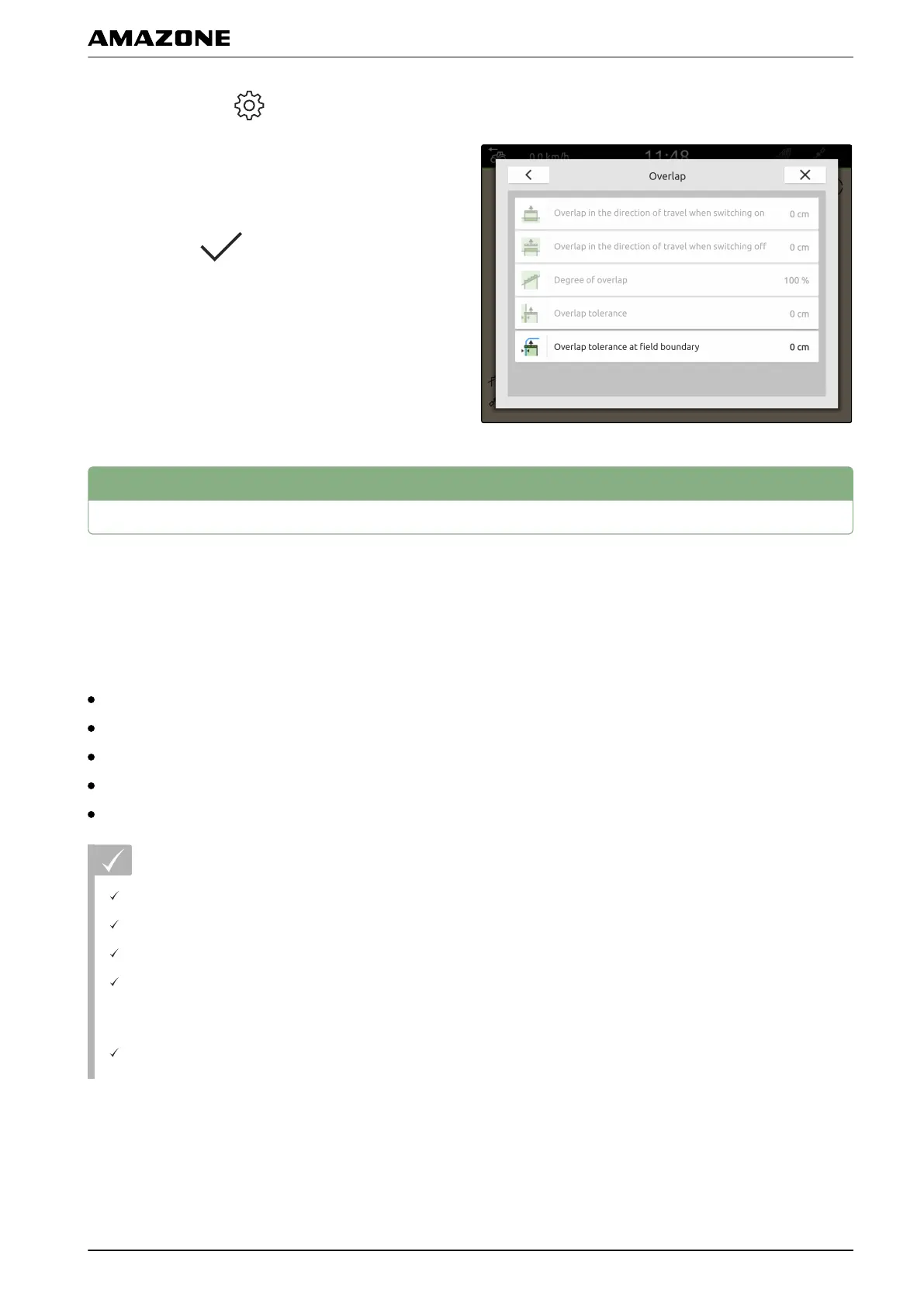
1. In the Work menu > select "Overlap".
2. Select "Overlap tolerance at the field boundary".
3. Enter a value between 0 cm and 25 cm.
4. Confirm with
.
2
Starting a recording
When the recording has been started and the part-width
sections are switched on, the AmaTron 4 saves the
position data of the worked area. Worked areas are
shown in green in the map view.
The recordings include the following data:
Worked area
Field boundaries
Obstacles
Headlands
Track lines
REQUIREMENTS
GPS signal available
Tractor created
Implement created
Overlap is set; see page 74
For automatic part-width section control:
The implement is configured for automatic part-
width section control
CMS-T-00000264-C.1
Q | Using part-width section control | Starting a recording
MG6010-EN-GB | G.1 | 13.12.2018
79



 To Next Page