Marking obstacles
T
If there are obstacles on the field, such as water holes,
electricity pylons, boulders or trees, these obstacles can
be marked on the map of the AmaTron 4. If the vehicle is
moving towards an obstacle, a warning is issued and the
screen zooms onto the vehicle symbol.
NOTE
The warning is only issued if warnings are activated in
the settings; see page 57.
The map is only zoomed if autozoom is activated; see
page 59.
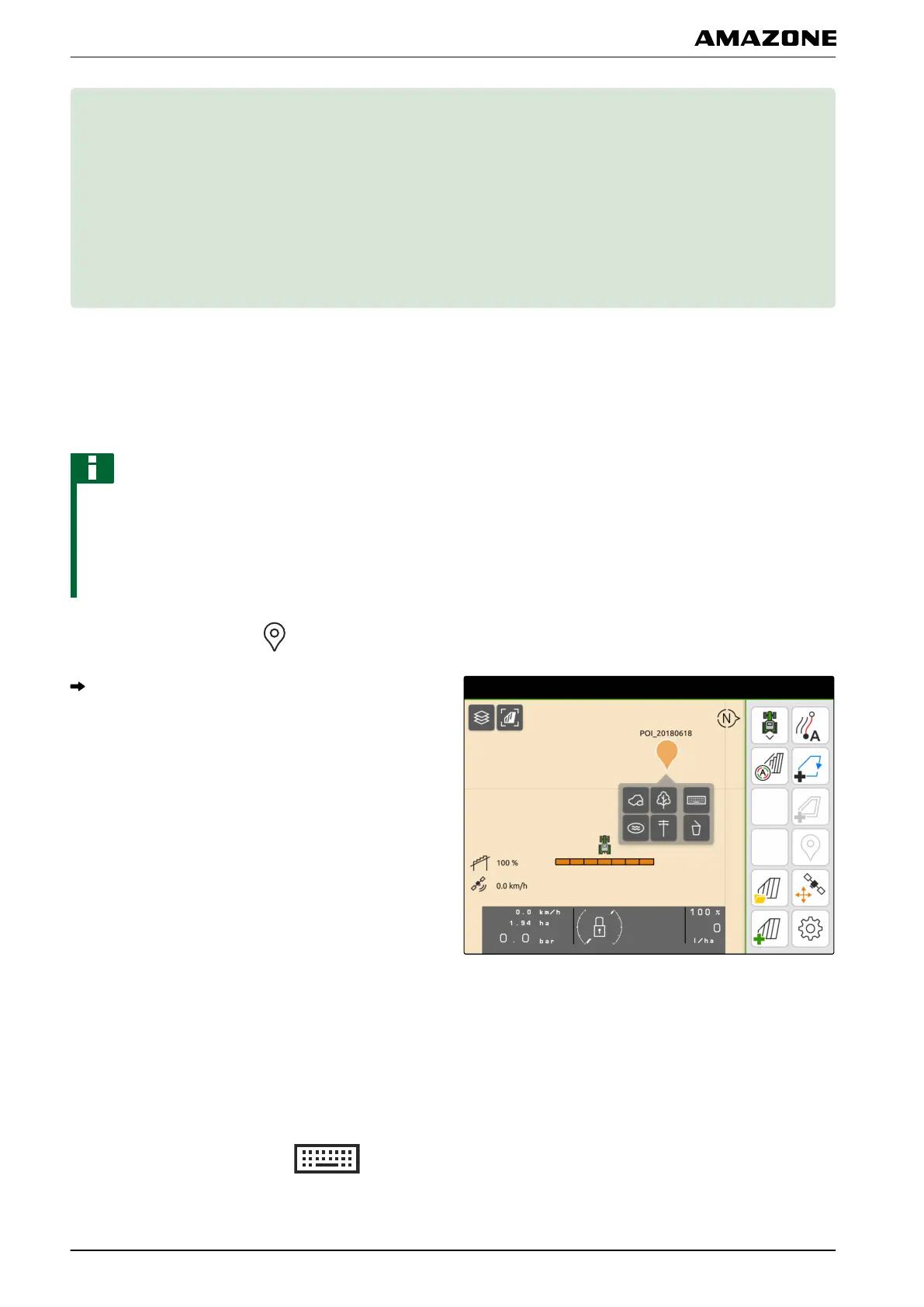
1. In the Work menu, select .
An obstacle symbol is shown on the map.
2. Use your finger to move the obstacle symbol to the
desired position.
3. If a symbol for a certain type of obstacle should be
added,
select the desired symbol.
4. If the obstacle should be renamed,
enter the desired name under .
CMS-T-00000299-C.1
T | Marking obstacles |
MG6010-EN-GB | G.1 | 13.12.2018
86



 To Next Page