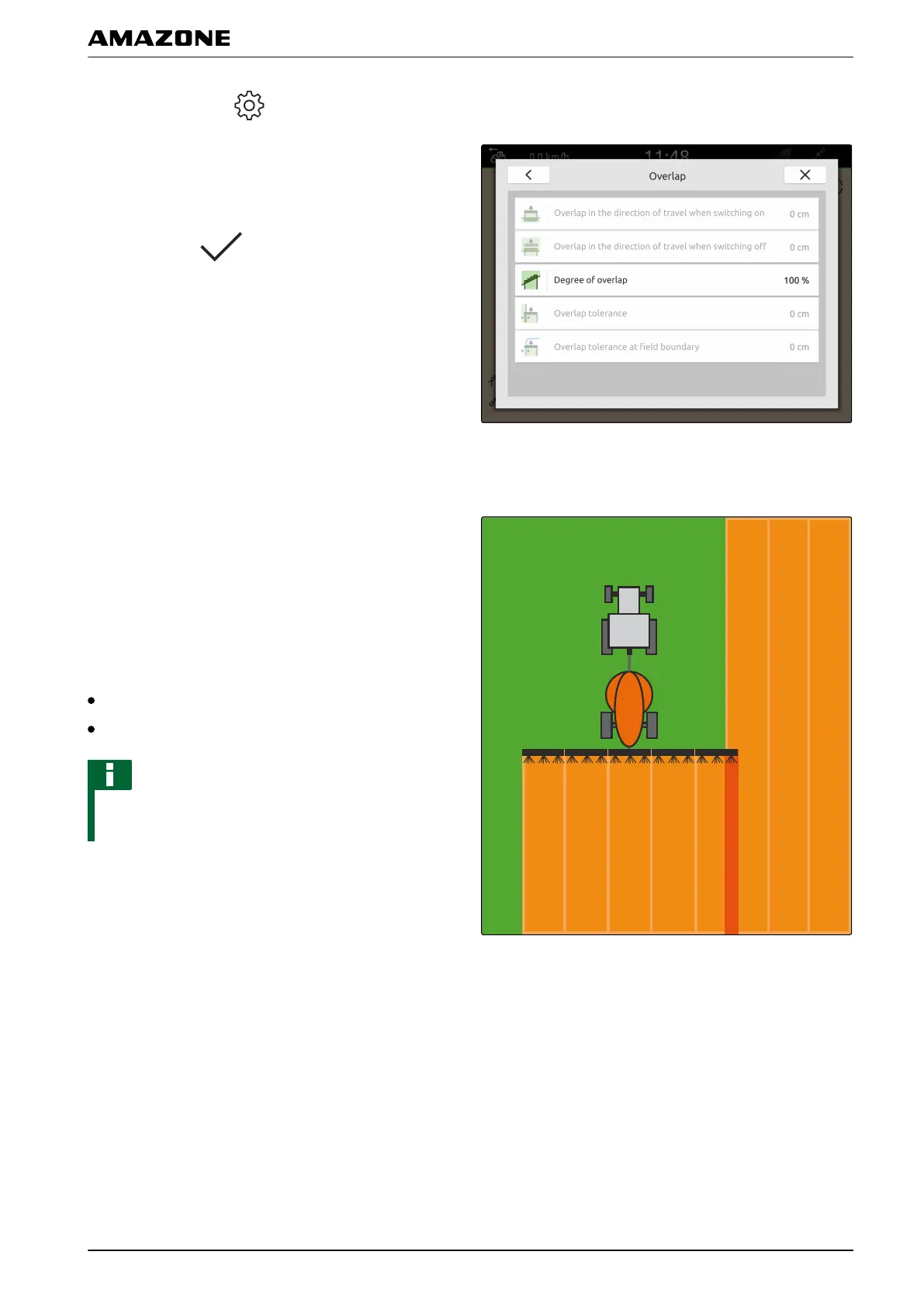
1. In the Work menu > select "Overlap".
2. Select "Degree of overlap".
3. Select the percent value.
4. Confirm with
.
1.3
Defining the overlap tolerance
The overlap tolerance defines how far the outer part-
width sections can protrude over a worked area before
they are switched off. Overlap tolerance prevents that
the outer part-width sections are constantly switched on
and off when they touch on boundaries during parallel
driving.
Boundaries for the overlap tolerance:
Boundary from unworked to worked area
Headland boundary
NOTE
The overlap tolerance only applies when the degree
of overlap is set to 0 % or 100 %, see page 75.
CMS-T-00000289-C.1
Q | Using part-width section control | Overlap, setting
MG6010-EN-GB | G.1 | 13.12.2018
77



 To Next Page