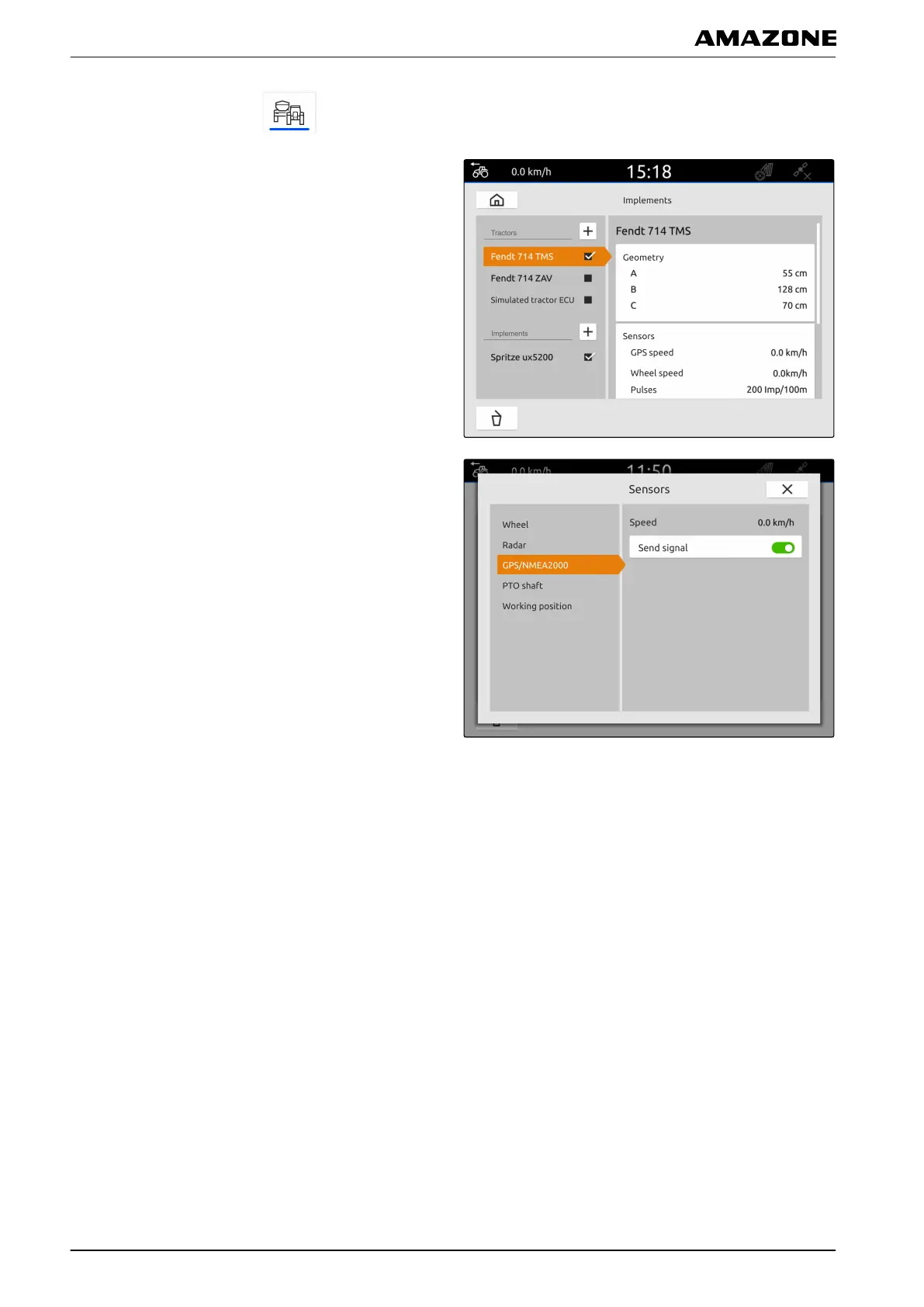
1. In the main menu, select .
2. Select the desired tractor under "Tractors".
3. Select "Sensors".
4. Select "GPS/NMEA2000".
5. If the speed signal should be sent to the connected
implement through the NMEA2000 protocol,
activate "Send signal".
3.4
Configuring the PTO shaft sensor
If the connected implement needs the PTO shaft speed,
the pulses per revolution can be set and the signal for
the PTO shaft speed can be sent.
CMS-T-00000314-C.1
L | Configuring tractors | Configuring the tractor sensors
MG6010-EN-GB | G.1 | 13.12.2018
48



 To Next Page