Configuring AUX-N input devices
W
1
Setting up AUX-N input devices
Using the AmaTron 4, the buttons of AUX-N input
devices can be assigned. Therefore, implement
functions and AmaTron 4 functions can be actuated with
the AUX-N input device.
NOTE
Only AUX-New input devices can be assigned with
functions using the AmaTron 4.
REQUIREMENTS
AUX-N input device is connected
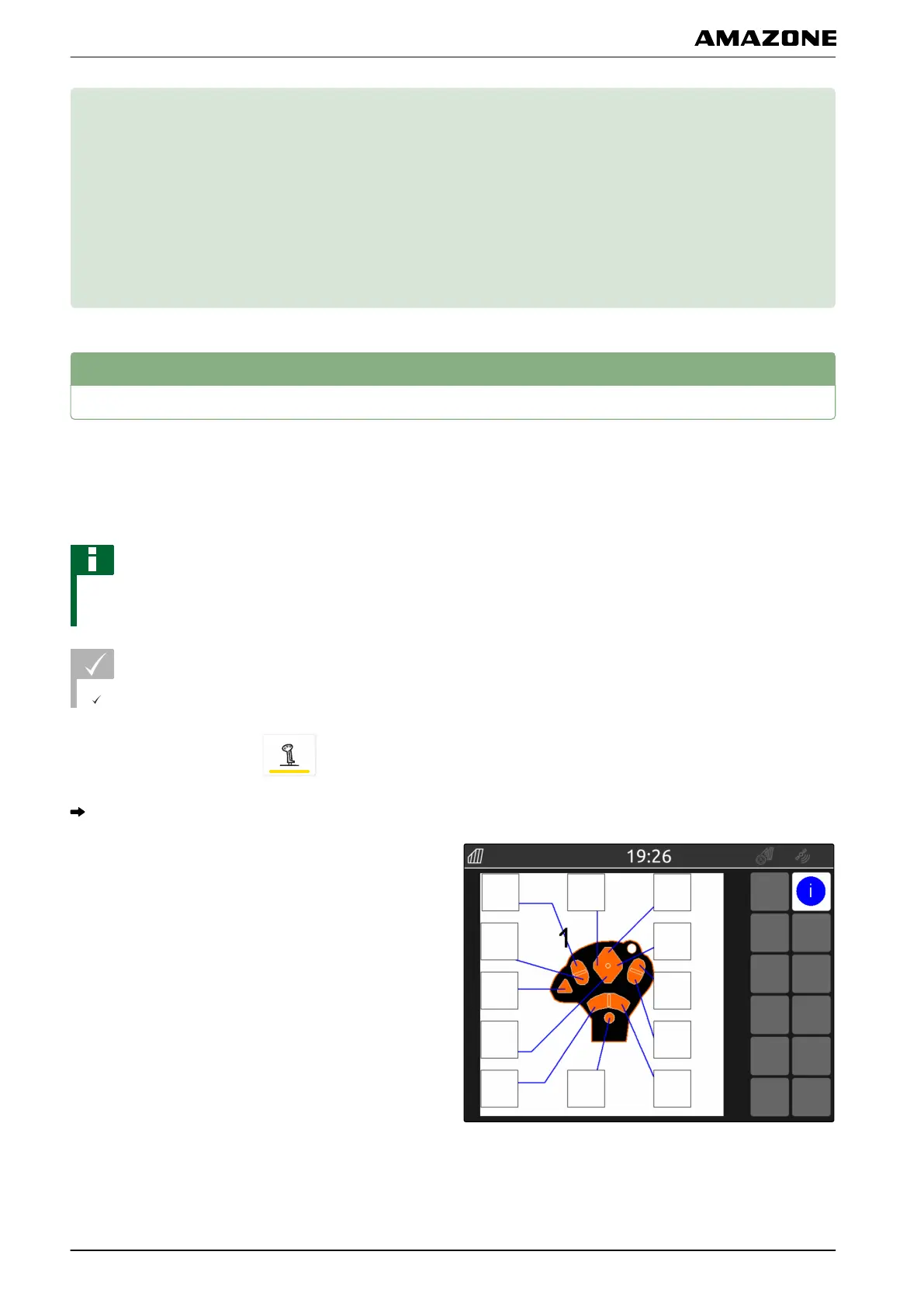
1. In the main menu, select .
The interface sent by the input device is shown.
2. Select the key for the desired button.
CMS-T-00000359-B.1
CMS-T-00000324-B.1
W | Configuring AUX-N input devices |
MG6010-EN-GB | G.1 | 13.12.2018
96



 To Next Page