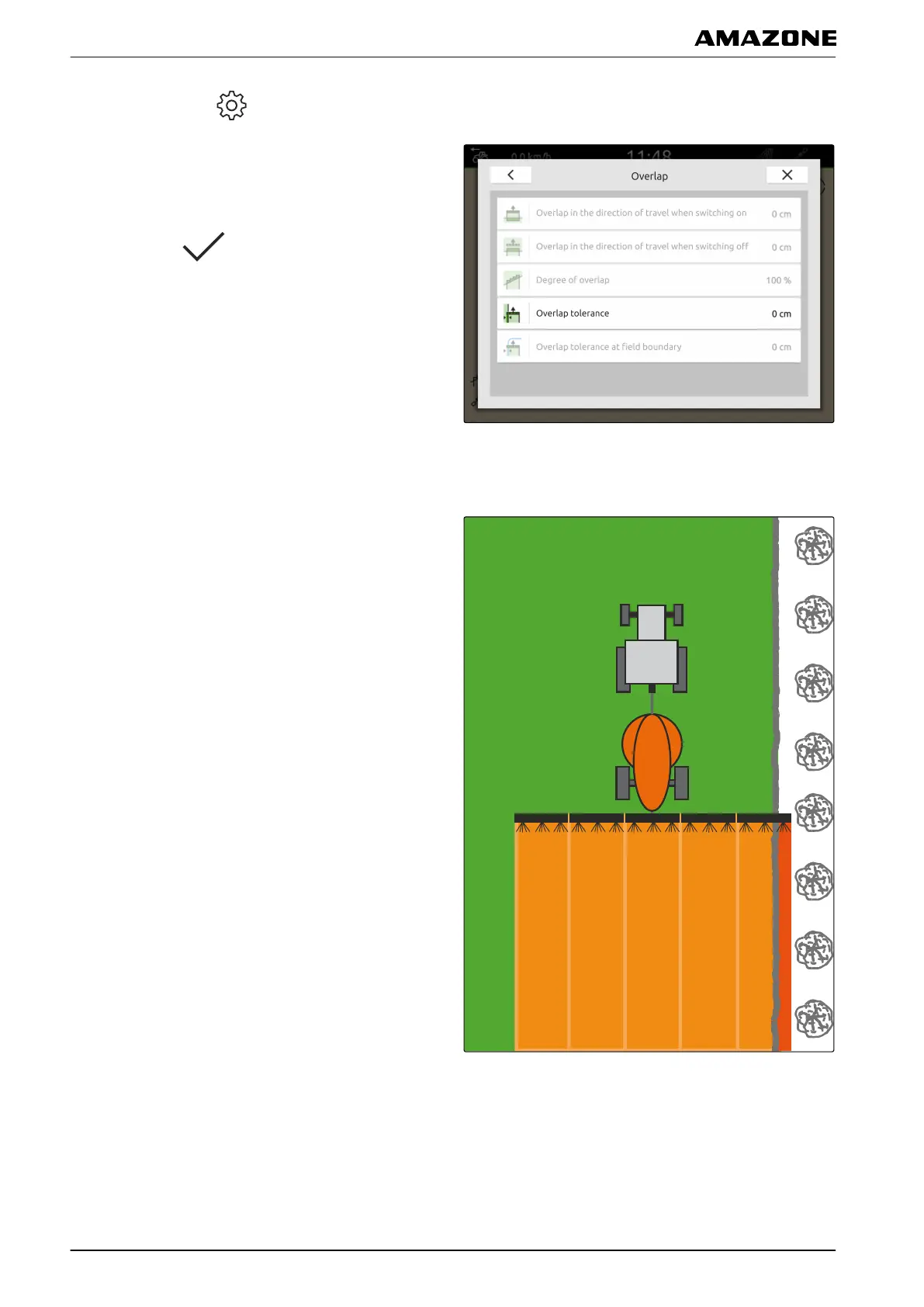
1. In the Work menu > select "Overlap".
2. Select "Overlap tolerance".
3. Enter a value between 0 cm and 150 cm.
4. Confirm with
.
1.4
Defining the overlap tolerance at the field boundary
The overlap tolerance at the field boundary defines how
far the outer part-width sections can protrude over the
field boundary before they are switched off. Overlap
tolerance at the field boundary prevents the outer
sections from being constantly switched on and off when
driving along and touching a field boundary.
CMS-T-00000290-C.1
Q | Using part-width section control | Overlap, setting
MG6010-EN-GB | G.1 | 13.12.2018
78



 To Next Page