Resetting to factory settings
J
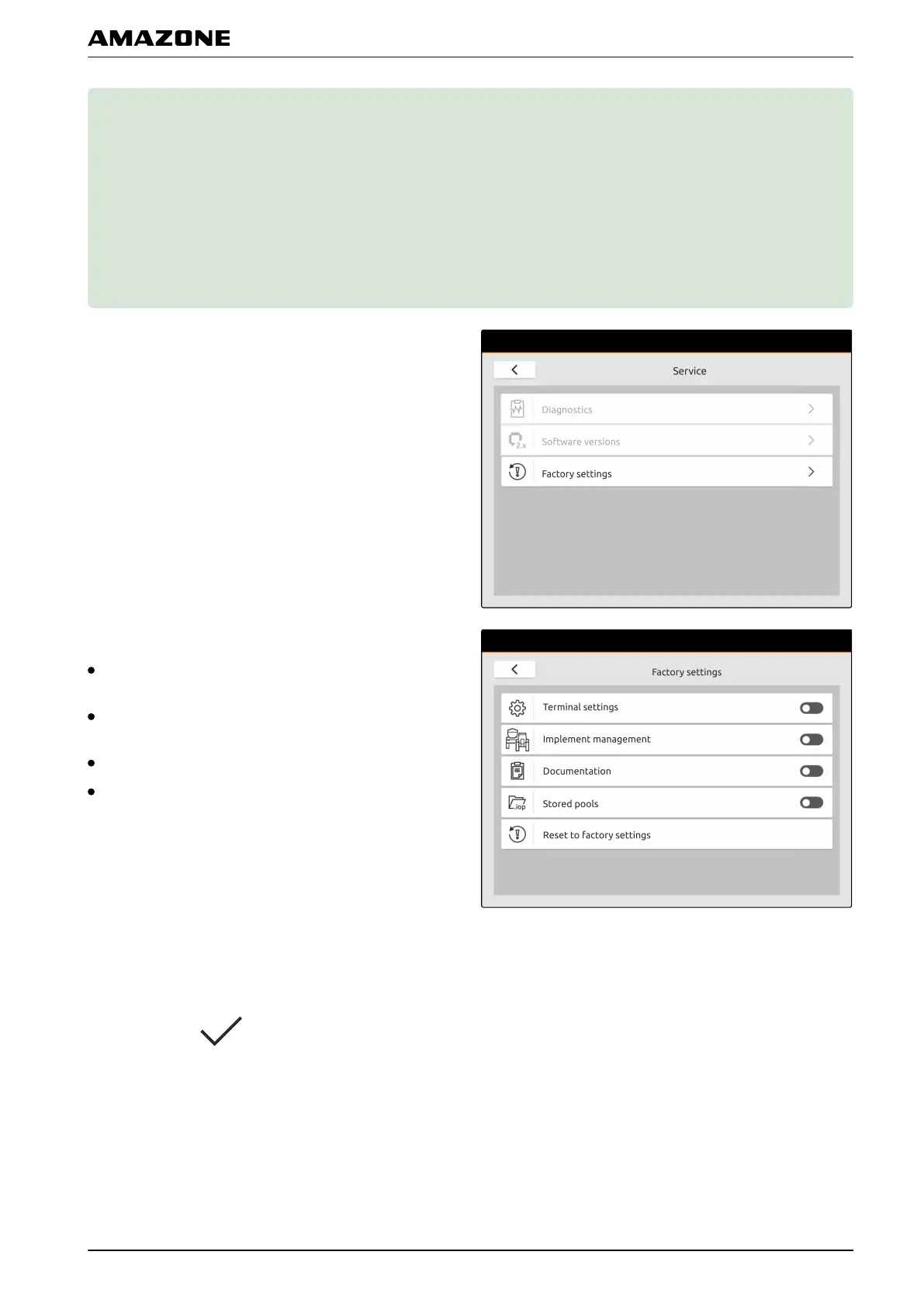
1. In the Setup menu, select "Service" > "Factory
settings".
The following application areas can be reset:
Terminal settings: Resets all settings on the AmaTron
4
Implement management: Deletes all created tractors
and implements
Documentation: Deletes all job data
Saved pools: Deletes the saved views of the
implement controls
2. Select the desired application area.
3. Select "Reset to factory settings".
4. Confirm with .
CMS-T-00001736-B.1
J | Resetting to factory settings |
MG6010-EN-GB | G.1 | 13.12.2018
37



 To Next Page