Configuring tractors
L
1
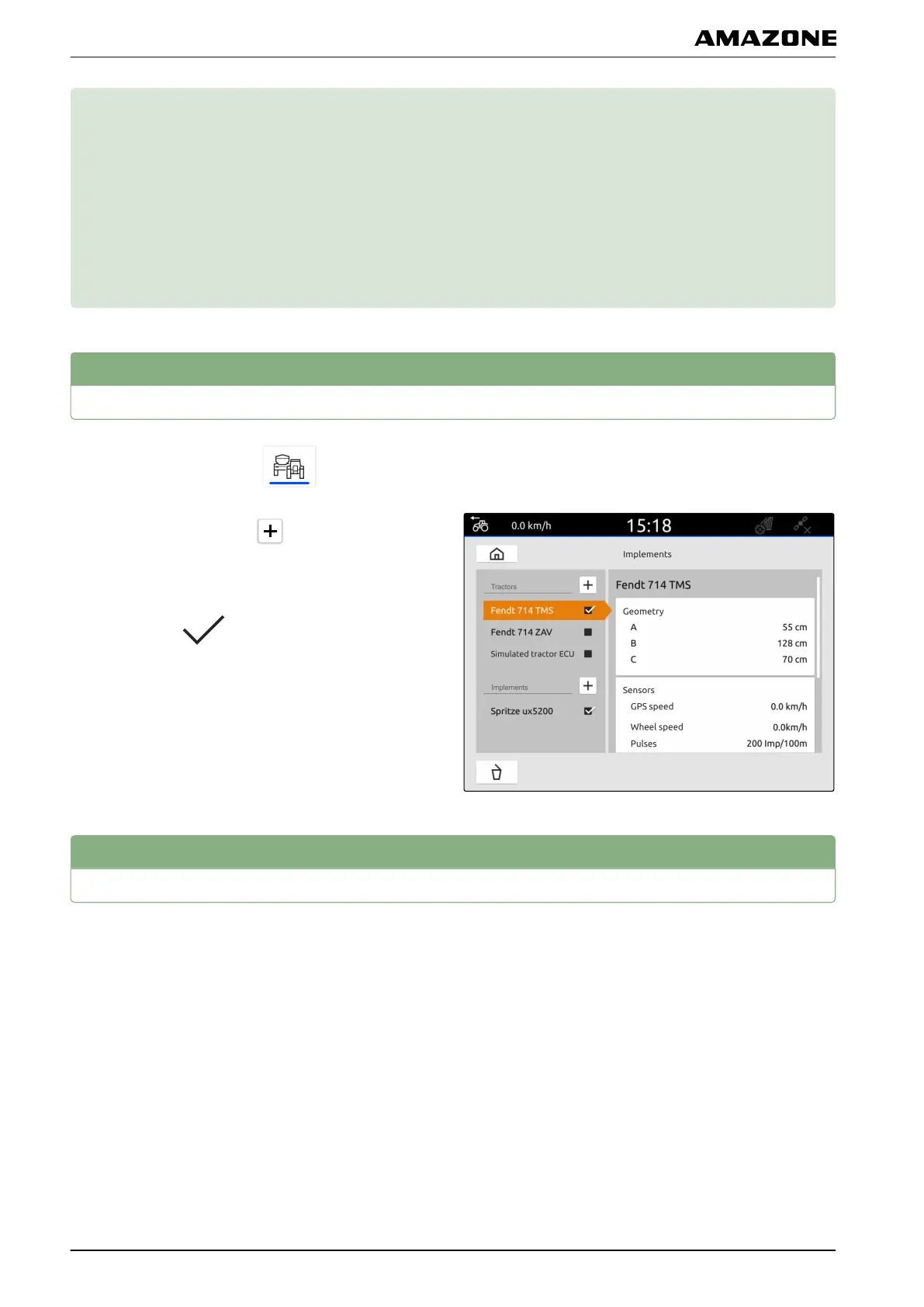
Creating new tractors
1. In the main menu, select .
2. Under "Tractors", select .
3. Enter the tractor name.
4. Confirm with
.
2
Changing the tractor geometry data
With the tractor geometry data, the position of the GPS
receiver relative to the longitudinal axis, rear axle and to
the attachment point on the tractor are specified. The
geometry data is needed to correctly display the map
view and for proper functioning of part-width section
control.
CMS-T-00000195-C.1
CMS-T-00000238-C.1
CMS-T-00000237-C.1
L | Configuring tractors |
MG6010-EN-GB | G.1 | 13.12.2018
44



 To Next Page