7. Enter the number of part-width sections of the
connected implement under "Number of part-width
sections".
8. Change the width for all of the part-width sections
under "Width of the standard part-width sections".
If the part-width sections have different widths, the width
for each part-width section can be entered separately.
The part width sections are numbered from left to right in
the direction of travel.
9. In the list of part-width sections, change the values
for the individual part-width sections.
3
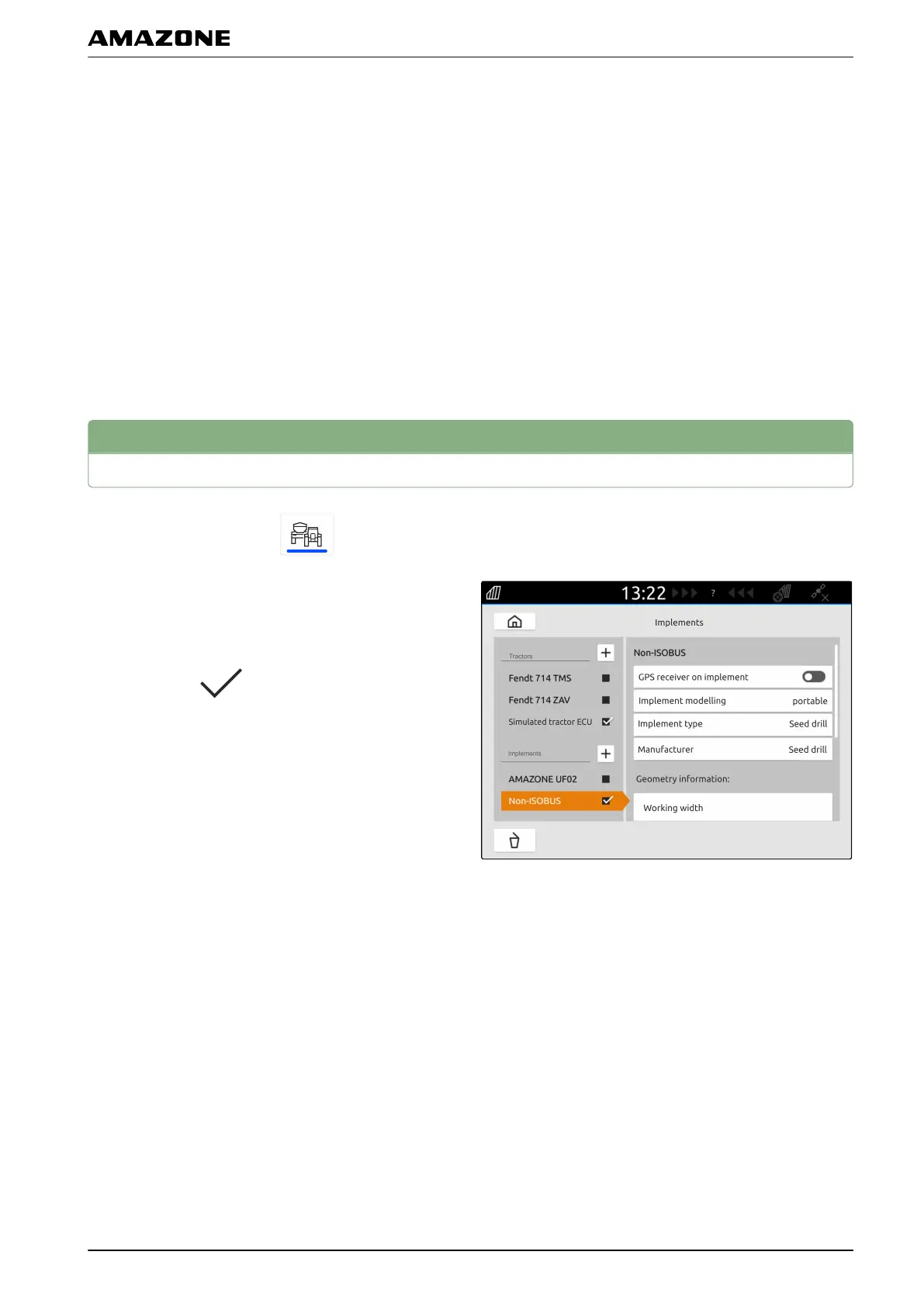
Renaming implements
1. In the main menu, select .
2. Press and hold the desired implement name.
3. Enter the implement name.
4. Confirm with
.
CMS-T-00000354-D.1
K | Configuring implements | Renaming implements
MG6010-EN-GB | G.1 | 13.12.2018
41



 To Next Page