Working with documentation
P
1
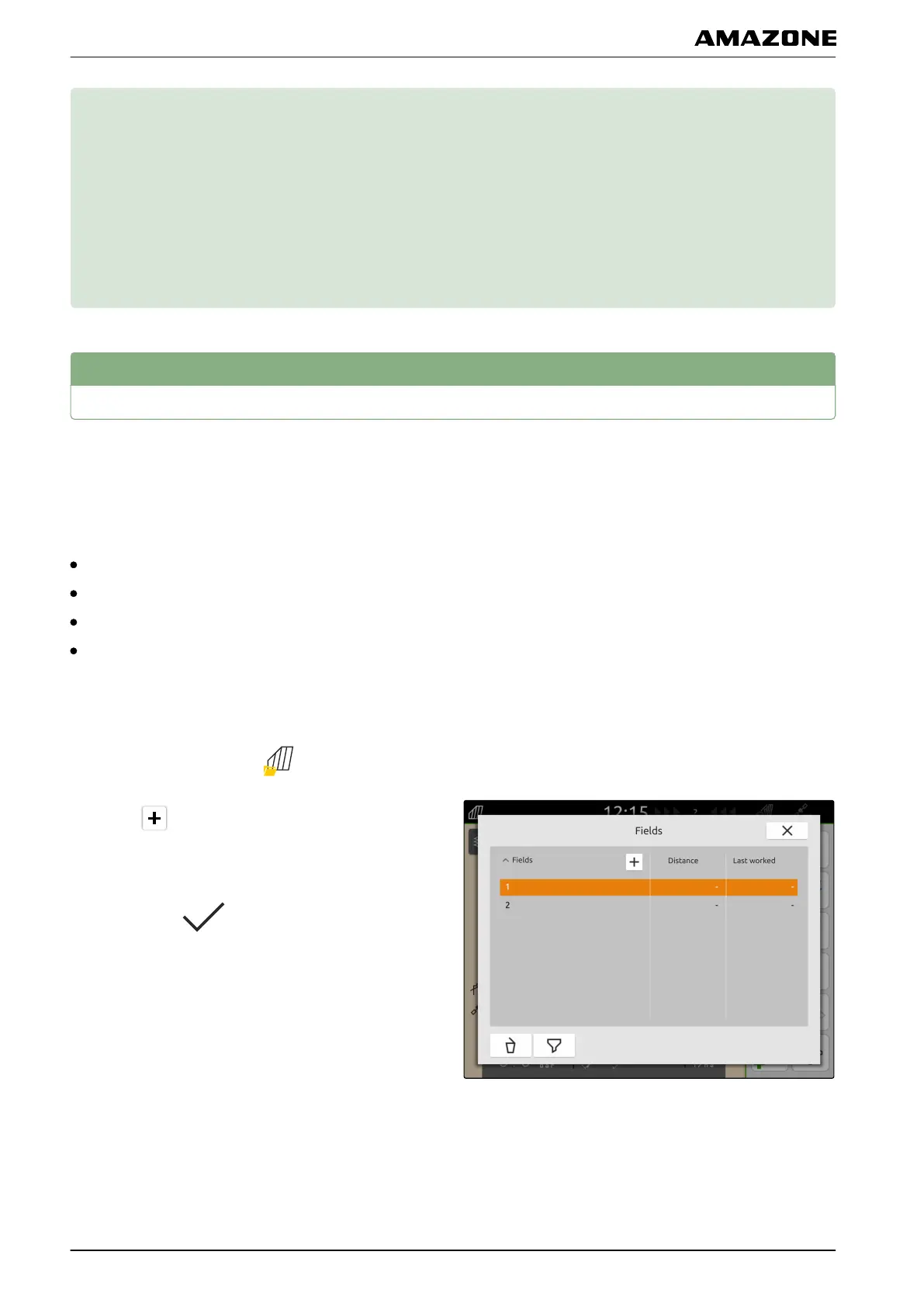
Creating a new field
With the documentation on the AmaTron 4, the focus is
on the field.
When a field has been created, the following data is
automatically saved with the field:
Field boundaries
Track lines
Obstacles
Headlands
Jobs cab be assigned to a field. Products, the customer
and driver can be assigned to a job.
1. In the Work menu, select .
2. select .
3. Enter the field name.
4. Confirm with
.
CMS-T-00000263-D.1
CMS-T-00000325-C.1
P | Working with documentation |
MG6010-EN-GB | G.1 | 13.12.2018
62



 To Next Page