10. Select "Teach-in lower end position".
NOTE
The value for the upper end position is evaluated as
"Working position off". The value for the lower end
position is evaluated as "Working position on".
11. Move the tractor lifting device between the lower and
upper end position.
12. Select "Teach-in switchover point".
4
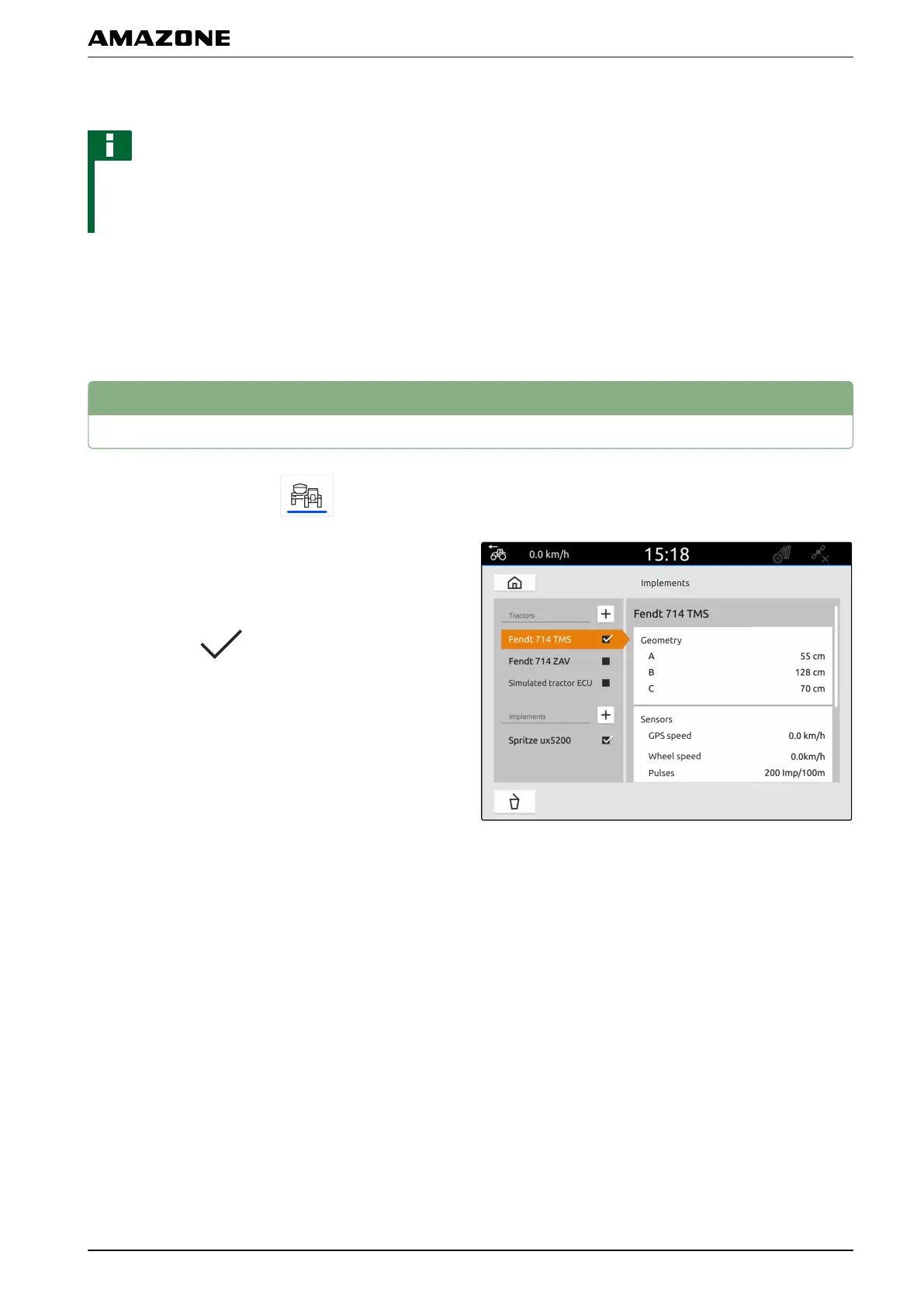
Renaming tractors
1. In the main menu, select .
2. Press and hold the desired tractor name.
3. Enter the tractor name.
4. Confirm with
.
CMS-T-00000305-C.1
L | Configuring tractors | Renaming tractors
MG6010-EN-GB | G.1 | 13.12.2018
51



 To Next Page