Using the map view
M
1
Toggling the button bar
Within the Work menu, the terminal functions and the
functions of various implements can be displayed. The
implements for which the functions are displayed can be
selected. It is possible to toggle between the selected
functions.
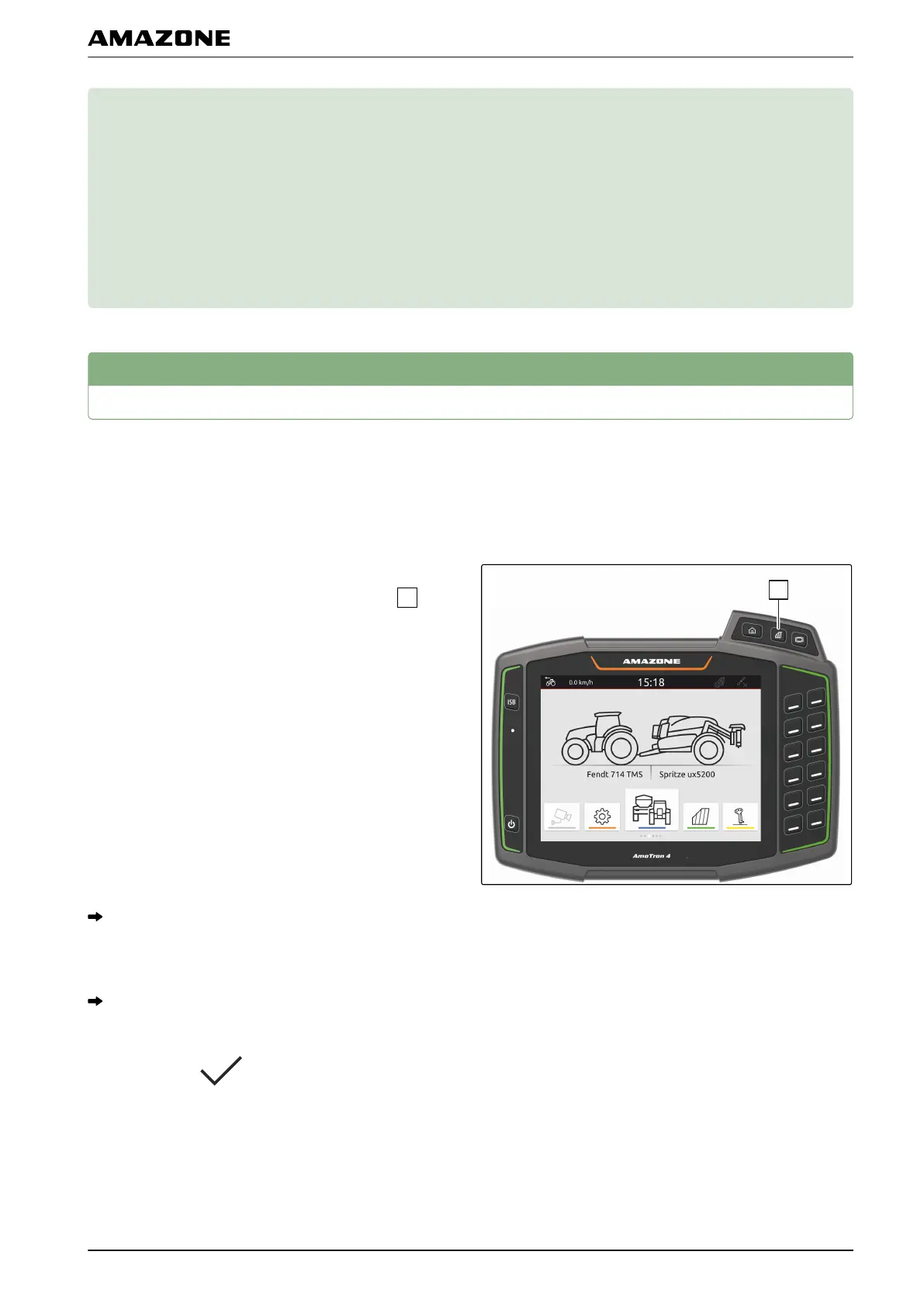
1. To select implement functions for the button bar,
press and hold the button for the map view
.
A list with the connected implements is shown.
2. Select the desired implements.
The selected implements are marked with a
checkmark.
3. Confirm with .
CMS-T-00000188-C.1
CMS-T-00000206-C.1
M | Using the map view |
MG6010-EN-GB | G.1 | 13.12.2018
53



 To Next Page