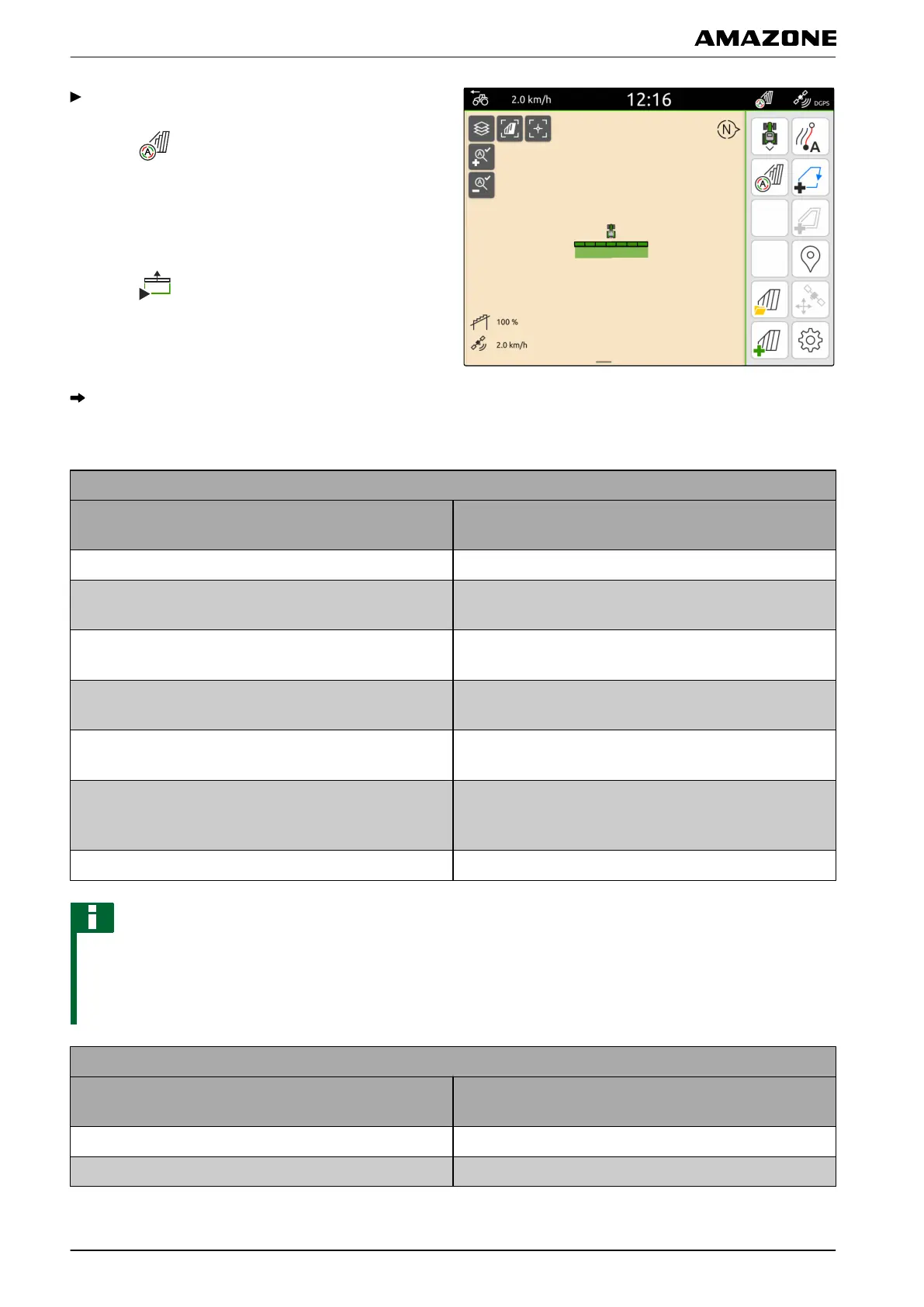
When the connected implement supports
automatic part-width section control,
select in the Work menu
or
When the part-width sections of the connected
implement are switched manually,
select in the Work menu.
The following table shows an overview of the part-
width section status and the corresponding colours
of the part-width sections in the implement symbol.
Implement with automatic part-width section control
Part-width section status
Colour of the part-width section in the implement
symbol
Implement not in working position Grey
Recording stopped, part-width section switched off
manually
Orange
Recording stopped, part-width section switched on
manually
Green
Part-width section switched off via automatic part-width
section control
Orange
Part-width section switched on via automatic part-width
section control
Green
Part-width section switched on via automatic part-width
section control, part-width section has not reached the
setpoint
Yellow
Recording started, part-width section stopped manually Red
NOTE
If the part-width sections of the implement are
switched manually, a switching recommendation is
given through the colours of the part-width sections in
the implement symbol.
Implement without automatic part-width section control
Switching recommendation
Colour of the part-width section in the implement
symbol
Part-width section off Orange
Part-width section on Green
Q | Using part-width section control | Starting a recording
MG6010-EN-GB | G.1 | 13.12.2018
80



 To Next Page