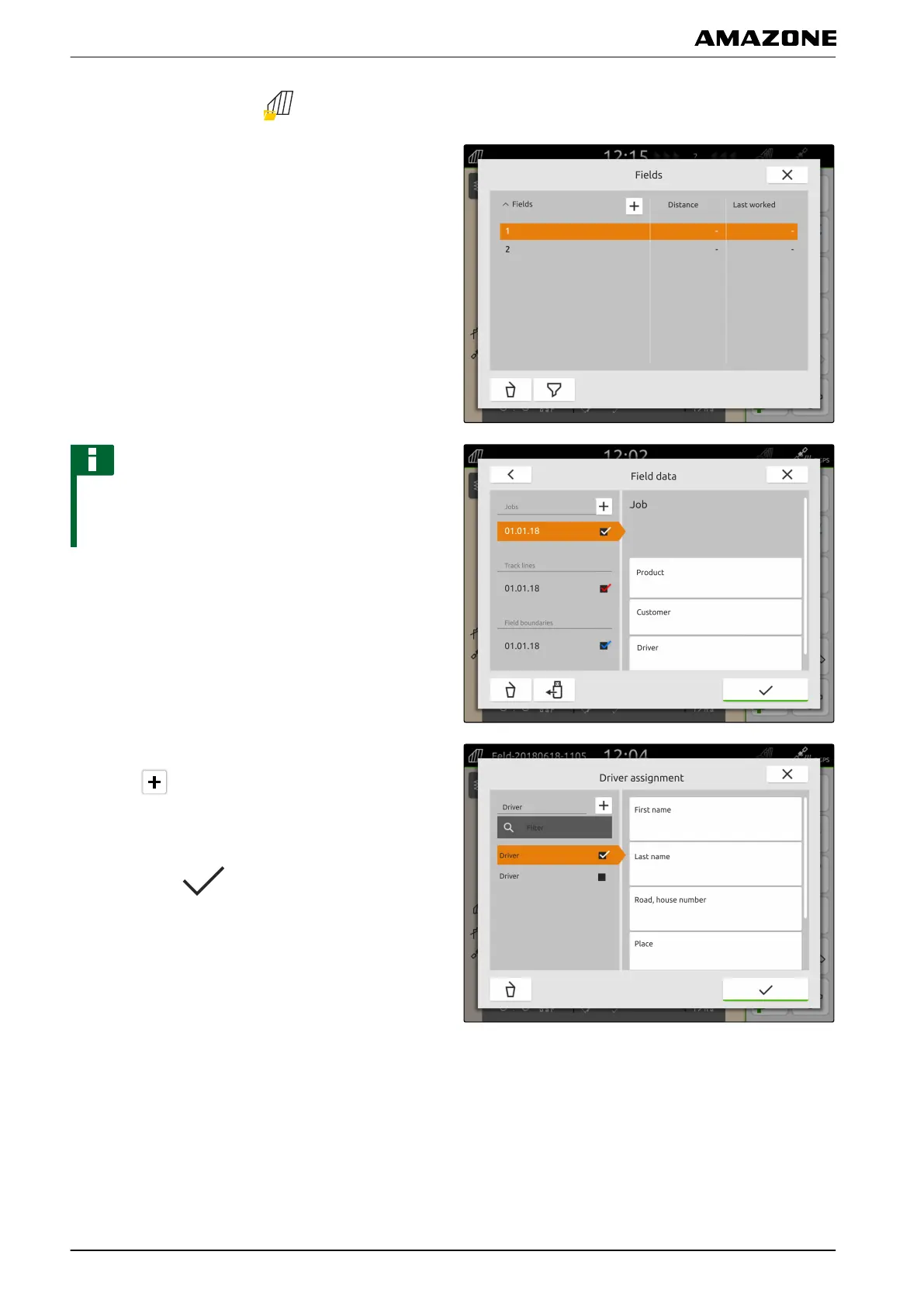
1. In the Work menu, select .
2. Select the field.
NOTE
To create a driver, a random job must be created and
selected. The created driver can then be assigned to
any job.
3. Select any job under "Jobs".
4. Select "Driver".
5. To create a new driver,
select .
6. Enter the driver data.
7. Confirm with
.
P | Working with documentation | Managing drivers
MG6010-EN-GB | G.1 | 13.12.2018
72



 To Next Page