5
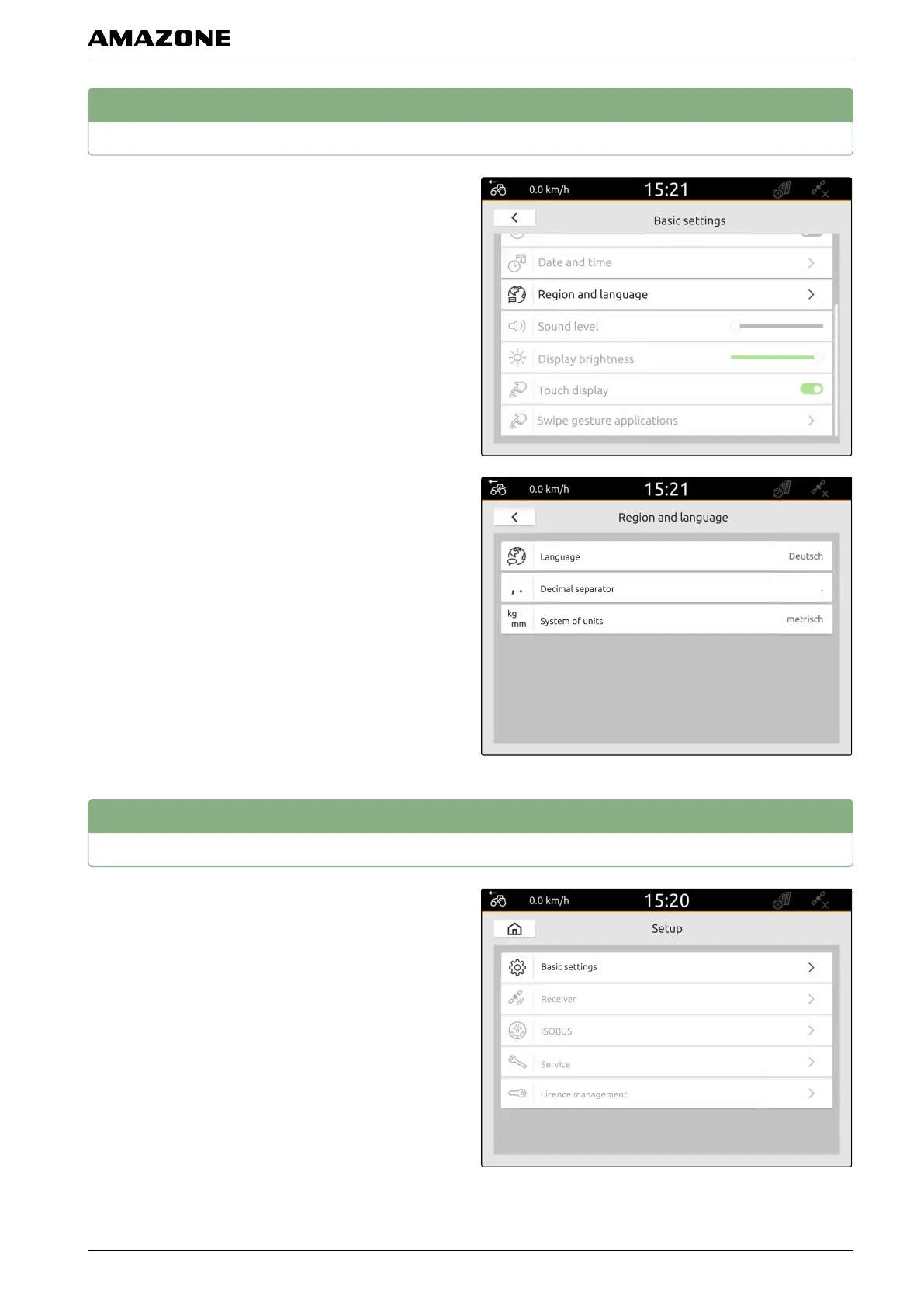
Changing the language and region settings
1. In the Setup menu, select "Basic settings" > "Region
and language".
2. Select the desired language under "Language".
3. Select the desired decimal separator under "Decimal
separator".
4. Select the desired system of units under "System of
units".
6
Adjusting the volume
1. In the Setup menu, select "Basic settings".
CMS-T-00000216-C.1
CMS-T-00000220-C.1
F | Entering the basic settings | Changing the language and region settings
MG6010-EN-GB | G.1 | 13.12.2018
25



 To Next Page