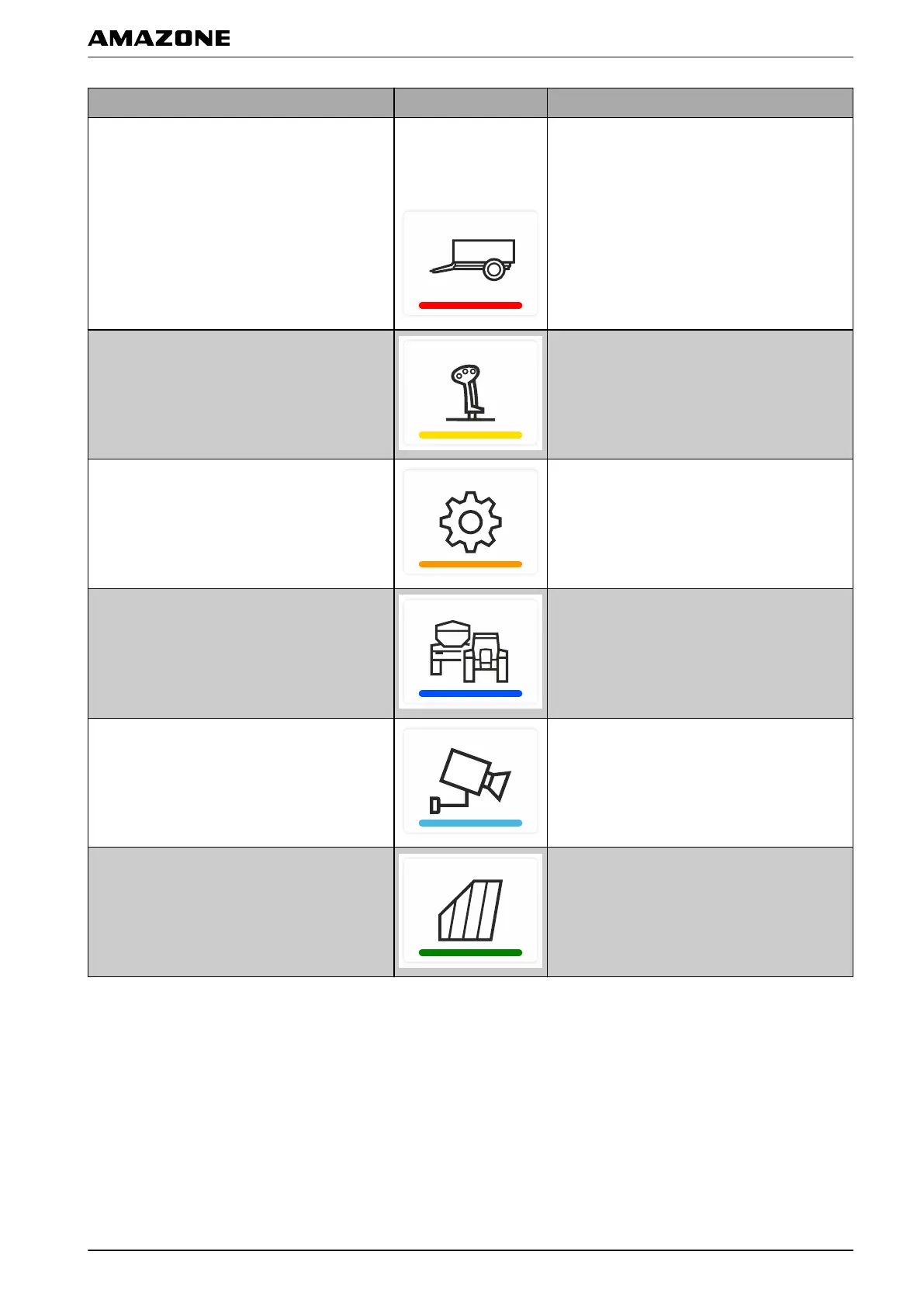
Application Button Function
Universal Terminal
Symbol depends on
the selected
implement.
Show implement controls for the connected
implement
AUX-N assignment Configure connected AUX-N input device
Setup menu Configure AmaTron 4
Tractors and implements Configure tractors and implements
Camera Show camera image
Map view Open map view
D | Operator interface overview | Application carousel
MG6010-EN-GB | G.1 | 13.12.2018
13



 To Next Page