ANSER CODING INC. 3 X1 User Interface
X1 Wizard Setup
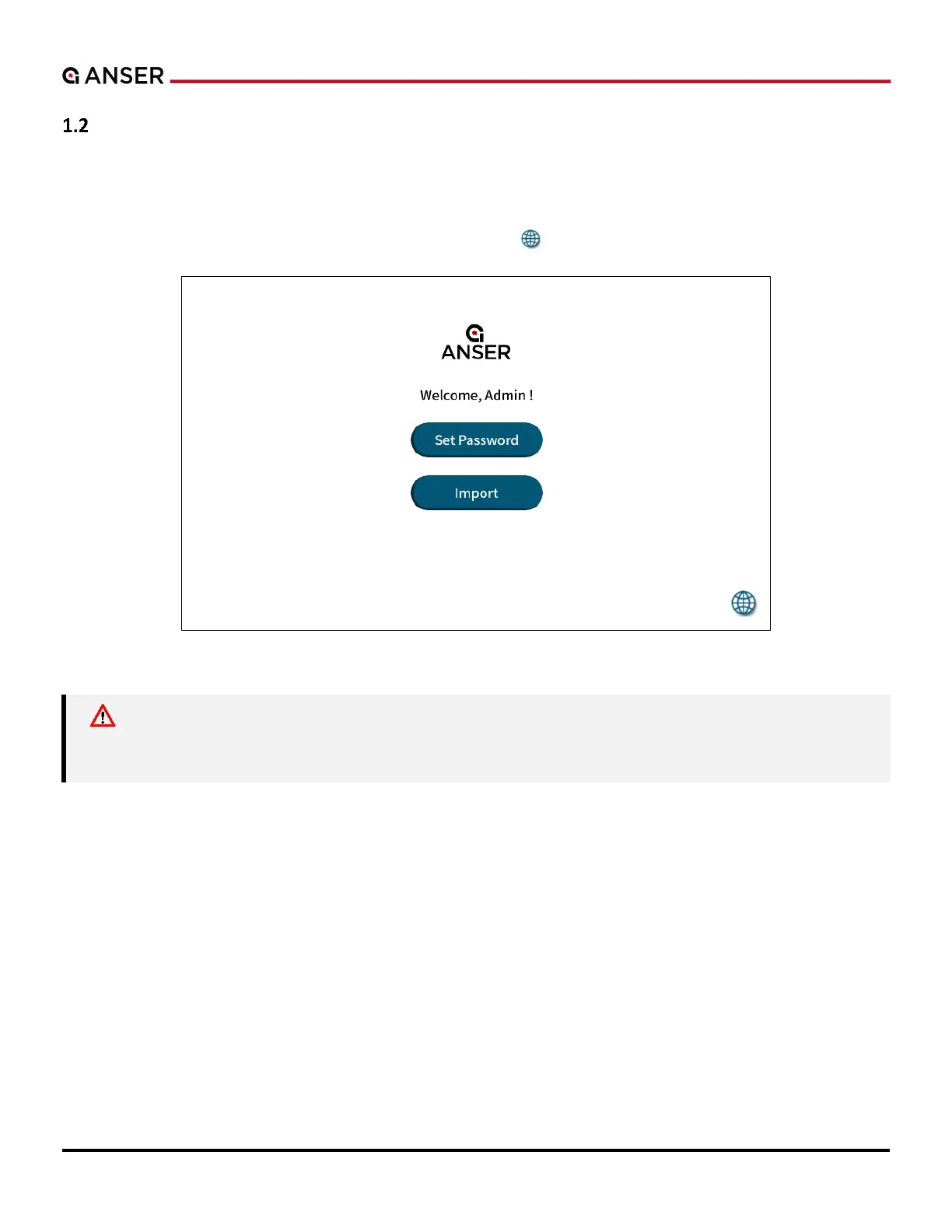
Upon powering up X1 for the first time, the system will prompt a login page (see Figure 1-2 below) where users can set
up an administrator account. Users can also import the settings directly from another X1 controller using a USB drive.
Press Set Password to create the admin account; press Import and connect a USB drive with backup files to restore X1
controller settings; press the globe icon in the lower
Figure 1-2. X1 System Login Page
Caution: If you want to start printing right after setting up X1 controller, please install the printhead(s)
before powering up X1 controller to avoid damaging the controller and the printhead(s). For
printhead installation, please refer to X1 Installation Guide V1.7.



 To Next Page