ANSER CODING INC. 61 X1 User Interface
1.6.4 User Management
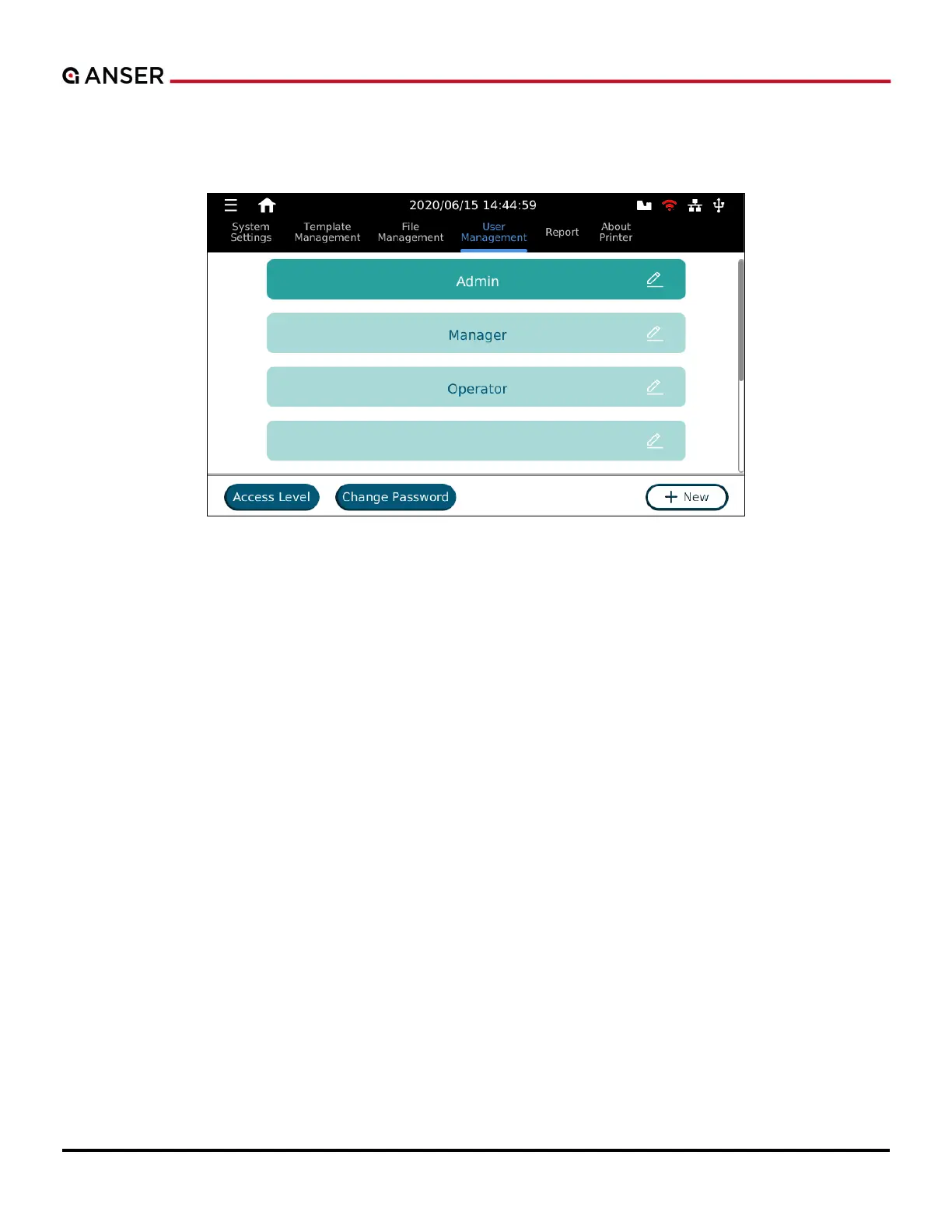
Navigate to System > User Management (Please see Figure 1-64.) from the menu tree.
Figure 1-64. The User Management Page
The X1 system provides three default accounts (Admin, Manager, and Operator), and each has their respective access
levels. (Please see Table 1-13.) Admin can edit options for each account, delete existing accounts, and add new ones.
The user management page allows users to create 13 additional user accounts. Each user can have different access levels
for message creating, print jobs settings, and system configurations.



 To Next Page